

Imagine walking into your home and having the lights adjust to your mood, your thermostat set perfectly without lifting a finger, and your favorite music playing as you relax. Sounds like a dream, right?
But what if you could make this a reality with just a few simple steps? Turning your home into a smart home isn’t as complicated as it seems. In fact, you have the power to create a space that’s more comfortable, secure, and energy-efficient—all tailored just for you.
Ready to discover how easy it is to start? Keep reading, because your smarter home is closer than you think.

Credit: educertpass.com
Benefits Of A Smart Home
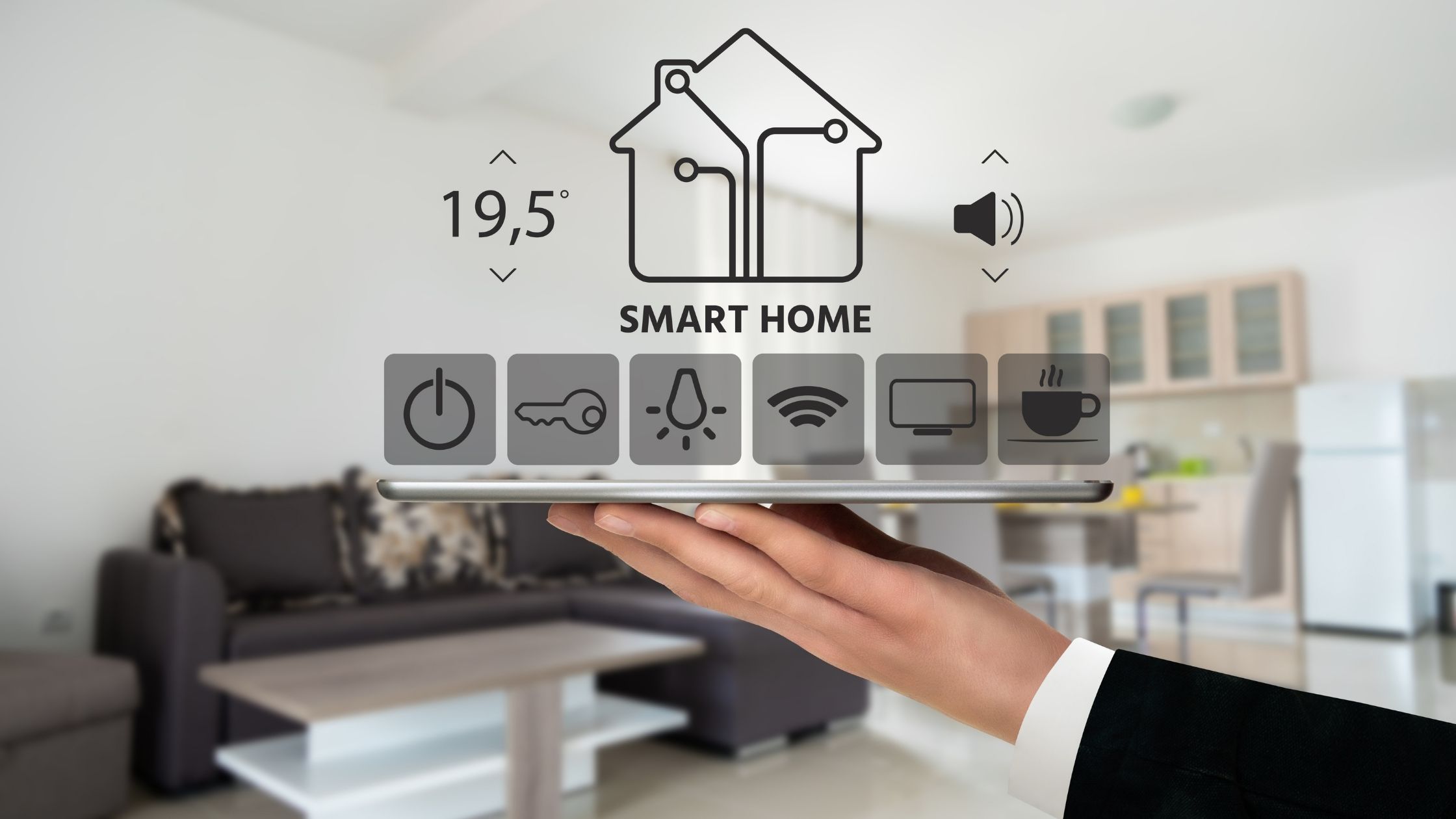
Turning your home into a smart home brings many benefits. It improves daily life in many ways. Smart devices help save time and energy. They also make your home safer and more comfortable. Below are key benefits of having a smart home.
Convenience And Comfort
Smart homes let you control devices with a voice or app. Adjust lights, temperature, or music without moving. Automate routines like turning off lights at night. This saves effort and creates a cozy environment. Smart tech adapts to your habits for easy living.
Energy Efficiency
Smart thermostats and lights reduce energy waste. They switch off when not needed. This lowers electricity bills and protects the environment. Monitoring usage helps spot areas to save more energy. Smart homes promote a greener lifestyle with less cost.
Enhanced Security
Smart cameras and alarms keep your home safer. Receive alerts on your phone about unusual activity. Control locks remotely to allow or deny access. This adds peace of mind whether you are home or away. Smart security helps protect your family and belongings.
Increased Property Value
Homes with smart features attract more buyers. These properties often sell faster and at higher prices. Smart systems show that the home is modern and well-maintained. Investing in smart technology can boost your home’s market appeal.
Credit: neeeco.com
Choosing The Right Smart Devices
Choosing the right smart devices is key to a successful smart home. Devices must fit your needs and budget. Select gadgets that are easy to use and connect well. Start small and expand over time.
Smart Speakers And Voice Assistants
Smart speakers act as the brain of your smart home. They let you control devices with your voice. Popular options include Amazon Echo and Google Nest. Pick one that understands your language clearly. Check compatibility with other smart devices.
Smart Lighting Systems
Smart lights change how you use your home’s lighting. Control brightness and color from your phone. Schedule lights to turn on or off automatically. Energy-saving bulbs reduce electricity bills. Choose systems that work with your voice assistant.
Smart Thermostats
Smart thermostats keep your home comfortable efficiently. They learn your schedule and adjust temperature automatically. Control the thermostat from anywhere using an app. Look for models compatible with your heating system. Smart thermostats help save energy and money.
Security Cameras And Sensors
Security cameras protect your home and give peace of mind. Sensors detect motion, doors opening, or water leaks. Choose cameras with clear video and night vision. Wireless models are easier to install. Ensure the system sends alerts to your phone instantly.
Setting Up A Smart Home Hub
Setting up a smart home hub is a key step in creating a smart home. A hub acts as the central point that connects all your smart devices. It allows them to work together smoothly. Choosing the right hub helps control lights, locks, cameras, and more from one place.
Understanding the types of hubs and how to install them makes the process easier. The right hub improves your home’s convenience and security. Let’s explore the main types, compatibility tips, and simple installation advice.
Types Of Hubs
Smart home hubs come in different forms. Some hubs use voice assistants like Amazon Alexa, Google Assistant, or Apple HomeKit. Others focus on specific protocols like Zigbee or Z-Wave for device communication. Some hubs are physical devices, while others are apps on your phone. Choose a hub that fits your daily habits and preferred devices.
Compatibility Considerations
Not all smart devices work with every hub. Check the list of supported devices before buying a hub. Some hubs support many brands and gadgets. Others are limited to one ecosystem, like Apple or Google. Make sure the hub matches your smart devices. This avoids problems connecting and controlling them later.
Installation Tips
Place your smart home hub in a central location. Avoid places with many walls or metal objects that block signals. Connect the hub to your home Wi-Fi for the best performance. Follow the manufacturer’s instructions carefully during setup. Update the hub software regularly to keep it secure and running smoothly.
Integrating Devices For Automation
Integrating devices for automation is key to making your home smart. It connects all your gadgets to work together smoothly. This integration allows you to control multiple devices with ease.
Automation saves time and adds comfort. It can turn lights on or off, adjust the thermostat, or even lock doors. The smart home feels more responsive and helpful.
Creating Routines And Scenes
Routines and scenes let you group actions into one command. For example, a “Good Morning” routine can open blinds, start the coffee maker, and play music. Scenes combine settings for lights, temperature, and devices to fit a mood or activity.
Setting routines is simple with most smart home apps. You choose devices, actions, and the order they happen. This saves effort and makes daily tasks easier.
Scheduling And Triggers
Schedules automate actions based on time or day. You can set lights to turn on at sunset or your heater to start before you arrive. Triggers activate devices by sensors or events, like motion detectors or door sensors.
These settings help your home respond automatically. They improve safety, comfort, and energy savings without needing manual control.
Using Ifttt And Other Apps
IFTTT (If This Then That) connects different apps and devices. It creates custom automation that your main app might not support. For instance, you can make your smart lights flash when you get a message.
Other apps offer unique functions and can link various brands. Using these tools expands your home’s smart abilities. It makes your devices work better together, beyond their basic features.
Improving Home Security With Smart Tech
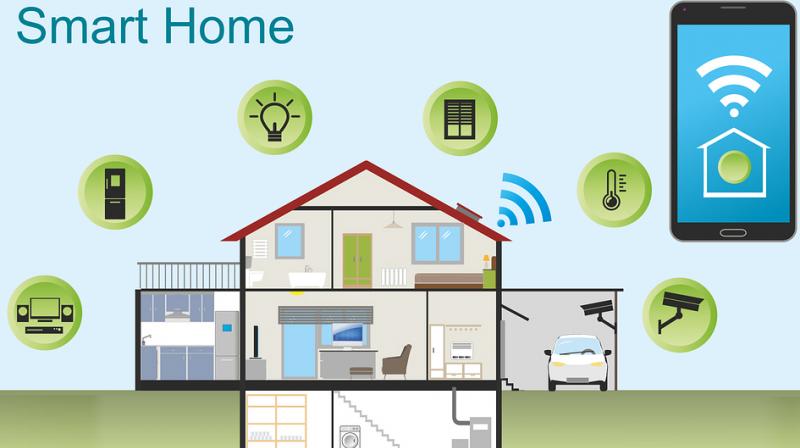
Smart technology can make your home safer and easier to protect. Installing smart security devices helps watch over your home 24/7. These tools alert you about any unusual activity, giving peace of mind. You can control and monitor your security systems from your phone or tablet. This section covers key smart devices that improve home security.
Smart Locks
Smart locks replace traditional keys with digital access. You can lock or unlock doors remotely using an app. This lets you let in guests or service people without being home. Many smart locks send alerts when someone opens or closes the door. Some models allow temporary access codes for visitors. They add a strong layer of security by avoiding lost or copied keys.
Motion Detectors
Motion detectors sense movement around your home. They can trigger alarms or turn on lights automatically. Many smart motion sensors connect to your phone and send instant alerts. This helps you notice any unusual movement quickly. You can place these sensors near doors, windows, or dark areas. They act as an early warning system against intruders.
Video Doorbells
Video doorbells show you who is at the door, even when away. They have a camera and microphone for two-way talk. You can see visitors live and speak to them through your phone. Many models record video clips of any activity at your door. This helps identify strangers and keep a record of visitors. Video doorbells improve safety and add convenience to home entry.
Credit: www.deccanchronicle.com
Saving Energy With Smart Solutions
Saving energy at home is easier with smart technology. Smart devices help reduce electricity use and lower bills. They make your home more efficient without extra effort. These solutions adapt to your lifestyle and save power every day.
Automated Lighting Control
Smart lights turn on and off by themselves. Sensors detect if someone is in the room. Lights adjust to natural daylight, reducing waste. You can schedule lights to follow your routine. This cuts energy use and keeps your home bright only when needed.
Smart Thermostat Settings
Smart thermostats learn your schedule and adjust heating or cooling. They lower energy use when no one is home. You can control temperature remotely using your phone. These devices keep your home comfortable and save energy at the same time.
Energy Monitoring Tools
Energy monitors track your electricity use in real time. They show which devices use the most power. This helps you find where to save energy quickly. Some tools send alerts to avoid high consumption. You get clear data to control your energy better.
Troubleshooting Common Issues
Turning your home into a smart home brings many benefits. Still, it can cause some common problems. Knowing how to fix these issues helps keep your devices working well. Troubleshooting is easier with a few simple steps.
Connectivity Problems
Smart devices need strong internet to work correctly. Weak Wi-Fi can cause slow responses or disconnections. Move your router to a central spot in your home. Keep devices close to the router for better signals. Restart the router and devices if connections drop. Check for interference from other electronics nearby.
Device Compatibility
Not all smart devices work well together. Some use different systems or apps. Check if devices support the same platform before buying. Use hubs or apps that connect multiple brands. This helps devices communicate and work as one. Read instructions carefully to avoid incompatibility issues.
Software Updates
Smart devices need regular updates to fix bugs and add features. Turn on automatic updates if possible. Check apps and device settings often for new versions. Updating keeps devices secure and running smoothly. Ignore updates can cause glitches or stop devices from working.
Future Trends In Smart Homes
The future of smart homes promises exciting changes. Technology is evolving fast. New trends will make homes more helpful and easier to control. These trends focus on making daily life simpler and safer.
Ai Integration
Artificial intelligence will play a bigger role in smart homes. AI can learn your habits and adjust settings automatically. It helps save energy by controlling lights and temperature smartly. AI also improves security by spotting unusual activities quickly.
Voice Control Advancements
Voice assistants will become more accurate and responsive. They will understand natural speech better, even with background noise. Voice control will manage more devices at once, making multitasking easier. Commands will feel more natural and less robotic.
Smart Home Health Tech
Health technology will be common in smart homes. Sensors can monitor air quality, humidity, and temperature for better health. Devices will track your sleep, heart rate, and activity levels. Alerts can remind you to take medicine or drink water on time.
Frequently Asked Questions
What Are The First Steps To Create A Smart Home?
Start by assessing your needs and budget. Choose a central hub like Alexa or Google Home. Then, add compatible smart devices for lighting, security, and climate control to enhance convenience and efficiency.
Which Smart Devices Are Essential For Beginners?
Smart bulbs, plugs, and thermostats are great starters. They are easy to install and control remotely. These devices save energy and increase home comfort without complex setup.
How Can I Secure My Smart Home Network?
Use strong, unique passwords for your Wi-Fi and devices. Enable two-factor authentication when possible. Regularly update firmware to protect against vulnerabilities and keep your smart home safe.
Can Smart Homes Help Reduce Energy Bills?
Yes, smart devices optimize energy use by adjusting settings automatically. Smart thermostats and lighting systems reduce waste, lowering your electricity costs while maintaining comfort.
Conclusion
Turning your home into a smart home makes life easier and safer. Start small with a few devices and add more over time. Control lights, temperature, and security from your phone. Save energy and enjoy more comfort every day. Smart homes fit any budget and style.
Take one step today toward a smarter living space. The future of home living is simple and within reach.
As an Amazon Associate, I earn from qualifying purchases.

