

Imagine controlling all your smart devices from one simple tool. A smart home hub can make this possible, turning your house into a truly connected space.
If you’ve ever felt overwhelmed by multiple apps or devices that don’t work well together, this article is for you. You’ll discover what a smart home hub is, how it works, and why it might be the key to making your home smarter, safer, and easier to manage.
Keep reading to unlock the secret to seamless home automation.
Smart Home Hub Basics
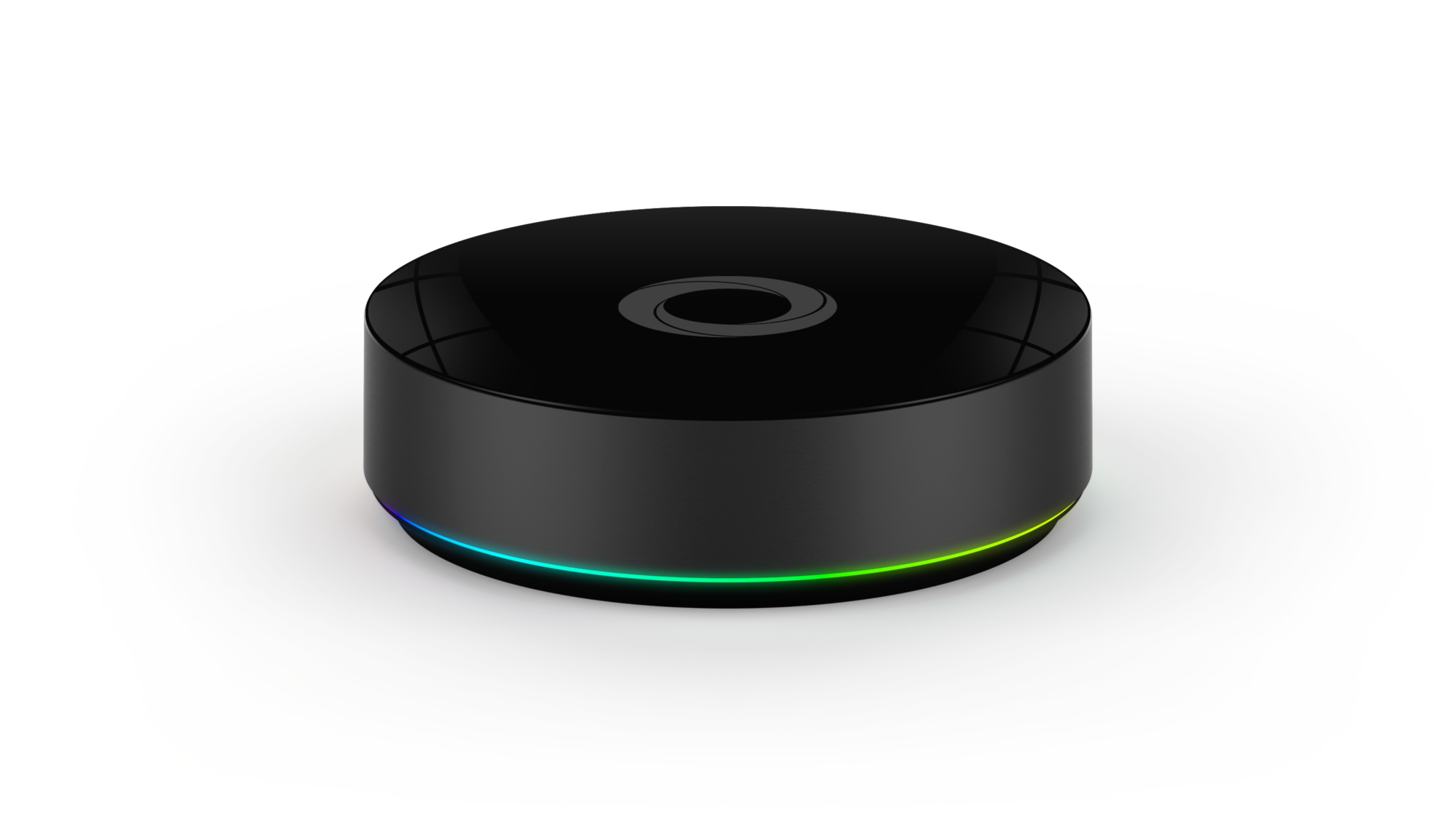
A smart home hub is the central device that connects all your smart gadgets. It helps these devices work together smoothly. This hub acts like the brain of your smart home system.
Understanding the basics of a smart home hub is important. It makes your home more comfortable, secure, and easy to control. Here’s a simple guide to what a smart home hub does, the types you can find, and the parts inside it.
Core Functions
A smart home hub controls smart devices from one place. It allows you to manage lights, locks, thermostats, and cameras. The hub sends commands between your devices and your phone or voice assistant.
It helps devices speak the same language, even if they come from different brands. You can automate tasks, like turning lights on at sunset or locking doors at night. This makes daily routines easier and safer.
Types Of Hubs
There are several types of smart home hubs. Some are physical devices you place in your home. Others are apps that work on your phone or tablet. Some hubs support specific brands or protocols, while others are more universal.
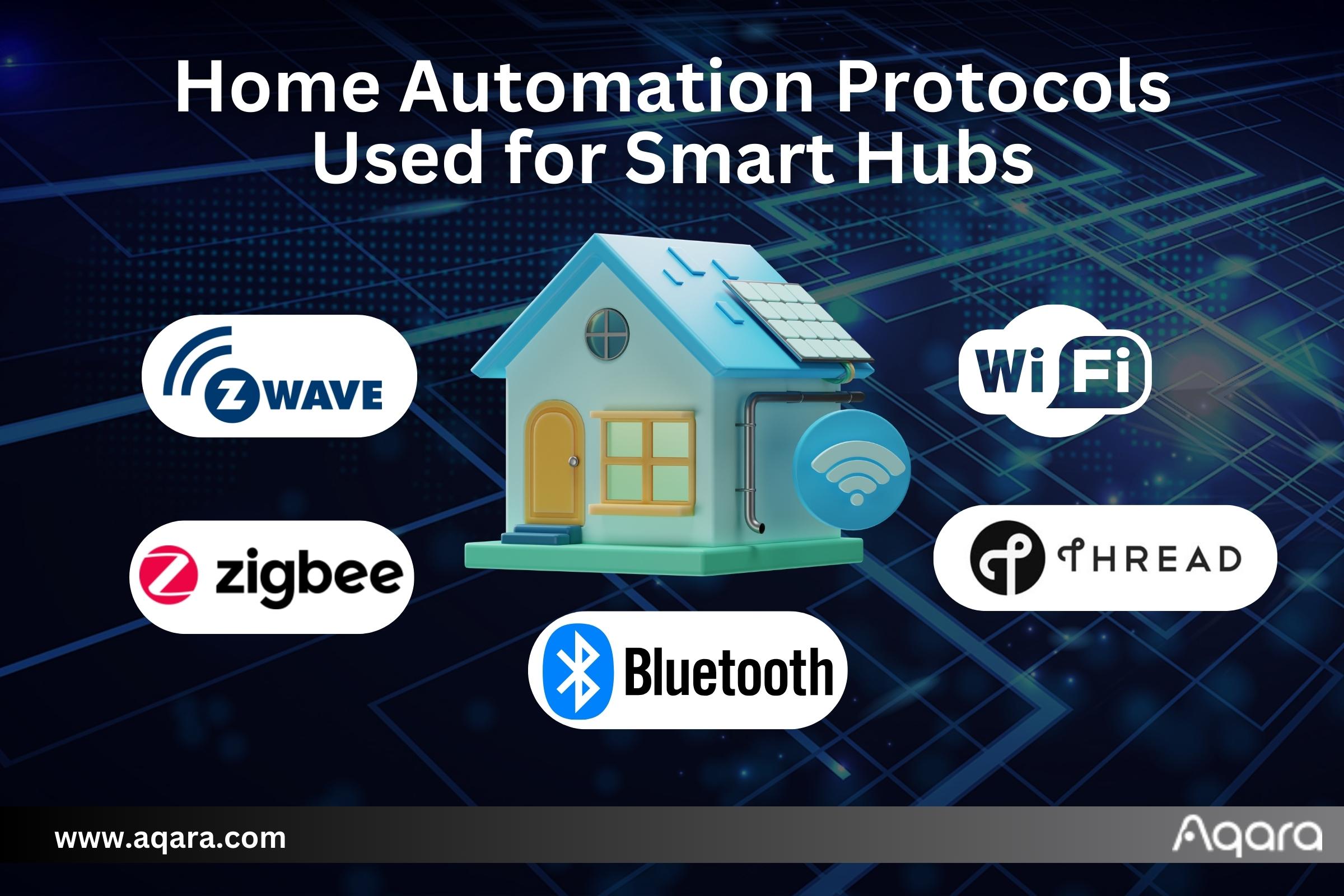
Popular types include Wi-Fi hubs, Zigbee hubs, and Z-Wave hubs. Each type connects devices using different signals. Choosing the right hub depends on your devices and how you want to control them.
Key Components
A smart home hub has a processor that handles commands. It uses wireless radios to connect to devices. Common radios include Wi-Fi, Zigbee, and Z-Wave. These allow the hub to communicate with smart bulbs, sensors, and locks.
Most hubs include software that lets you control devices via an app. Some also support voice control through assistants like Alexa or Google Assistant. Power supply and a good internet connection keep the hub running smoothly.
Benefits Of Using A Hub
A smart home hub brings many benefits to your daily life. It helps you manage all smart devices in one place. This makes your home more organized and easier to control. Using a hub saves time and effort. It also improves your home’s safety and comfort.
Centralized Control
A smart home hub lets you control all devices from one screen. No need to switch apps or remotes. You can manage lights, locks, cameras, and more easily. This simple control saves time and reduces stress. It keeps everything connected and working well together.
Enhanced Security
Smart hubs improve your home security by linking devices. They send alerts if something is wrong. You can check cameras and lock doors remotely. The hub can also trigger alarms or lights if needed. This quick response helps protect your family and property.
Energy Efficiency
Using a smart hub can lower your energy use. It controls heating, cooling, and lighting based on your schedule. The hub turns off devices when not needed. This reduces electricity bills and helps the environment. Smart energy use adds comfort and saves money.
Popular Smart Home Hubs
Smart home hubs control many devices in your house. They help connect lights, cameras, and speakers. Choosing the right hub makes smart living easy and fun. Here are some popular smart home hubs that many people use.
Amazon Echo
Amazon Echo uses Alexa, a voice assistant. It controls smart devices with simple voice commands. Echo works well with many brands and products. It can play music, set alarms, and answer questions. The Echo is easy to set up and use daily.
Google Nest Hub
Google Nest Hub has a screen to show helpful info. It uses Google Assistant to respond to your voice. You can watch recipes, see your calendar, or control devices. Nest Hub supports many smart home gadgets. It fits well in kitchens and living rooms.
Apple Homepod
Apple HomePod focuses on high-quality sound and smart control. It uses Siri to listen and respond quickly. HomePod works best with Apple devices like iPhones and iPads. It controls smart lights, locks, and more. The HomePod is good for Apple users who want simplicity.
Credit: www.aqara.com
Choosing The Right Hub
Choosing the right smart home hub is key to a smooth smart home experience. The hub acts as the brain, controlling all your devices. Picking the right one depends on several important factors. Focus on compatibility, user interface, and budget to find the best fit for your needs.
Compatibility
Check if the hub works with your devices. Some hubs support many brands and protocols. Others work only with specific products. Make sure your lights, locks, and sensors connect easily. A compatible hub saves time and hassle later.
User Interface
The user interface should be simple and clear. A good hub offers an app or control panel that anyone can use. Look for easy navigation and clear commands. A friendly interface helps you control your home without frustration.
Budget Considerations
Smart home hubs come in different price ranges. Set a budget before shopping. More expensive hubs may offer extra features. Cheaper ones still cover the basics well. Choose a hub that fits your budget and needs.
Setting Up Your Hub
Setting up your smart home hub is the first step to control your devices easily. This process is simple and does not take much time. Follow clear steps to get your hub ready and connected to all your smart gadgets.
Installation Steps
Start by placing the hub near your Wi-Fi router. Plug it into a power source. Turn on the hub and wait for the light to show it is ready. Download the hub’s app on your phone or tablet. Open the app and follow the instructions to create an account. Connect the hub to your home Wi-Fi network through the app. The hub is now installed and ready for device connection.
Connecting Devices
Open the hub app and select the option to add a device. Put your smart device in pairing mode. The app will search for the device automatically. Select your device from the list once it appears. Follow any prompts to complete the connection. Repeat these steps for each smart device you want to add. The hub will control all connected devices from one place.
Troubleshooting Tips
Check if your hub is powered on and connected to Wi-Fi. Restart the hub and your router if devices do not connect. Make sure your smart devices have enough battery or are plugged in. Update the hub app and device firmware regularly. Reset the device and try pairing again if problems continue. Contact customer support if the issue remains unresolved.
Smart Home Hub Automation
Smart home hub automation makes daily tasks easier and faster. It connects devices and controls them from one place. This technology helps save time and energy by managing your home automatically.
Creating Routines
Routines let you set actions that happen automatically. For example, lights turn on at sunset or the thermostat lowers at night. You choose what devices work together and when. This keeps your home comfortable without effort.
Voice Control
Voice control allows you to speak commands to your smart home hub. Say “turn off lights” or “play music,” and the hub obeys. This hands-free control adds convenience and makes your home smarter.
Remote Access
Remote access lets you control your home from anywhere. Use a phone or tablet to check devices and make changes. This feature helps with security and managing your home on the go.
Future Trends In Smart Hubs
The future of smart home hubs is full of exciting changes. These devices will become smarter, faster, and safer. They will connect more devices and handle tasks more easily. Advances in technology will improve how these hubs serve homes. Here are some key trends shaping the future of smart hubs.
Ai Integration
Smart hubs will use artificial intelligence to learn user habits. They will predict needs and adjust settings automatically. This means your home can become more comfortable without extra effort. AI will help hubs understand voice commands better. It will also allow hubs to manage multiple devices at once.
Improved Connectivity
Future hubs will support faster and more reliable connections. New wireless standards will allow more devices to connect smoothly. This reduces delays and interruptions in smart home systems. Hubs will work better with different brands and technologies. This makes it easier to build a complete smart home setup.
Enhanced Privacy
Privacy will become a top focus for smart hub makers. New measures will protect user data from hackers and breaches. Hubs will use encryption to keep information safe. Users will have more control over what data is shared. Trust in smart home devices will grow with stronger privacy rules.
Credit: homey.app

Credit: www.theverge.com
Frequently Asked Questions
What Is A Smart Home Hub Used For?
A smart home hub connects and controls various smart devices. It centralizes management for lights, thermostats, security, and more. This simplifies automation and enhances home convenience. It acts as the brain of your smart home system.
How Does A Smart Home Hub Work?
A smart home hub communicates with devices via Wi-Fi, Zigbee, or Z-Wave. It processes commands and automates tasks based on user preferences. The hub ensures seamless device interaction and remote control through apps or voice assistants.
Can A Smart Home Hub Improve Home Security?
Yes, smart home hubs enhance security by integrating cameras, alarms, and sensors. They enable real-time alerts and remote monitoring. Automation can trigger security actions like locking doors or turning on lights when needed.
Which Devices Are Compatible With Smart Home Hubs?
Smart home hubs support devices like smart bulbs, thermostats, locks, cameras, and sensors. Compatibility depends on the hub’s supported protocols like Zigbee, Z-Wave, or Wi-Fi. Always check device compatibility before purchasing a hub.
Conclusion
A smart home hub connects all your devices in one place. It makes controlling lights, locks, and cameras easy. You save time and effort every day. These hubs work with many brands and gadgets. They help keep your home safe and energy efficient.
Choosing the right hub depends on your needs and budget. Start small and add devices over time. Enjoy the comfort and control a smart hub offers. Simple technology can make your home smarter and life easier.
As an Amazon Associate, I earn from qualifying purchases.

