

Imagine controlling your home’s lighting with just your voice. No more fumbling for switches in the dark or getting up to adjust the brightness.
If you want to make your living space smarter and more convenient, integrating smart speakers with your home lighting system is the perfect place to start. This simple upgrade can transform how you experience your home every day. Keep reading, and you’ll discover easy steps to connect your devices and unlock a new level of comfort and control.
Your smarter, brighter home is closer than you think.
Choosing Compatible Smart Speakers
Choosing the right smart speaker is key to controlling your home lighting smoothly. Not all smart speakers work well with every lighting system. Finding a speaker that fits your needs and connects easily is important. This section helps you pick the best smart speaker for your home lights.
Popular Smart Speaker Brands
Many brands make smart speakers that control lights. Amazon Echo is a popular choice. It uses Alexa for voice commands. Google Nest speakers are also common. They work with Google Assistant. Apple HomePod fits well in Apple homes. It uses Siri for control. Each brand has unique strengths. Choose one that fits your existing devices.
Features To Look For
Voice recognition is essential for hands-free control. Check if the speaker understands your commands clearly. Look for multi-room audio if you want music in many rooms. A good microphone helps the speaker hear you from afar. Integration with apps can make setup easier. Some speakers allow routines to automate lighting. These features improve your smart home experience.
Compatibility With Lighting Systems
Not all smart speakers work with every light brand. Verify if the speaker supports your lighting system. Philips Hue lights work well with many speakers. LIFX bulbs also have broad compatibility. Some speakers connect directly to bulbs. Others require a hub or bridge. Confirm these details before buying. This avoids setup issues later.
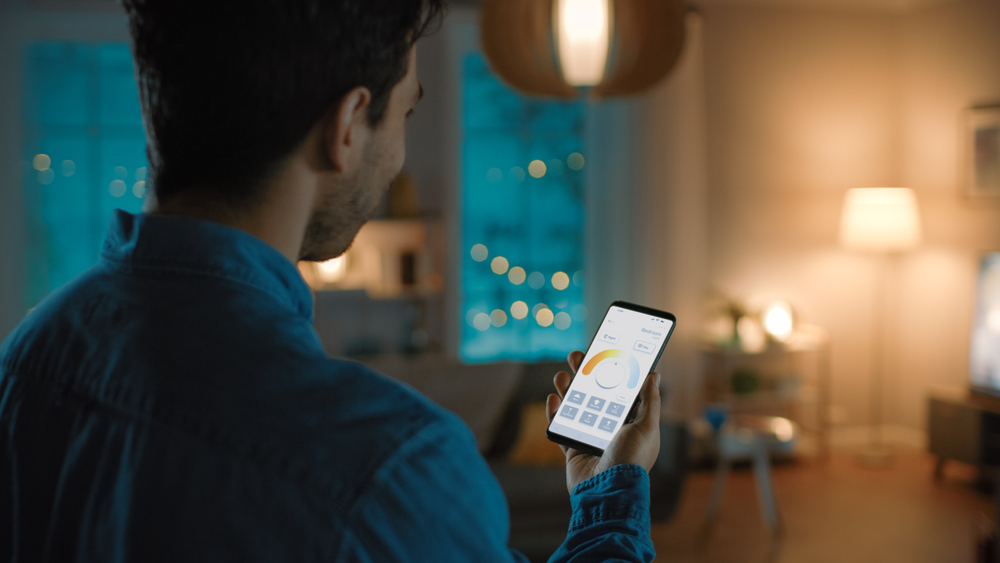
Credit: dcelectricofraleigh.com
Selecting Smart Lighting Systems
Selecting the right smart lighting system is the first step to a connected home. Choose products that match your needs and work well with your smart speaker. Consider the type of lighting you want to control and how you prefer to manage it.
Types Of Smart Bulbs
Smart bulbs fit into regular light sockets and connect to your Wi-Fi. They allow color changes and dimming through voice commands or apps. Many offer scheduling to turn lights on or off automatically. Choose bulbs with good brightness and color options for your rooms.
Smart Switches And Dimmers
Smart switches replace your wall switches to control regular bulbs. They work well if you want to keep your current bulbs but add smart control. Dimmers adjust light levels smoothly using voice or app commands. These devices often need simple wiring but offer broad control options.
Brands That Work Well With Smart Speakers
Some brands pair easily with popular smart speakers like Alexa or Google Home. Look for Philips Hue, LIFX, or TP-Link for reliable performance. These brands offer wide product ranges and easy setup. Check compatibility to ensure smooth integration with your system.
Setting Up Your Smart Speaker
Setting up your smart speaker is the first step to control your home lighting easily. This process involves a few simple tasks. Follow these steps carefully to get your device ready for use.
Initial Setup Steps
Unbox your smart speaker and plug it into a power source. Turn on the device and wait for the indicator light. Download the official app on your smartphone. Open the app and create an account or log in. Follow the on-screen instructions to start the setup process.
Connecting To Wi-fi
Choose your home Wi-Fi network in the app. Enter the password correctly to avoid connection errors. Wait for the smart speaker to connect. A confirmation message will appear once connected. Good Wi-Fi connection is essential for smooth operation.
Configuring Voice Assistants
Select your preferred voice assistant in the app settings. Complete the voice training for better recognition. Set up voice commands for your lighting system. Test commands like “turn on the lights” to ensure responsiveness. This step makes your smart speaker ready to control lights by voice.
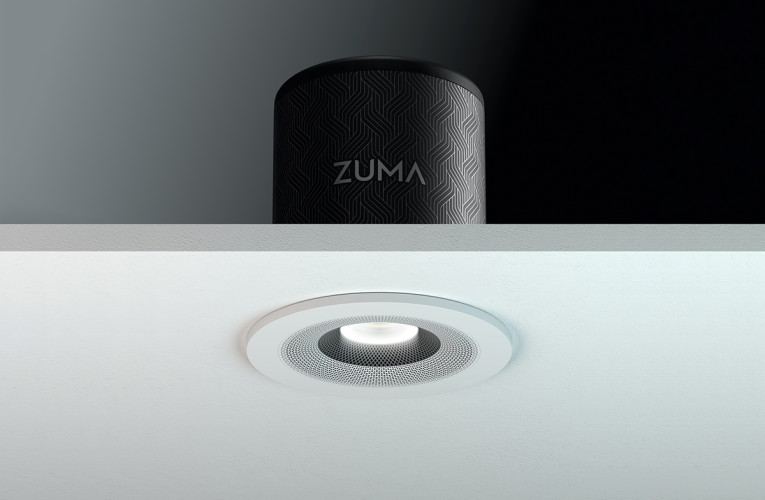
Credit: audioxpress.com
Installing And Configuring Smart Lights
Installing and configuring smart lights is the first step to control your home lighting with voice commands. It involves setting up bulbs or switches and linking them to your smart home system. This process helps you manage lights easily using your smart speaker.
Installing Bulbs And Switches
Start by turning off power at the circuit breaker for safety. Replace old bulbs with smart bulbs in your light fixtures. If using smart switches, remove the old switch and connect the smart switch wires. Follow the manufacturer’s instructions carefully. Turn the power back on and test the lights.
Connecting To The App
Download the smart light app on your phone or tablet. Create an account or log in if you already have one. Open the app and select “Add Device” or a similar option. Follow the steps to connect your lights to the app. Make sure your phone is on the same Wi-Fi network as the lights. Confirm the lights respond through the app before moving on.
Grouping Lights For Control
Grouping lights lets you control several lights together. In the app, find the option to create a group or room. Add the lights you want to group by selecting them. Name the group for easy use, such as “Living Room” or “Bedroom.” Use your smart speaker to turn on or off all lights in the group at once.
Linking Smart Speakers To Lighting Systems
Linking smart speakers to home lighting systems creates a smart home that listens. It lets you control lights with your voice. This connection adds comfort and saves energy. Setting it up is simple with the right steps.
Using Manufacturer Apps
Start by opening the smart speaker’s app. Look for the option to add new devices. Choose your lighting system from the list. Follow the instructions to connect both devices. This step links the speaker and lights securely.
Ensure your phone and devices use the same Wi-Fi. This helps them communicate without issues. The app may ask for permissions to control your lights. Grant these for smooth operation.
Enabling Skills Or Services
Many smart speakers use skills or services for control. Open the smart speaker’s app and find the skill store. Search for your lighting brand’s skill. Enable it by logging into your lighting account.
Enabling skills lets the speaker understand commands for your lights. It also updates the speaker with new features. Keep skills updated for best results.
Testing Voice Commands
After setup, test your voice commands. Speak clearly and say simple phrases like “Turn on the living room light.” Check if the lights respond quickly. Try different commands to control brightness or color.
Testing helps find any connection issues early. If lights don’t respond, check the app or restart devices. Repeat tests until commands work perfectly.
Customizing Lighting Scenes And Routines
Customizing lighting scenes and routines lets you control your home’s mood easily. It sets the perfect light for any activity. Adjust brightness, color, and timing to fit your lifestyle. Smart speakers make these changes simple using voice commands or automated schedules.
Creating Voice-activated Scenes
Set up different lighting scenes for various moods. Name each scene clearly, like “Relax” or “Dinner.” Use your smart speaker to activate scenes by voice. Say, “Turn on Relax scene,” and lights adjust instantly. This hands-free control makes lighting changes quick and fun.
Scheduling Lights
Schedule lights to turn on or off at specific times. Create routines for waking up or bedtime. Automate lights to match your daily habits. For example, set lights to brighten in the morning gently. This helps save energy and improves comfort at home.
Integrating With Other Smart Devices
Combine lighting with other smart home gadgets for better control. Link lights with smart thermostats or security cameras. Create routines that trigger multiple devices together. For instance, lights turn on when the door unlocks. This adds convenience and safety to your home.
Troubleshooting Common Issues
Integrating smart speakers with home lighting systems can make your home more comfortable. Sometimes, issues arise that stop everything from working smoothly. Troubleshooting these common problems helps you get back on track quickly.
Connectivity Problems
Smart speakers need a strong Wi-Fi connection to control lights. Check your Wi-Fi signal near the speaker. Move the speaker closer to the router if the signal is weak. Restart your router and smart speaker to refresh the connection. Make sure your devices are on the same network. Avoid interference from other electronics that might block the signal.
Voice Command Failures
Voice commands may fail if the speaker cannot hear you well. Speak clearly and close to the device. Avoid background noise like TV or music during commands. Check if the microphone is on and not muted. Use simple commands that the speaker understands. Sometimes, re-teaching the speaker your voice helps improve recognition.
Firmware Updates
Keep your smart speaker and lighting system updated with the latest firmware. Updates fix bugs and improve performance. Check the app for update notifications regularly. Install updates as soon as possible to avoid issues. If an update fails, restart the device and try again. Outdated firmware often causes connectivity and control problems.
Enhancing Security And Privacy
Integrating smart speakers with home lighting can improve convenience and comfort. Security and privacy must stay a top priority. These devices connect to your home network and collect voice data. Protecting this information keeps your home safe and private.
Securing Your Network
Start by securing your Wi-Fi network. Use a strong password with letters, numbers, and symbols. Change the default router password to prevent unauthorized access. Enable network encryption, like WPA3, for extra protection. Regularly update your router’s firmware to fix security flaws. Consider setting up a separate network for smart devices. This limits risks if one device is compromised.
Managing Voice Data
Smart speakers use voice data to respond to commands. Control what data is stored and shared. Review privacy settings on your smart speaker app. Delete voice recordings regularly to reduce stored data. Turn off voice purchasing to avoid accidental orders. Use mute buttons to stop the microphone when not needed. Know what data the company collects and how it is used.
Setting Permissions
Adjust permissions for connected devices and apps. Only allow trusted apps to control your lighting system. Limit access to essential features to reduce risks. Create user profiles with specific permissions for family members. Disable features that you do not use. Regularly check and update permissions to keep control. This prevents unauthorized changes and protects your privacy.
Future Trends In Smart Home Lighting
Smart home lighting is evolving fast. New trends make lights smarter and easier to control. These changes help save energy, add comfort, and improve security. Understanding these trends helps you prepare your home for the future.
Ai And Automation Advances
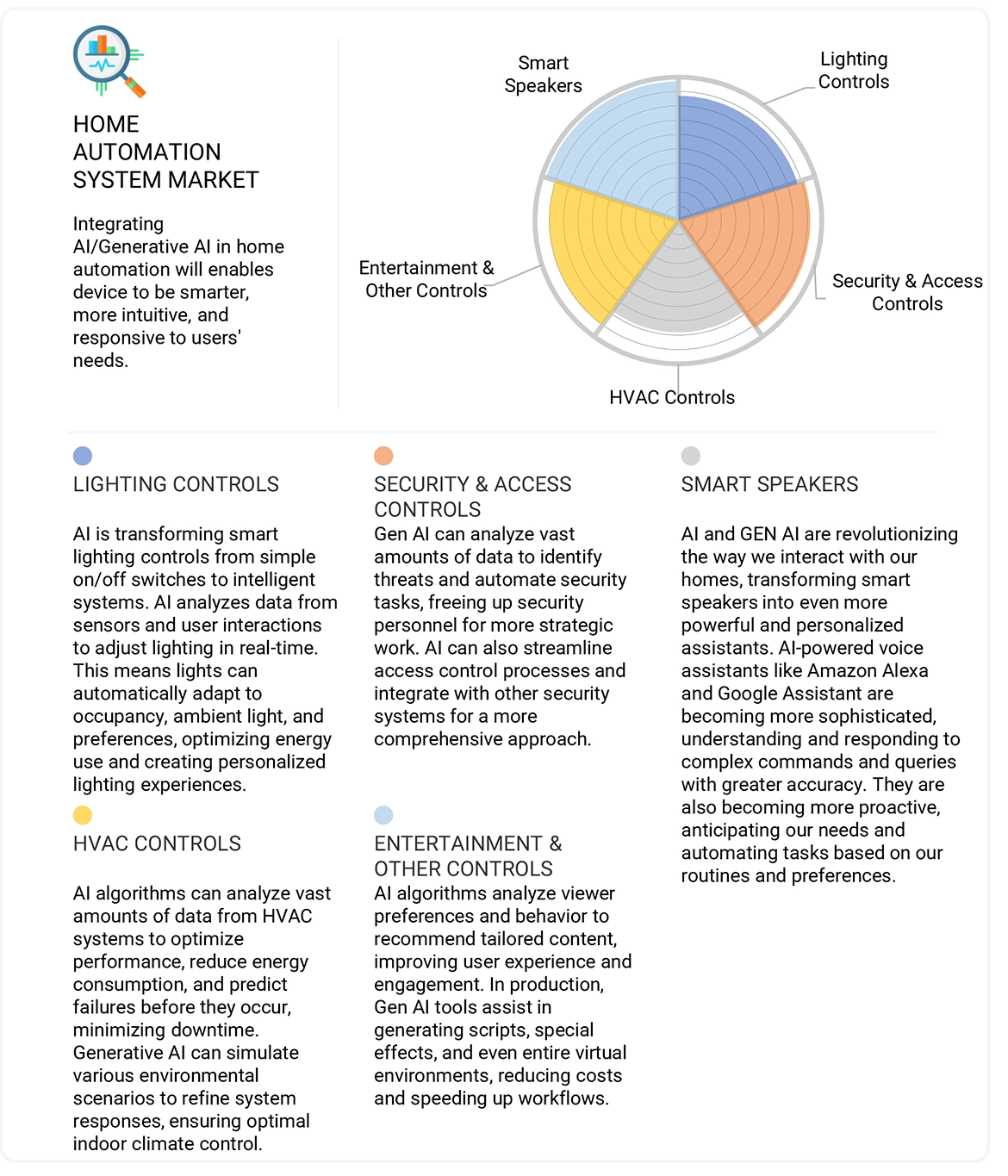
Artificial intelligence makes lighting more responsive. Lights learn your habits and adjust automatically. They change brightness and color based on time or mood. This technology creates a more natural and comfortable space. Automation reduces the need to control lights manually.
Energy Efficiency Improvements
New lighting systems use less power. LED bulbs and smart controls cut energy use. Some lights adjust based on room occupancy or daylight. This saves money and helps the environment. Energy-efficient lighting lasts longer and lowers bills.
Integration With Emerging Technologies
Smart lights connect with other devices easily. They work with smart speakers, sensors, and cameras. New tech like 5G and IoT improves speed and reliability. This lets you control lighting from anywhere. Integration makes your home smarter and more flexible.
Credit: www.marketsandmarkets.com
Frequently Asked Questions
What Smart Speakers Work Best With Home Lighting?
Amazon Echo, Google Nest, and Apple HomePod work best. They support major smart lighting brands and offer easy voice control.
How To Connect Smart Speakers To Lighting Systems?
Use the smart speaker’s app to link compatible smart bulbs or hubs. Follow setup prompts for seamless integration.
Can Smart Speakers Control Multiple Lights Simultaneously?
Yes, smart speakers can group lights and control them together. You can turn on, dim, or change colors with one command.
Is Voice Control Secure For Smart Lighting?
Voice control uses encrypted connections, but secure your Wi-Fi and accounts. Use strong passwords and update devices regularly for safety.
Conclusion
Smart speakers and home lighting systems work well together. They make daily life easier and more comfortable. You can control lights with simple voice commands. This saves time and adds convenience to your home. Setup is quick, and many options fit different budgets.
Try different settings to find what suits you best. Enjoy a smarter, brighter, and more connected home today.
As an Amazon Associate, I earn from qualifying purchases.

