

Are you tired of struggling with poor TV sound that ruins your favorite shows and movies? You might be wondering if a soundbar can fix the problem—and more importantly, if it will work with your TV.
The good news is, soundbars are designed to enhance your audio experience, but not all setups are the same. You’ll discover how soundbars connect to different TVs, what you need to look for, and simple tips to get the best sound possible.
Keep reading to find out if a soundbar is the right upgrade for your home entertainment.
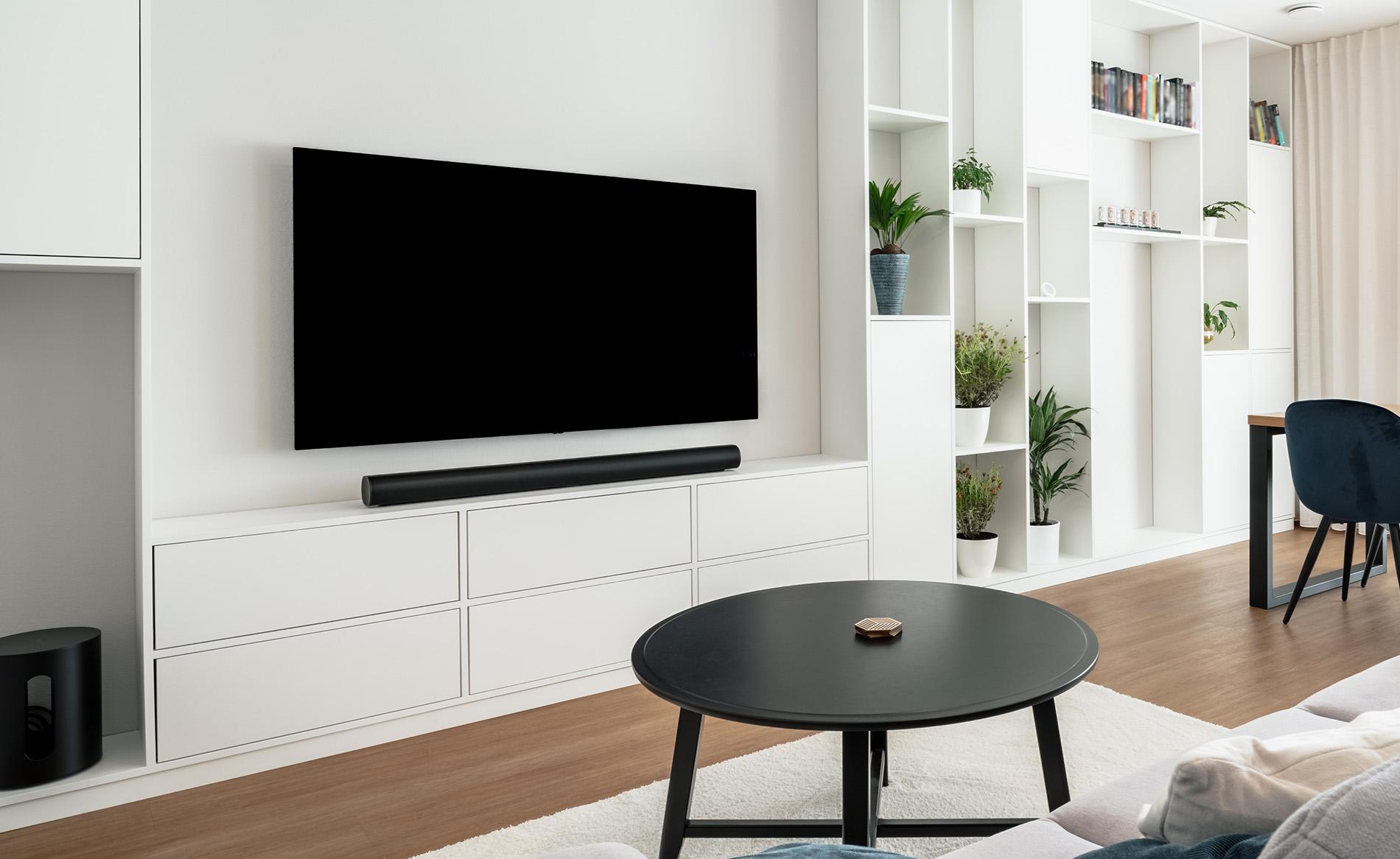
Credit: www.currys.co.uk
How Soundbars Connect To Tvs
Connecting a soundbar to your TV is simple. Different TVs and soundbars support different connection types. Understanding these types helps you get the best sound quality. You can use wires or go wireless. Each connection type has its own benefits and limits.
Hdmi Arc And Earc
HDMI ARC (Audio Return Channel) lets your TV send sound back to the soundbar. It uses the same HDMI cable you connect your TV to other devices. eARC is a newer, better version of ARC. It supports higher sound quality and more formats. Many modern TVs and soundbars have HDMI ARC or eARC ports. This connection also allows you to control the soundbar volume with your TV remote.
Optical Audio Cable
Optical audio cables use light to send sound signals. This type of cable offers clear, digital sound. Many TVs and soundbars have optical ports. It supports surround sound but not all high-resolution formats. Optical cables are a good choice if your TV lacks HDMI ARC. They are easy to use and reliable for good sound quality.
Bluetooth And Wireless Options
Bluetooth lets you connect your soundbar to the TV without wires. It works well for small rooms or simple setups. The sound quality may be lower than wired connections. Some soundbars also support Wi-Fi or other wireless methods. Wireless options reduce clutter but may have slight delays or interruptions.
3.5mm Aux And Rca Connections
3.5mm aux and RCA cables are older connection types. They send analog sound signals from the TV to the soundbar. These connections work with many TVs, especially older models. Sound quality is usually lower than digital options. Use these if your TV and soundbar lack HDMI or optical ports.
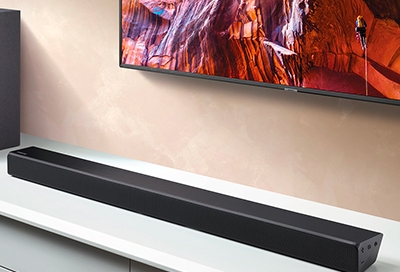
Credit: www.samsung.com
Tv Compatibility Factors
Soundbars can improve your TV’s sound a lot. But not every soundbar works with every TV. Some factors affect if they can work well together. These are called TV compatibility factors. Knowing them helps you pick the right soundbar for your TV. It also stops problems like no sound or bad sound quality.
Available Audio Output Ports
Check what audio output ports your TV has. Common ports include HDMI ARC, optical, and 3.5mm jack. Your soundbar must have matching input ports. HDMI ARC is best for clear sound and easy control. Optical ports send good quality sound too. The 3.5mm jack works but may lower sound quality. Some TVs have only one type of port. Make sure your soundbar supports that port.
Supported Audio Formats
TVs send sound in different formats. Some common ones are Dolby Digital and DTS. Your soundbar must support the format your TV sends. Otherwise, sound may be missing or poor quality. Many TVs use Dolby Digital for movies and shows. Some TVs support newer formats like Dolby Atmos. Check your TV’s audio settings to see supported formats. Then choose a soundbar that matches or supports those formats.
Tv Operating System Limitations
Smart TVs use operating systems like Android, webOS, or Tizen. These systems can limit soundbar compatibility. Some TV apps or settings may block external audio devices. Others may not send certain audio formats correctly. Your TV’s OS may also affect how the soundbar controls work. Check if your TV’s OS works well with your soundbar brand. Reading user reviews or manuals can help. This avoids surprises after buying a soundbar.
Types Of Soundbars And Their Requirements
Soundbars come in different types, each with unique needs and features. Knowing these helps you pick the right one for your TV. Some soundbars are simple, while others offer advanced functions. Understanding their requirements makes setup easier and improves your listening experience.
Basic Soundbars
Basic soundbars are small and easy to use. They usually connect to your TV with a single cable. Most TVs support these through HDMI ARC or optical ports. No extra power or special settings are needed. They improve TV sound clearly and quickly.
Smart Soundbars
Smart soundbars have built-in features like voice control and streaming apps. They need Wi-Fi or Bluetooth to work properly. These soundbars may require updates and app setup. Your TV should support HDMI ARC or eARC for best sound. Some smart soundbars also connect to other smart devices.
Surround Sound Systems
Surround sound systems include multiple speakers and a subwoofer. They create a theater-like audio experience. These systems need more space and cables. Your TV must support multiple audio outputs or use a receiver. Setup takes more time but offers rich, immersive sound.
Common Compatibility Issues
Soundbars can improve TV sound, but sometimes they face compatibility issues. These problems affect how well the soundbar works with your TV. Knowing common issues helps you fix them fast. Below are three frequent problems users face with soundbars and TVs.
No Sound Output
Sometimes the soundbar shows no sound from the TV. This happens if the TV’s audio settings are wrong. TVs may send sound through the wrong output. Check if the TV audio output matches the soundbar input. Also, cables might be loose or damaged. Make sure all cables connect tightly and use the right ports.
Audio Delay And Sync Problems
Sound can lag behind the picture, causing a delay. This makes watching videos annoying. Delay happens due to slow processing in the soundbar or TV. Some soundbars have settings to adjust audio sync. Try changing these settings to fix the delay. Using optical cables sometimes reduces lag better than HDMI.
Limited Control Over Soundbar
Control issues happen when the TV remote cannot manage the soundbar. This limits volume and power control. The problem arises if the TV and soundbar do not support the same control language. Look for TVs and soundbars with HDMI-CEC or ARC features. These help devices communicate and share remote control commands.
Tips To Ensure Soundbar Compatibility
Ensuring your soundbar works well with your TV needs some simple steps. These tips help avoid common problems and improve your audio experience. Follow these easy checks to enjoy clear, rich sound from your soundbar.
Check Tv Audio Settings
Start by checking your TV’s audio settings. Make sure the sound output is set to external speakers or audio system. Disable the TV’s internal speakers if possible. This prevents sound from playing from both the TV and soundbar at once. Adjust audio formats to match your soundbar’s capabilities for best results.
Update Firmware
Keep your TV and soundbar updated with the latest firmware. Manufacturers release updates to fix bugs and improve compatibility. Check the settings menu or the manufacturer’s website for updates. Installing the latest version ensures smooth connection and better sound quality.
Use The Right Cables
Use cables that match both your TV and soundbar ports. HDMI ARC or eARC cables provide the best audio quality. Optical cables are a good alternative if HDMI is not available. Avoid cheap or damaged cables as they can cause poor sound or connection issues.
Consult Manufacturer Guidelines
Read the user manuals for both your TV and soundbar. Manufacturers provide important compatibility information and setup tips. Look for supported audio formats and connection types. Following their advice helps avoid issues and ensures your devices work well together.
Alternative Audio Solutions For Older Tvs
Older TVs often lack modern audio outputs. This limits the use of soundbars directly. Alternative audio solutions can help connect soundbars to these TVs. They improve sound quality without replacing the TV. Here are some simple ways to add better audio to older TVs.
Using External Dacs
External DACs convert analog audio signals to digital. Many older TVs only have analog outputs. A DAC allows connection to digital soundbars. Connect the TV’s headphone or RCA output to the DAC. Then connect the DAC to the soundbar with an optical cable. This method improves sound clarity and reduces noise.
Wireless Transmitters
Wireless transmitters send audio signals without cables. They connect to the TV’s audio output. The transmitter sends sound to a receiver on the soundbar. This removes the need for long cables. Wireless audio is perfect for large rooms. It keeps the setup neat and flexible.
Upgrading Tv Hardware
Some older TVs can be updated with new audio hardware. Adding an HDMI ARC adapter can help. This allows the TV to send audio to soundbars via HDMI. Another option is to add a new sound output card. These upgrades require some technical skill. They extend the life of old TVs and improve audio options.
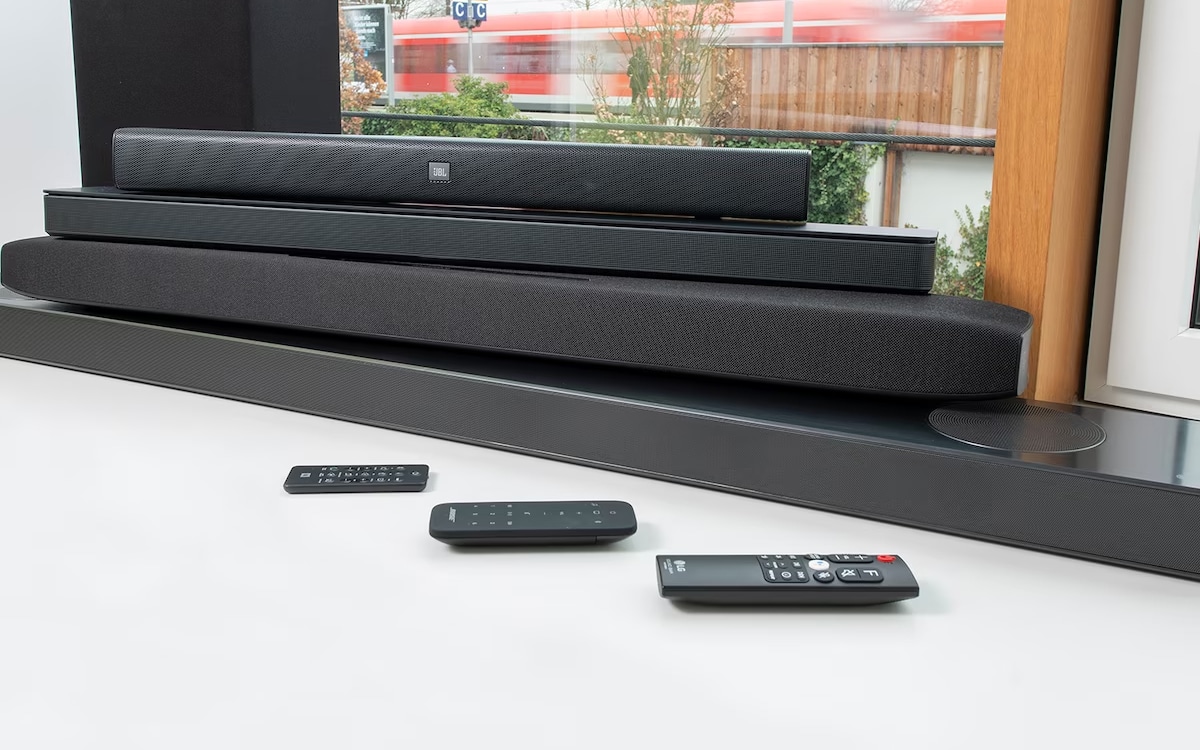
Credit: www.reliant.co.uk
Frequently Asked Questions
Do Soundbars Work With All Tv Brands?
Yes, soundbars generally work with most TV brands. They connect via HDMI, optical, or AUX ports. Compatibility depends on your TV’s audio output options, not the brand.
Can I Use A Soundbar Without Hdmi Arc?
Yes, you can use a soundbar without HDMI ARC. Use optical, AUX, or Bluetooth connections instead. However, HDMI ARC offers better audio quality and control features.
Will A Soundbar Improve My Tv’s Audio Quality?
Absolutely, soundbars enhance TV audio quality significantly. They provide clearer dialogue, better bass, and surround sound effects. This upgrade is noticeable compared to built-in TV speakers.
Are Wireless Soundbars Compatible With Any Tv?
Most wireless soundbars work with any TV supporting Bluetooth or Wi-Fi. If your TV lacks wireless, you can use wired connections. Always check your TV’s audio output options.
Conclusion
Soundbars can work with most TVs, but connections matter. Check your TV’s ports before buying a soundbar. HDMI ARC, optical, or Bluetooth help connect easily. Some older TVs may need extra adapters or cables. Sound quality improves a lot with the right soundbar.
Choose one that fits your TV and room size. Simple setup makes watching shows more fun and clear. Soundbars offer a good upgrade without extra speakers. Enjoy better sound with the right connections and setup.
As an Amazon Associate, I earn from qualifying purchases.
