

Are you thinking about upgrading your TV sound with a soundbar? You might wonder, “Are all soundbars Bluetooth?”
This question is more important than you think. Knowing if your soundbar has Bluetooth can change how you connect your devices and enjoy your favorite movies or music. Keep reading to discover the truth about soundbars and Bluetooth, so you can make the best choice for your home entertainment.
Bluetooth In Soundbars
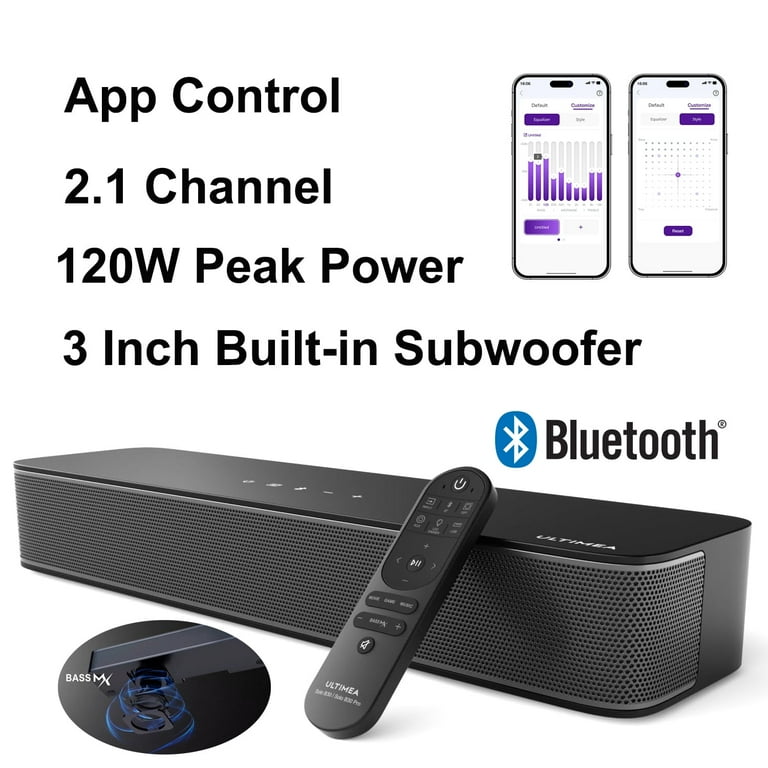
Bluetooth is a common feature in modern soundbars. It allows wireless connection between devices and soundbars. This makes it easy to play music or audio without cables. Not all soundbars have Bluetooth, but many do. Understanding Bluetooth in soundbars helps you choose the right one for your needs.
What Is Bluetooth Connectivity?
Bluetooth is a wireless technology that connects devices over short distances. It sends audio signals from a phone, tablet, or computer to a soundbar. This means no wires are needed to enjoy sound. Bluetooth works by pairing devices, creating a simple link for streaming audio.
Benefits Of Bluetooth Soundbars
Bluetooth soundbars offer convenience. You can move freely without worrying about wires. They work with many devices like smartphones and laptops. Bluetooth also allows quick setup and easy control. Many users enjoy playing music from any room in the house.
Common Bluetooth Versions In Soundbars
Soundbars use different Bluetooth versions. Older models might have Bluetooth 3.0 or 4.0. Newer soundbars often feature Bluetooth 5.0 or higher. Newer versions provide better range and sound quality. They also use less battery power on connected devices.
Credit: www.walmart.com
Soundbars Without Bluetooth
Not all soundbars come with Bluetooth. Some models focus on basic features and avoid wireless technology. These soundbars may suit users who want a simple setup or have older devices without Bluetooth. Understanding why some soundbars skip Bluetooth helps make better choices.
Why Some Models Skip Bluetooth
Manufacturers sometimes leave out Bluetooth to cut costs. Lower-priced soundbars often have fewer features to keep prices low. Skipping Bluetooth also reduces power use and technical complexity. Some users prefer wired connections for stable sound quality. For these reasons, not every soundbar includes Bluetooth.
Alternative Wireless Connections
Soundbars without Bluetooth may use other wireless options. Some use Wi-Fi to connect with smart devices. Others support infrared or radio frequency remotes for control. Certain models connect via optical or HDMI cables for better sound. These options still offer wireless or easy connection methods without Bluetooth.
Top Bluetooth Soundbar Models
Bluetooth soundbars offer easy wireless connection to your devices. They deliver clear sound without messy cables. Many models suit different budgets and needs. Here are some top choices to consider.
Each soundbar listed has Bluetooth for quick pairing. They vary in size, features, and price. Choose one that matches your room and listening style.
Budget-friendly Options
Affordable soundbars provide good sound without high cost. They work well in small rooms or apartments. Many support Bluetooth and have simple controls. These models are perfect for casual listeners on a budget.
Look for brands offering basic features like remote control and easy setup. Even budget options can improve TV sound greatly. Expect decent bass and clear dialogue from these soundbars.
Premium Soundbars With Bluetooth
Premium soundbars deliver rich, immersive audio for home theaters. They often include multiple speakers and advanced sound processing. Bluetooth lets you stream music from phones or tablets easily.
These models usually support surround sound formats. They may also have smart features like voice control. Expect crisp highs and deep bass with premium soundbars.
Compact And Portable Bluetooth Soundbars
Compact soundbars fit small spaces and are easy to move. Portable models run on batteries for use anywhere. Both types connect wirelessly to smartphones and other devices.
These soundbars are ideal for bedrooms, kitchens, or travel. Despite their size, many offer surprisingly good sound quality. Perfect for those who need sound on the go.

Credit: www.amazon.com
How To Connect Soundbars Wirelessly
Connecting a soundbar wirelessly makes your room neat and avoids messy cables. Most modern soundbars support Bluetooth, which allows easy wireless connection to your devices. This section explains how to connect soundbars wirelessly and solve common problems.
Pairing Bluetooth Devices
Turn on your soundbar and set it to Bluetooth mode. Open the Bluetooth settings on your phone, tablet, or computer. Find the soundbar name in the list of available devices. Tap the name to connect. Wait for a beep or a light change on the soundbar. This means the devices are paired and ready to use.
Troubleshooting Connection Issues
Check if your soundbar is in Bluetooth mode. Make sure your device’s Bluetooth is turned on. Move the device closer to the soundbar to avoid interference. Restart both the soundbar and your device. Delete old Bluetooth connections to free up space. Update the soundbar’s firmware if possible. These steps fix most connection problems quickly.
Other Wireless Technologies In Soundbars
Soundbars do not rely on Bluetooth alone for wireless connections. Many models include other wireless technologies. These options offer different benefits and improve sound quality or convenience.
Wireless tech in soundbars can include Wi-Fi or special wireless links. They help connect devices without cables. These choices can fit various needs and setups.
Wi-fi Enabled Soundbars
Wi-Fi soundbars connect to your home network. They stream audio directly from online services. This means no need for Bluetooth pairing.
Wi-Fi often provides better sound quality over longer distances. It supports multi-room audio and smart home integration. Many Wi-Fi soundbars work with voice assistants.
Proprietary Wireless Connections
Some brands use their own wireless systems. These links provide stable, high-quality audio transmission. They reduce interference compared to Bluetooth.
Proprietary connections usually require matching devices from the same brand. They create a seamless connection between soundbar and subwoofer or rear speakers. This setup enhances surround sound experience.
Choosing The Right Wireless Soundbar
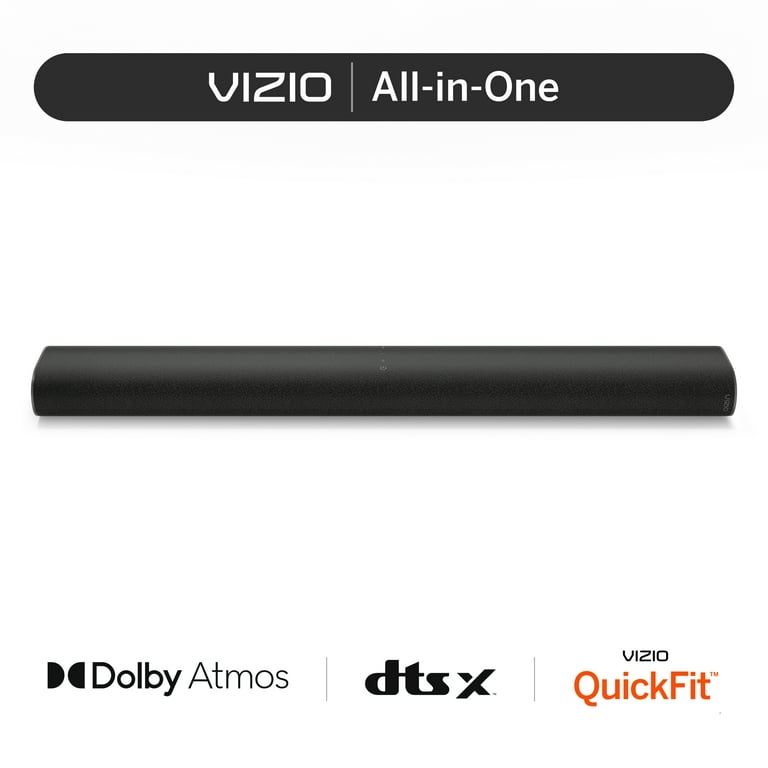
Choosing the right wireless soundbar can improve your audio experience greatly. Not all soundbars use the same wireless technology or have the same features. Understanding key points helps you pick the best soundbar for your needs. Focus on device compatibility, signal range, and sound quality.
Compatibility With Devices
Check if the soundbar connects easily to your devices. Most wireless soundbars use Bluetooth, but some support Wi-Fi or other connections. Ensure your TV, phone, or tablet matches the soundbar’s wireless type. Some soundbars work better with specific brands or operating systems. This avoids connection problems and ensures smooth use.
Range And Signal Strength
The distance between your device and soundbar matters. Bluetooth soundbars usually work well within 30 feet. Walls and furniture can weaken the signal. Choose a soundbar with strong signal strength for fewer dropouts. Some models offer advanced wireless tech for better range and stability. Check user reviews for real-world performance.
Sound Quality Considerations
Sound quality is key for an enjoyable listening experience. Wireless soundbars vary in speaker size and number. Look for models with clear bass, midrange, and treble balance. Some soundbars have extra features like surround sound or subwoofers. Test the soundbar if possible or read trusted reviews. Good sound quality beats fancy features every time.
Credit: www.walmart.com
Frequently Asked Questions
Are All Soundbars Equipped With Bluetooth?
No, not all soundbars come with Bluetooth. Many modern soundbars include Bluetooth for wireless audio streaming, but some budget or older models lack this feature. Always check the product specifications to confirm Bluetooth availability before purchasing.
How Does Bluetooth Improve Soundbar Usability?
Bluetooth allows wireless connection between devices and soundbars. It enables easy streaming of music and audio without cables. This feature enhances convenience and flexibility, letting users connect smartphones, tablets, or TVs effortlessly for better sound experience.
Can Soundbars Work Without Bluetooth?
Yes, soundbars can work without Bluetooth. They often connect via HDMI, optical, or AUX cables. Wired connections provide stable audio quality. Bluetooth is optional and mainly adds wireless convenience, but it’s not essential for soundbar functionality.
Do Bluetooth Soundbars Affect Audio Quality?
Bluetooth soundbars may have slight audio compression, but the quality is generally good. Modern Bluetooth versions support high-quality sound. For critical listening, wired connections might offer better clarity, but Bluetooth delivers satisfactory performance for everyday use.
Conclusion
Not all soundbars have Bluetooth connectivity. Some models only support wired connections. Bluetooth adds convenience for wireless audio streaming. Checking product details helps ensure you get the features you want. Choose a soundbar that fits your setup and needs. Wireless options offer flexibility, but wired ones can give stable sound.
Decide what matters most before making a purchase. Soundbars vary, so understanding features is key. This way, you enjoy better sound your way.
As an Amazon Associate, I earn from qualifying purchases.
