Have you ever wished your gaming controller felt truly made for you? Imagine holding a controller that fits perfectly in your hands, with buttons exactly where you want them and a look that matches your style.
Customizing your gaming controller can make your gameplay smoother, more comfortable, and even more exciting. You’ll discover easy ways to personalize your controller step-by-step. Ready to take your gaming experience to the next level? Keep reading to learn how to make your controller uniquely yours.
Choosing The Right Controller
Choosing the right gaming controller is key to a better gaming experience. It affects how you play and how comfortable you feel during long sessions. Picking the right controller means knowing your options and what fits your needs.
Popular Controller Types
There are many types of controllers. The most common ones are gamepads, joysticks, and fight sticks. Gamepads have buttons and thumbsticks. Joysticks work well for flight or racing games. Fight sticks are great for fighting games. Each type suits different game styles.
Compatibility With Devices
Not all controllers work with every device. Some are made for consoles like PlayStation or Xbox. Others connect to PCs or mobile phones. Check if the controller works with your device before buying. This saves time and money.
Ergonomics And Comfort
A comfortable controller helps avoid hand strain. Controllers come in various shapes and sizes. Find one that fits your hand well. Look for soft grips and good button placement. Comfort matters during long gaming hours.
Essential Tools And Materials
Customizing a gaming controller starts with having the right tools and materials. These essentials make the process easier and safer. Using proper tools helps avoid damage to your controller. It also improves the quality of your customization.
Gathering all necessary items before starting saves time. It allows you to work smoothly without interruptions. Below are key tools and materials needed for controller customization.
Screwdrivers And Opening Tools
Small screwdrivers are vital for opening your controller. Most controllers use tiny screws that need precision tools. A set with different heads, like Phillips and flathead, works best.
Plastic opening tools protect your controller’s plastic from scratches. Avoid metal tools that can leave marks or damage the casing. Use gentle prying tools to separate parts safely.
Replacement Parts And Accessories
Replacement buttons, thumbsticks, and shells let you personalize your controller. Choose parts compatible with your controller model. Check quality to ensure they fit well and last long.
Extra accessories like colored grips or custom decals add style and comfort. These parts often snap or screw on easily. Make sure to buy from trusted sources to avoid poor-quality items.
Cleaning Supplies
Cleaning your controller before and after customization is important. Use microfiber cloths to wipe away dust and dirt gently. Isopropyl alcohol helps clean stubborn grime without harming electronics.
Compressed air cans clear out dust from inside tight spaces. Keep your hands clean and dry while working. Clean tools and parts prevent damage and improve performance.
Modifying Controller Buttons
Modifying your gaming controller buttons can improve your gameplay and comfort. Changing buttons lets you personalize your controller to fit your style. Small changes can make a big difference in your gaming experience.
Focus on three key ways: swapping button caps, re-mapping button functions, and adding extra buttons. Each method offers unique benefits. Let’s explore how to do each one.
Swapping Button Caps
Button caps are the top parts of your controller buttons. Swapping them changes the look and feel. You can choose different colors, shapes, or textures.
This makes buttons easier to find by touch. It also helps reduce slipping during play. Many stores sell replacement caps designed for popular controllers.
Changing caps is simple. Just pop off the old ones and snap on the new ones. No special tools needed.
Re-mapping Button Functions
Re-mapping means changing what each button does. You can assign different actions to buttons.
This helps make controls more comfortable and faster. For example, move a hard-to-reach button to one closer to your thumb.
Many consoles and games allow easy re-mapping in their settings. Some controllers come with software for custom layouts.
Adding Extra Buttons
Adding extra buttons gives you more control options. These buttons are often placed on the back of the controller.
They can perform common actions without moving your fingers from main buttons. This saves time during fast gameplay.
Some third-party controllers include extra buttons. You can also buy add-on kits to attach to your existing controller.
Credit: us.aimcontrollers.com
Customizing Thumbsticks And D-pads
Customizing thumbsticks and D-pads changes how your controller feels and performs. Small adjustments can improve comfort and control during gameplay. These parts wear out fast and swapping them is easy.
Many gamers prefer different thumbstick heights and shapes for better handling. D-pads also come in various styles to suit different games. Personalizing these parts helps you play longer and more precisely.
Changing Thumbstick Height And Shape
Thumbsticks come in many heights and shapes. Taller thumbsticks give more precise movements. Shorter ones offer quicker turns. Shapes vary from rounded to concave or convex tops. Swapping thumbsticks is simple and takes minutes. Choose the style that feels best for your play style.
Replacing D-pad Pads
D-pad pads wear down with use. Replacement pads restore the original feel. Some pads have a cross shape, others are circular. Each design fits different games better. Installing a new D-pad pad improves accuracy and response. It also helps avoid input errors during fast gameplay.
Improving Grip And Precision
Adding grip covers or textured thumbsticks boosts control. Soft rubber or silicone covers reduce slipping. Textured surfaces help your fingers stay in place. This reduces mistakes in intense moments. Better grip means better precision and comfort. Try different materials to find what suits you best.
Enhancing Controller Performance
Enhancing your gaming controller’s performance can make a big difference in your gameplay. Small tweaks help your controller respond faster and feel better in hand. This section covers key ways to improve your controller for better control and faster reactions.
Trigger Sensitivity Adjustments
Changing trigger sensitivity lets you press buttons with less effort. It helps you react quicker in games. You can adjust sensitivity by replacing springs or using software settings. This makes your triggers more responsive and smooth.
Reducing Input Lag
Input lag slows down your actions on screen. Reducing it improves timing and accuracy. You can cut lag by using wired connections instead of wireless. Also, update your controller’s firmware to reduce delays.
Upgrading Internal Components
Swapping out old parts boosts your controller’s speed and durability. Replace worn-out buttons and sticks with high-quality ones. Installing better chips can also improve response times and stability. This keeps your controller working at its best.
Credit: xboxdesignlab.xbox.com
Personalizing Aesthetics
Customizing your gaming controller’s look makes it truly yours. Personalizing aesthetics lets you express style and taste. It also makes your controller easy to spot. Small changes can create a big impact. Here are simple ways to refresh your controller’s appearance.
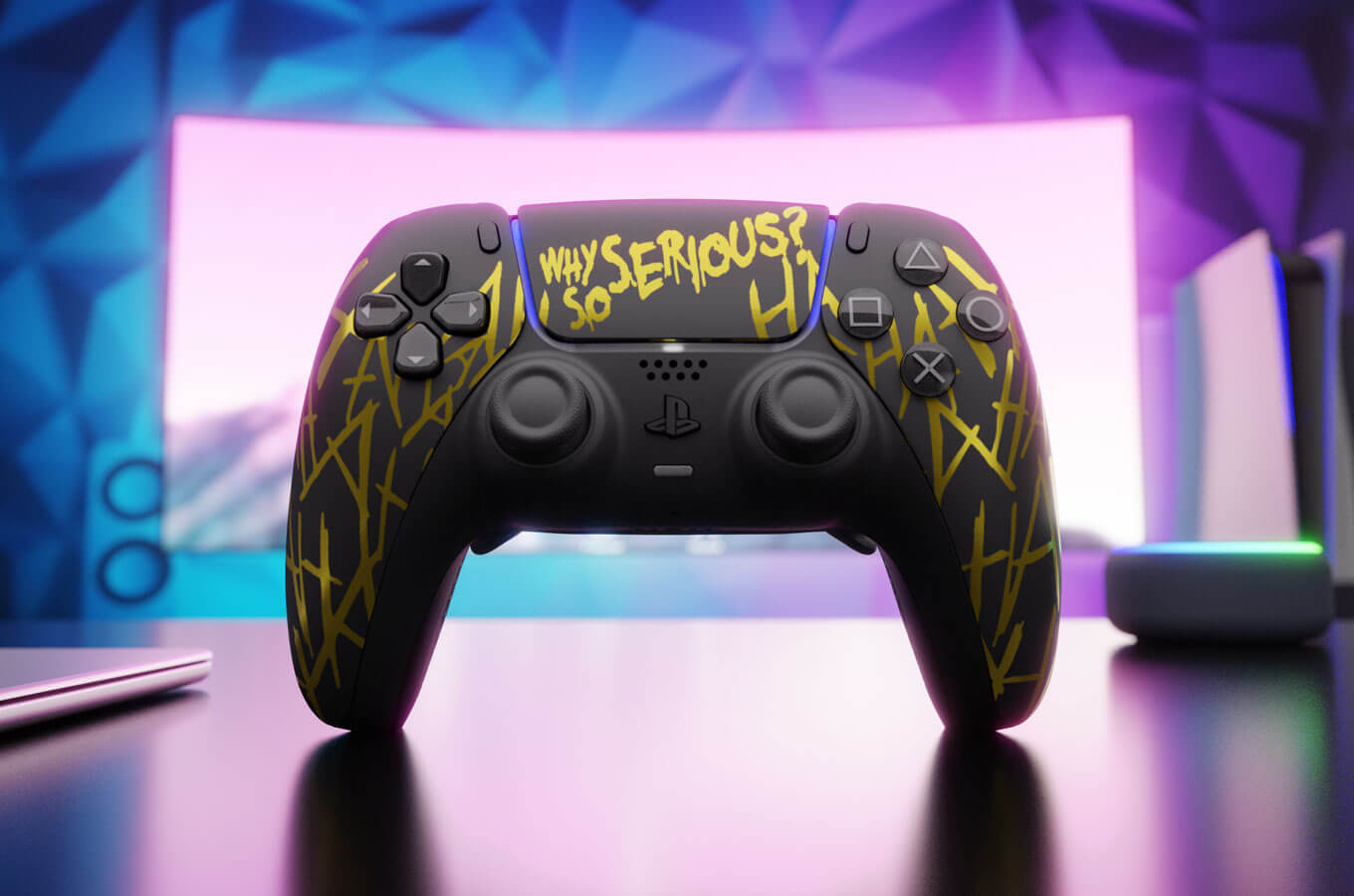
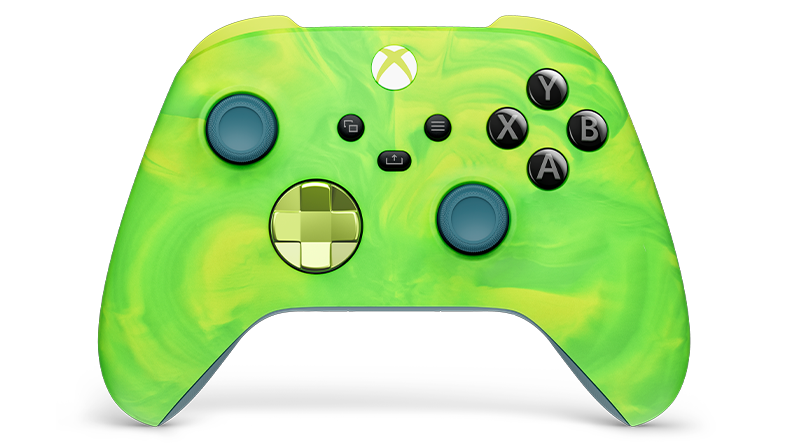
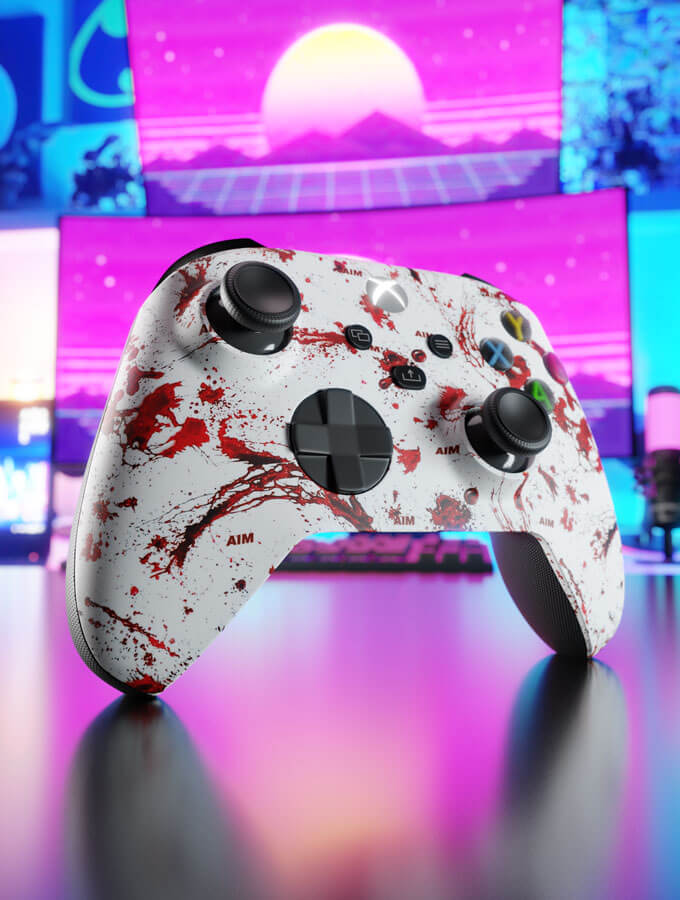
Painting And Skins
Painting your controller allows complete color control. Use spray paint or acrylics for best results. Apply thin, even coats to avoid drips. Let each layer dry fully before the next. Stencils help create sharp designs or logos. For less mess, try vinyl skins. Skins come in many patterns and textures. They stick firmly and peel off without damage. Both options give your controller a new look fast.
Led Lighting Modifications
LED lights add cool glow effects to controllers. Use small LED strips or modules inside the shell. Choose colors that match your style or game theme. Wiring is simple with basic soldering skills. Lights can highlight buttons or edges. A soft glow improves visibility in dark rooms. Battery-powered LEDs keep your controller wireless. This upgrade makes your controller stand out during play.
Custom Grips And Covers
Grips improve comfort and control during long sessions. Silicone or rubber covers are easy to fit. They come in many colors and textures. Some grips have patterns for better hold. Choose covers that fit your controller model exactly. They protect against sweat and wear. Custom grips also reduce hand fatigue. This small change helps you play longer and more comfortably.
Software Customization Options
Software customization lets gamers change how their controllers work. This makes playing more fun and personal. Different programs offer many ways to adjust buttons, sticks, and triggers. These tools help improve game control and comfort.
Some software comes from the controller makers. Others come from independent developers. Both types help users set up controllers for different games. They also allow saving and sharing settings with friends.
Using Official Controller Software
Official software comes straight from the controller brand. It offers the safest and most stable way to customize. Users can remap buttons and adjust sensitivity. Some programs let you change vibration strength too.
This software usually has an easy interface. It guides users step-by-step through customization. Updates are frequent and add new features. It works best with the exact controller model.
Third-party Customization Apps
Third-party apps offer more freedom and options. They support many controller brands and models. These apps often provide advanced settings. Users can create macros or adjust dead zones precisely.
Some apps allow combining multiple inputs for one action. They can fix compatibility issues with certain games. These tools might need extra setup but offer great control.
Creating And Sharing Profiles
Profiles save controller settings for different games or users. You can switch profiles quickly without changing settings manually. This saves time during game sessions.
Many programs let users share profiles online. Sharing helps others use proven setups. It also builds a community where players exchange ideas.
Profiles make customization easy and flexible. They keep your controller ready for any game style.
Maintenance And Troubleshooting
Keeping your gaming controller in top shape helps it last longer. Regular maintenance avoids problems and keeps gameplay smooth. Troubleshooting small issues saves time and frustration.
Follow easy steps for cleaning and fixing common problems. Know when parts need replacing to keep your controller working well.
Regular Cleaning Tips
Turn off and unplug the controller before cleaning. Use a soft cloth slightly dampened with water. Avoid harsh chemicals that can damage the surface.
Clean buttons and joysticks carefully with a cotton swab. Remove dirt and dust from crevices using compressed air. Regular cleaning prevents sticky buttons and laggy controls.
Fixing Common Issues
Sticky buttons often clear up with gentle cleaning. Check for dirt or debris under the buttons. For joystick drift, recalibrate the controller through your console settings.
Loose connections may need tightening or reseating cables inside. Reset the controller if it doesn’t respond. Replace batteries or recharge if power is low.
When To Replace Parts
Replace buttons or joysticks that do not respond after cleaning. Cracked shells or broken triggers affect gameplay and need changing. Worn-out batteries reduce playtime and should be swapped.
Use original or compatible parts for best performance. Regular inspection helps spot worn parts early. Replace parts to keep your controller functioning smoothly.
Safety Tips For Modding
Modding your gaming controller can be fun and rewarding. Yet, safety must always come first. Proper care prevents damage and keeps you safe. This section guides you through key safety tips for customizing your controller.
Avoiding Damage
Handle your controller gently to avoid breaking parts. Use the right tools for opening and modifying it. Do not force pieces apart or press too hard. Keep screws and small parts in a safe place. Avoid liquids and dust that can harm electronics.
Warranty Considerations
Check your controller’s warranty before modding. Opening or changing it may void the warranty. Think about this risk before starting. Sometimes, repairs or replacements become costly without warranty. Know the terms and conditions of your warranty carefully.
Safe Handling Of Electronics
Work in a clean, dry area free from static electricity. Use an anti-static wristband or touch metal to discharge static. Avoid touching circuit boards with bare hands. Keep batteries away from metal objects to prevent short circuits. Disconnect power sources before starting any work.
Credit: us.aimcontrollers.com
Frequently Asked Questions
How Can I Change Button Layout On My Gaming Controller?
You can change the button layout using your controller’s software or console settings. This customization enhances gameplay comfort and efficiency. Many controllers support button remapping to suit player preferences.
What Tools Are Needed To Customize A Gaming Controller?
Basic tools include small screwdrivers, replacement parts, and cleaning supplies. Advanced customization may require soldering kits and programming software. Always use tools compatible with your controller model.
Can I Customize Controller Sensitivity And Response Time?
Yes, many controllers allow sensitivity adjustments through software or console settings. This improves control precision and responsiveness, enhancing gaming performance and experience.
Is It Safe To Modify The Controller’s Hardware Myself?
Modifying hardware carries risks like voiding warranty or damaging components. Follow guides carefully and use proper tools. If unsure, seek professional help to avoid permanent damage.
Conclusion
Customizing your gaming controller makes playing more fun and personal. Small changes can improve comfort and control during games. You can choose colors, buttons, and grips that suit your style. This helps you enjoy gaming in a way that feels right for you.
Experiment with different options to find what works best. Enjoy the process and make your controller truly yours. Play better. Play happy.
As an Amazon Associate, I earn from qualifying purchases.