

Imagine walking into your home, and with just a simple voice command or a tap on your phone, the lights adjust, the temperature sets perfectly, and your favorite music starts playing. Sounds amazing, right?
Setting up a smart home can make your daily life easier, safer, and more enjoyable. But where do you start? This guide will show you exactly how to turn your house into a smart home step-by-step—no tech skills needed. Ready to take control of your space and boost your comfort?
Keep reading, because your smarter home awaits.
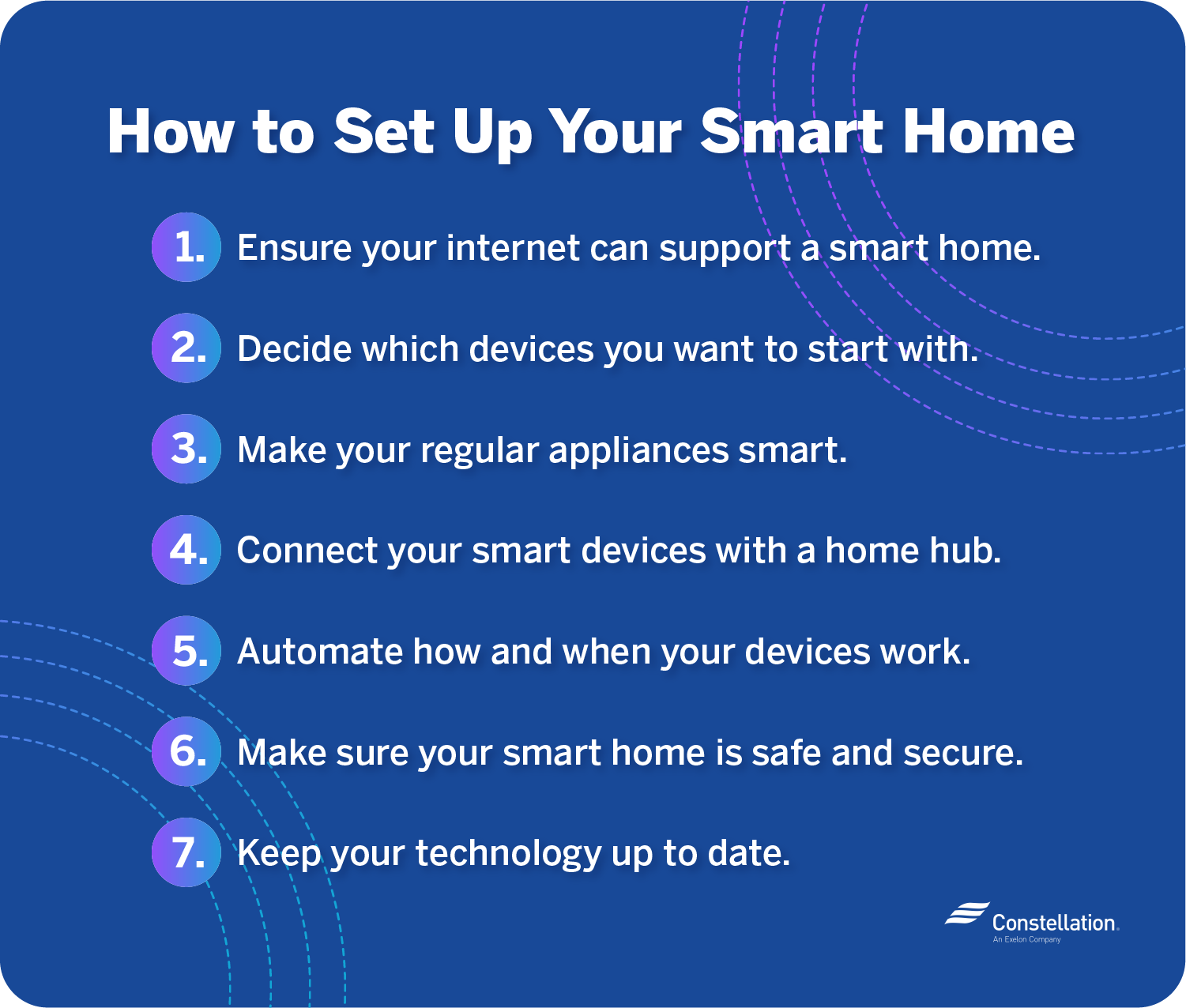
Credit: blog.constellation.com
Choosing The Right Smart Devices
Choosing the right smart devices shapes your entire smart home experience. Devices must work well together and fit your needs. Select products that are easy to set up and use daily.
Focus on devices with strong support and updates. Compatibility with your home Wi-Fi is key. Think about your budget but prioritize quality and reliability.
Smart Hubs And Controllers
Smart hubs connect all your devices into one system. They let you control lights, security, and more from one place. Choose a hub that supports many brands for flexibility.
Controllers make managing devices simple. Some offer apps or physical remotes. Pick one with a user-friendly interface to avoid frustration.
Lighting Solutions
Smart lighting sets the mood and saves energy. Options include bulbs, switches, and strips. Look for dimming and color change features to customize your space.
Check if lights work with your hub or voice assistant. Easy installation is a plus. Consider energy-efficient bulbs to cut electricity costs.
Security Systems
Security devices protect your home and give peace of mind. Cameras, sensors, and alarms are common choices. Choose products with clear video and reliable alerts.
Wireless systems are easier to install and move. Look for options with app control for real-time updates. Battery life matters for uninterrupted security.
Thermostats And Climate Control
Smart thermostats keep your home comfortable and save money. They learn your schedule and adjust temperatures automatically. Look for models compatible with your heating system.
Some devices also control fans and humidifiers. Remote control via phone is helpful. Energy reports help track and reduce usage.
Voice Assistants
Voice assistants offer hands-free control of smart devices. Popular options include Alexa, Google Assistant, and Siri. Choose one that fits your preferred ecosystem.
They can answer questions, set reminders, and control your home. Clear voice recognition is important. Privacy features should match your comfort level.
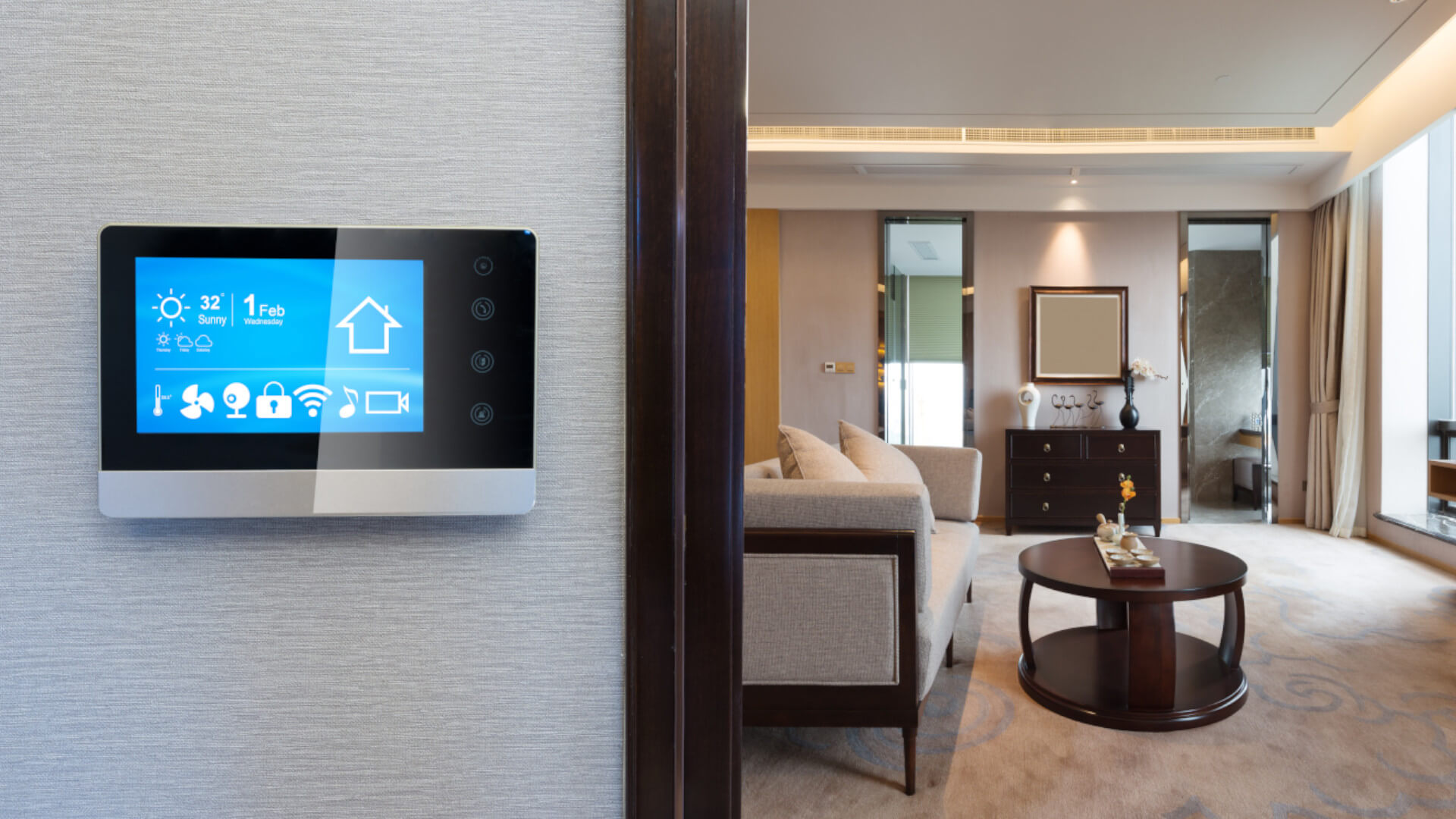
Credit: www.build-review.com
Planning Your Smart Home Layout
Planning your smart home layout is an important first step. It helps you organize devices and make your home more efficient. A clear plan reduces mistakes and saves money. Start by understanding your home’s space and needs.
Assessing Your Space
Look at each room and measure its size. Note where outlets and switches are located. Check if walls or furniture block signals. Identify areas with good lighting and power access. This helps decide where to place devices for best use.
Identifying Key Automation Areas
Think about daily tasks that could be easier with automation. Common areas include living rooms, kitchens, and bedrooms. Focus on lighting, security, and temperature control. Choose spots where devices improve comfort and safety. Prioritize areas you use the most.
Network And Connectivity Considerations
Strong internet is vital for smart devices. Test your Wi-Fi strength in every room. Use Wi-Fi extenders or mesh networks if needed. Make sure your router supports many devices at once. Plan for wired connections for fixed devices to improve stability.
Installing And Connecting Devices
Installing and connecting devices is the key step in building a smart home. This process links your gadgets to work together smoothly. Proper setup makes your home efficient and easy to control. Follow clear steps to avoid common issues.
Setting Up Smart Hubs
A smart hub acts as the brain of your smart home. It connects all devices to one system. Choose a hub compatible with your devices. Plug it into power and connect it to Wi-Fi. Use the app to start the setup. The hub will guide you through adding new devices.
Pairing Devices
Pairing means linking your smart devices to the hub. Turn on the device and put it in pairing mode. This usually involves pressing a button or following app instructions. The hub will search and connect to the device. Confirm the connection in the app. Repeat for each device to create a network.
Integrating Voice Control
Voice control makes managing devices easy. Use popular assistants like Alexa, Google Assistant, or Siri. Enable voice features in your smart hub app. Link your voice assistant account with the hub. Test commands to check the connection. Now, control lights, locks, and more with your voice.
Creating Automation Rules
Creating automation rules makes your smart home work for you. These rules help devices act automatically. This saves time and adds comfort. You control when and how things happen in your home. Setting clear rules is key to a smooth smart home experience.
Automation rules link different devices and actions. You choose conditions that start a task. Then, your smart system follows your instructions. Let’s explore how to create these rules easily.
Scheduling And Scenes
Scheduling lets you plan tasks for specific times. For example, lights can turn on at sunset. Or the thermostat can lower at bedtime. Scenes group multiple actions into one command. You can create a “Good Morning” scene. This might turn on lights and play music together. Scheduling and scenes save effort and create daily routines.
Triggers And Actions
Triggers start automation rules. They are events like motion detection or door opening. Actions are what happens after the trigger. For instance, a trigger can be a door unlocking. The action could be turning on the hallway light. Pairing triggers and actions makes your home smarter and responsive.
Using Geofencing
Geofencing uses your phone’s location to control devices. It creates a virtual boundary around your home. When you enter this area, rules activate automatically. For example, lights can turn on as you arrive. Or the security system can turn off. Geofencing adds convenience and safety without manual control.
Maintaining And Updating Your System
Maintaining and updating your smart home system is key to keeping it safe and working well. Technology changes fast, and smart devices need care to stay reliable. Small tasks done regularly help avoid big problems later.
Smart home maintenance includes updating software, fixing issues, and adding new devices. These steps keep your system smooth and secure. A well-kept smart home offers better comfort and control every day.
Regular Firmware Updates
Firmware updates improve device performance and fix bugs. These updates often add new features to your devices. Check for updates in the app or device settings. Install updates as soon as they are available. Updated devices protect your home from security threats. Set devices to update automatically if possible. Regular updates keep your system running without glitches.
Troubleshooting Common Issues
Devices may stop working or respond slowly sometimes. Restart the device or your Wi-Fi to fix many problems. Check device connections and power sources. Use the app’s help section for quick fixes. Reset devices to factory settings if problems persist. Keep devices clean and free from dust. Troubleshooting helps avoid frustration and keeps your smart home reliable.
Expanding Your Smart Home
Adding new devices can improve your smart home experience. Choose devices that work with your current system. Start with simple additions like smart bulbs or plugs. Plan device placement for the best coverage. Test new devices before full installation. Expanding your system lets you control more parts of your home. Grow your smart home slowly for easy management.

Credit: www.pcmag.com
Frequently Asked Questions
What Devices Are Essential For Setting Up A Smart Home?
Essential devices include smart speakers, bulbs, thermostats, and security cameras. These form a basic, connected smart home system for convenience and security.
How Do I Choose The Best Smart Home Hub?
Choose a hub compatible with most devices you own. Consider ease of use, app support, and voice assistant integration for better control.
Is Smart Home Setup Secure From Hackers?
Use strong passwords, enable two-factor authentication, and update device firmware regularly. These steps help protect your smart home from potential cyber threats.
Can I Control My Smart Home Remotely?
Yes, smart home apps allow remote control via smartphones. This lets you manage devices and monitor your home from anywhere, anytime.
Conclusion
Setting up a smart home can make life easier and more fun. Start with simple devices that fit your needs. Connect them step by step to avoid confusion. Enjoy control from your phone or voice. Keep security in mind to protect your data.
Smart homes save time and energy every day. Take your time and learn as you go. Soon, your home will feel modern and comfortable. Smart living is within your reach.
As an Amazon Associate, I earn from qualifying purchases.

