

You just spilled water on your laptop. Your heart races, and panic starts to set in.
What do you do now? Every second counts when liquid hits your device, and the wrong move can cause serious damage. But don’t worry—you’re in the right place. This guide will walk you through the exact steps to take immediately after a spill.
Follow these simple actions carefully, and you could save your laptop from costly repairs or even permanent loss. Keep reading—your laptop’s survival depends on it.
Immediate Steps After The Spill
Turn off your laptop immediately. This stops electricity from causing more damage. Press and hold the power button until it shuts down.
Unplug the charger and all connected devices like USB drives or headphones. This helps prevent short circuits.
If your laptop has a removable battery, take it out carefully. This step cuts power completely and reduces risk of damage.
Drying Techniques To Prevent Damage
Absorbent cloths like microfiber or cotton towels quickly soak up spilled water. Press the cloth gently on the wet areas. Avoid rubbing, which can spread the liquid inside the laptop.
Position the laptop so water can flow out easily. Open it as wide as possible and turn it upside down in a tent shape. This helps water drain away from sensitive parts.
Do not use heat sources like hair dryers or ovens. Heat can damage the laptop’s inside parts. Instead, let it air dry in a cool, dry place for at least 24 hours.
Cleaning And Inspecting The Laptop
Check the laptop carefully for any leftover moisture. Use a soft cloth to dab around the keyboard and ports. Avoid rubbing hard to stop damage.
Sticky spots may appear if the water had sugar or dirt. Use a slightly damp cloth with mild soap to clean these areas. Wipe gently and then dry with a soft cloth.
Look closely at the keyboard and ports. Make sure no water or dirt is stuck inside. Use a small brush or compressed air to clear out any debris carefully.
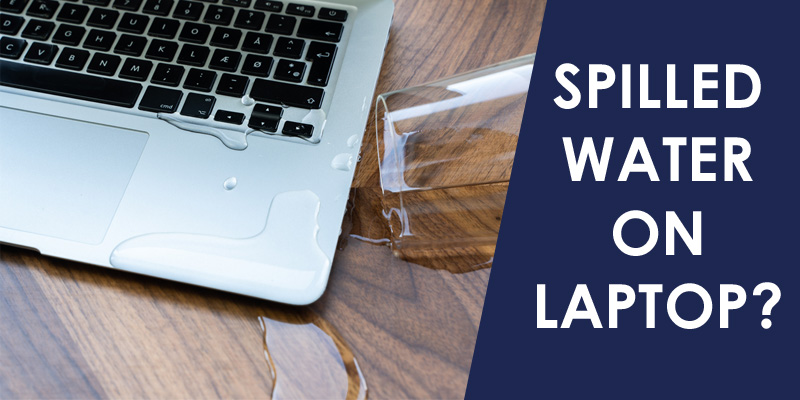
Credit: www.esourceparts.ca
When To Seek Professional Help
Signs of internal damage include strange noises, screen flickering, or no power. If the laptop gets very hot or the keyboard stops working, internal parts might be wet. Water inside can cause short circuits that stop the laptop from working properly.
Risks of DIY repairs are high. Opening the laptop without tools or knowledge can break small parts. Water might hide in places hard to see. Using a hairdryer or shaking the laptop can spread water inside and cause more damage.
Finding a reliable repair service is important. Choose a shop with good reviews and experience with water damage. Ask if they offer a warranty on repairs. A skilled technician can clean and dry the laptop safely.
Preventive Measures For The Future
Keyboard covers help protect your laptop from spills and dust. They are easy to clean and stop water from reaching inside. Using one can save your laptop from damage.
Setting up safe workspaces means keeping drinks and liquids away from your laptop. Use a separate table or desk for your drinks. Avoid crowded spaces to reduce accident risks.
Regular backups keep your data safe in case of accidents. Save your important files on cloud storage or an external drive. Backing up often means less worry if your laptop gets wet.
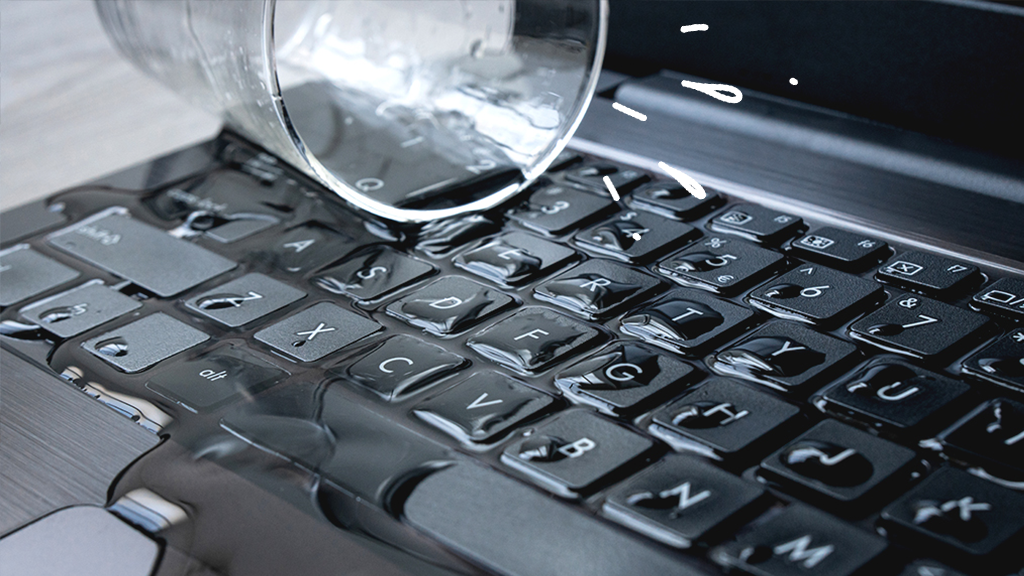
Credit: www.asurion.com

Credit: www.docphonefix.com
Frequently Asked Questions
How Quickly Should I Act After Spilling Water On Laptop?
You must act immediately to prevent damage. Power off the laptop, unplug it, and remove the battery if possible. Quickly dry the surface and avoid turning it back on until fully dried to reduce risk of short circuits and corrosion.
Is It Safe To Use A Hairdryer On Wet Laptop?
Using a hairdryer is risky as heat can damage internal components. Instead, use a fan or air-dry in a warm, dry place. Avoid direct heat or high temperatures to protect your laptop’s delicate parts from warping or melting.
Can I Fix Water Damage On My Laptop Myself?
Minor spills might be manageable with quick drying and cleaning. However, internal damage often requires professional repair. If unsure, consult a technician to avoid worsening the problem or voiding warranty.
What Steps Prevent Laptop Water Damage In Future?
Use a keyboard cover and avoid liquids near your laptop. Keep drinks away and always place your device on a stable, dry surface. Regularly back up data to avoid loss from accidental spills.
Conclusion
Spilling water on a laptop feels scary. Act quickly to reduce damage. Turn off the device and unplug it. Dry it gently with a cloth. Avoid using heat to dry inside parts. Let it air dry for a day or two.
Seek help from a professional if unsure. Taking these steps can save your laptop. Stay calm, and handle spills carefully next time. Small actions matter in saving your device.
As an Amazon Associate, I earn from qualifying purchases.

