

Are you planning to bring your laptop on your next flight but unsure about the rules? You’re not alone.
Many travelers wonder if they can carry their laptop on a plane and how to do it without hassle. Knowing the right steps can save you time and stress at the airport. You’ll discover everything you need to know about taking your laptop on a plane safely and smoothly.
Keep reading to avoid common mistakes and make your travel experience easier.
Credit: www.pugetsystems.com
Laptop Carry-on Rules
Most airlines allow laptops as carry-on items. Size rules vary, so check your airline’s policy. Some may ask you to put laptops in a separate bin at security.
At security checkpoints, laptops usually need to be taken out of bags. This helps officers scan them clearly. Keep your laptop easily reachable to speed up the process.
For international travel, rules might be stricter. Some countries limit battery size or the number of devices you can bring. Always check the rules of the country you fly to.
Packing Your Laptop
Choose a bag that is padded and fits your laptop well. A bag with multiple compartments helps keep chargers and accessories neat. Soft sleeves offer extra protection against bumps and scratches.
Use protective accessories like a hard case or sleeve to guard your laptop. Wrap it in a soft cloth to avoid scratches. Keep cables and chargers organized to prevent damage.
| Battery and Power Guidelines |
|---|
| Lithium batteries must be in carry-on bags, not checked luggage. |
| Keep your laptop charged or carry a power bank for long flights. |
| Check airline rules about spare batteries and battery capacity limits. |
| Switch off the laptop during security checks if asked. |
Airport Security Tips
Prepare your laptop by removing it from the bag. Place it in a separate bin. This helps the security officers check it clearly. Keep your laptop easily reachable to avoid delays.
Follow the instructions given by TSA officers. Be polite and answer questions briefly. You might need to turn on the laptop for inspection. Carrying a charged laptop is always better.
Put smaller electronics and cords in your carry-on bag. Laptops must be handled carefully to prevent damage. Use a sturdy bag to protect your device during screening.
In-flight Laptop Use
Wi-Fi on planes is not always free or fast. Some airlines offer paid Wi-Fi, while others provide it for free. Connection speed can be slow, so simple tasks work best.
Laptops have limited battery life during flights. Charge your device before boarding. Carry a portable charger if allowed. Turn off unused apps to save power.
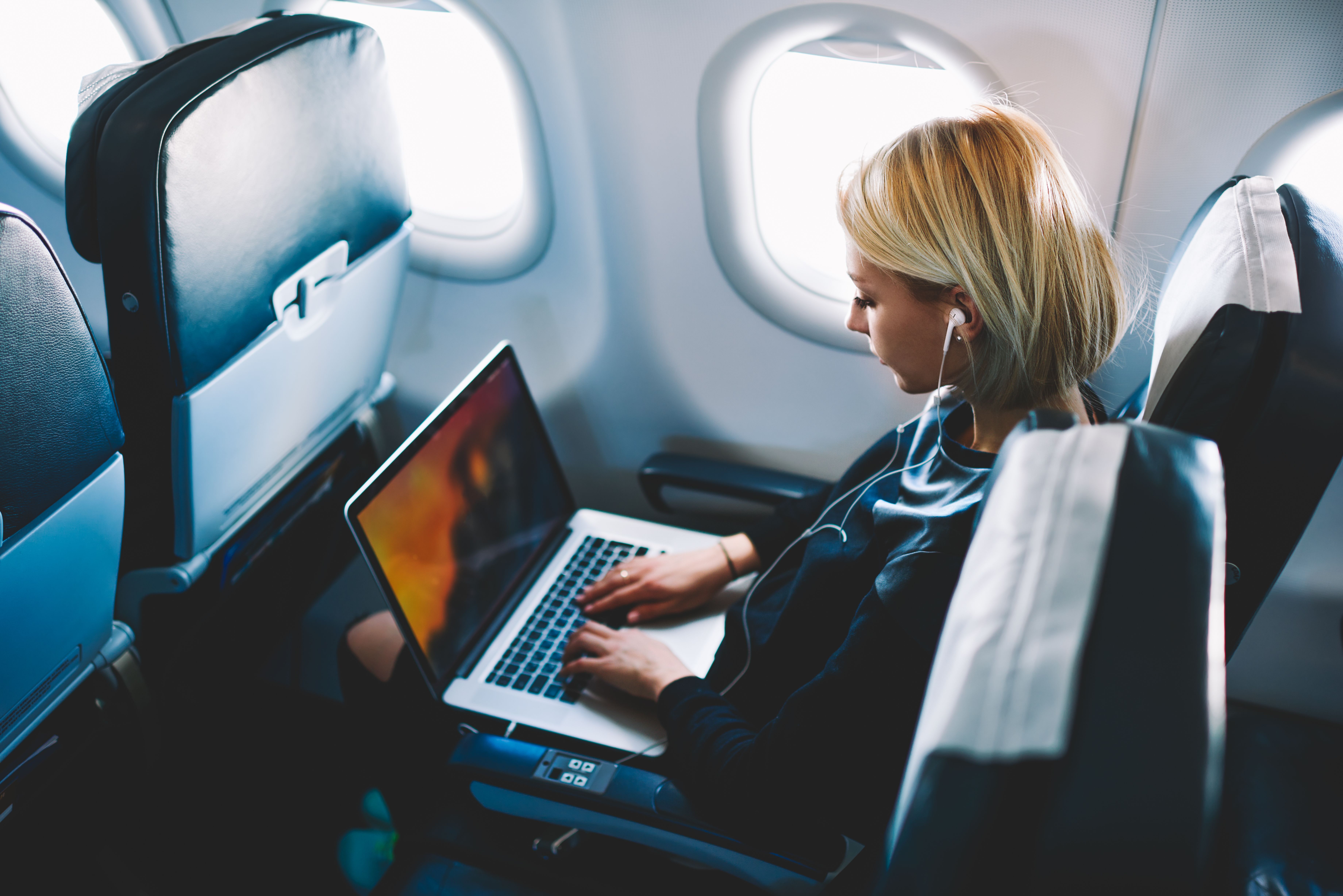
Using laptops in-flight requires good manners. Keep the volume low or use headphones. Avoid blocking aisles or disturbing neighbors. Follow crew instructions for safety.
Troubleshooting Common Issues
Lost or damaged laptops during flights can cause stress. Report the issue to the airline immediately. Keep your boarding pass and luggage tags. These help claim compensation or track your device. Always back up important files before travel. This avoids data loss if your laptop is lost or broken.
Customs and declarations require honesty. Declare your laptop if asked by customs officers. Carry proof of purchase to avoid taxes or fines. Follow each country’s rules carefully to prevent delays or issues.
Flight delays can disrupt your plans. Keep your laptop charged and ready. Use this time to organize files or work offline. Carry a portable charger for emergencies. Stay calm and patient during delays to manage your time well.
Credit: www.pugetsystems.com
Credit: weirdpride.day
Frequently Asked Questions
Can I Carry A Laptop On A Plane?
Yes, you can carry a laptop on a plane. It must be in your carry-on bag for security screening. Airlines allow laptops in both carry-on and checked luggage, but carry-on is safer.
Are Laptop Batteries Allowed On Flights?
Laptop batteries are allowed, but spare lithium batteries must be in carry-on bags only. Airlines restrict batteries in checked luggage due to fire risks. Always check airline rules before flying.
Do I Need To Remove My Laptop At Security?
Yes, you must remove your laptop from your bag during security screening. Place it in a separate bin for X-ray scanning. This helps TSA officers inspect devices clearly.
Can I Use My Laptop During The Flight?
Most airlines allow laptop use during the flight, except during takeoff and landing. Follow crew instructions and switch to airplane mode. Wi-Fi may be available on some flights.
Conclusion
Taking a laptop on a plane is usually allowed and common. You must follow airline rules and airport security guidelines. Keep your laptop charged and ready for inspection. Store it safely in your carry-on bag during the flight. Always check specific airline policies before you travel.
This helps avoid surprises and keeps your device safe. Traveling with your laptop can be easy and stress-free. Just plan ahead and stay informed. Safe travels with your laptop!
As an Amazon Associate, I earn from qualifying purchases.

