

Are you planning to pack your laptop for your next flight? You might be wondering if it’s safe or even allowed to put your laptop in your checked baggage.
This question is more important than you think because it can affect your device’s safety and your travel experience. You’ll discover the rules, risks, and smart tips to protect your laptop during your trip. Keep reading to make sure your valuable device stays safe from damage or loss.

Credit: us.delsey.com
Risks Of Checking Laptops
Laptops in checked baggage can face damage during transit. Bags are often thrown or stacked tightly. This can harm the laptop’s screen or internal parts. The hard case of the laptop might not protect it enough.
Theft is another concern. Checked bags are out of sight for long times. Some laptops are stolen from luggage at airports. Expensive devices make bags a target for thieves.
Battery safety is also important. Laptop batteries may catch fire if damaged. Airlines have rules about carrying batteries. Checked luggage is not the best place for devices with lithium batteries.

Credit: toomanyadapters.com
Airline Policies On Electronics
Many airlines have rules about laptops in checked bags. Most say to keep laptops in carry-on luggage. This is because batteries can catch fire if damaged inside checked bags.
Some airlines allow laptops in checked bags but warn about risks. Others strictly forbid it. Always check your airline’s specific rules before packing.
| Type of Flight | Common Laptop Policy |
|---|---|
| Domestic | Laptops usually allowed in carry-on only. |
| International | Stricter rules; often laptops must stay in carry-on. |
Rules can change by airline. Some airlines have extra security checks. Others limit battery size in checked luggage.
Security Screening And Laptops
TSA rules say laptops should be in carry-on bags, not checked luggage. Laptops in checked bags face extra risks like damage or theft. Security agents can’t easily check laptops in checked bags, so screening may be delayed or rejected.
Placing laptops in checked bags can cause longer waiting times at security checkpoints. Bags with laptops might be opened for inspection, leading to possible delays. Fragile electronics could get harmed in checked baggage holds.
Travelers must consider safety and convenience. Carrying laptops onboard allows easier access and better protection. Checked baggage screening focuses on larger threats, not detailed laptop checks.
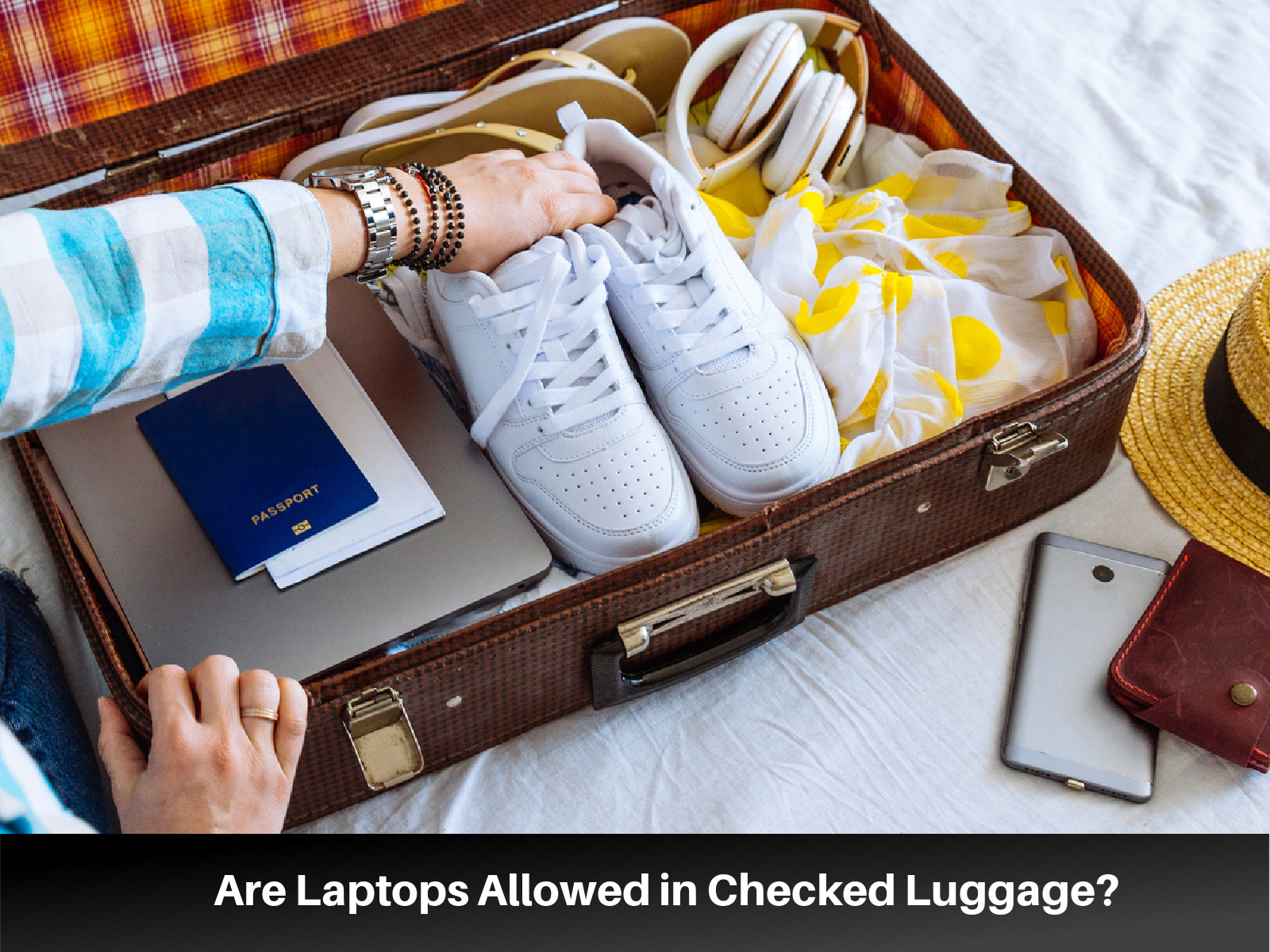
Credit: lifefamilyfun.com
Tips For Packing Laptops Safely
Use protective cases to guard your laptop from bumps and drops. A padded case adds a strong layer of defense. It keeps the laptop safe inside your baggage.
Remove batteries if possible. Batteries can be sensitive to pressure and temperature changes. Carry them in your hand luggage to avoid damage or fire risk.
Secure your data by backing up files before travel. Encrypt important files or use a strong password. This keeps your information safe if the laptop is lost or stolen.
Alternatives To Checked Luggage
Carrying a laptop in carry-on bags keeps it safe and close. Laptops can get damaged in checked baggage due to rough handling. Also, batteries in laptops might be a fire risk in the cargo hold.
Using a laptop sleeve adds an extra layer of protection. Sleeves are soft, light, and easy to carry inside your bag. They stop scratches and minor bumps.
Always keep a travel backup like a USB drive or cloud storage. It helps if your laptop gets lost or broken. Keeping copies of important files is very important.
Insurance And Claims
Travel insurance can protect your laptop during flights. Some policies cover lost or damaged electronics. Check your plan before packing your laptop in checked baggage.
To file a claim for a damaged laptop, keep your boarding pass and baggage claim ticket. Take photos of the damage as proof. Contact the airline and insurance company quickly.
Prevent loss by using a hard laptop case. Put your laptop in your carry-on bag if possible. Label your bags clearly with your contact information. These steps help protect your device.
Frequently Asked Questions
Can I Put My Laptop In Checked Baggage?
It is generally not recommended to pack laptops in checked baggage. Laptops are fragile and can be damaged or stolen. Airlines and security regulations advise carrying laptops in carry-on bags for safety.
Are Laptops Allowed In Checked Luggage On Flights?
Most airlines allow laptops in checked luggage but discourage it. Risks include damage, theft, and battery fire hazards. Always check airline policies before packing laptops in checked bags.
What Are The Risks Of Checking A Laptop In Baggage?
Laptops in checked bags face damage from rough handling and theft risk. Lithium batteries may pose fire hazards. Carrying laptops as carry-on is safer and more secure.
Can Laptop Batteries Cause Issues In Checked Baggage?
Yes, lithium-ion batteries in laptops can overheat or catch fire. Airlines restrict battery-powered devices in checked bags for safety. Carrying laptops with batteries in carry-on is recommended.
Conclusion
Laptops are fragile and can get damaged in checked bags. Carrying them in your hand luggage is safer. Airports often have rules against placing electronics in checked baggage. Protect your device from theft and rough handling. Keep your laptop close during travel for peace of mind.
Always check airline policies before packing. Safe travel means smart packing choices. Your laptop deserves extra care on every trip.
As an Amazon Associate, I earn from qualifying purchases.

