

How often should you replace your laptop? It’s a question many people avoid until their device starts slowing down or acting up.
But waiting too long can cost you time, productivity, and even money. Your laptop is more than just a tool—it’s a key part of your daily life. Knowing the right time to upgrade can save you frustration and keep you ahead in work, school, or entertainment.
Keep reading to discover the signs your laptop is ready for a change and how to make the smartest decision for your needs.
Signs You Need A New Laptop
Slow programs and long loading times show performance issues. Your laptop may freeze or crash often. These signs mean it struggles with tasks.
Battery life decline is common after years of use. If your laptop dies quickly or needs constant charging, it may be time to replace it. A worn battery limits how long you can work.
Hardware failures include broken keys, cracked screens, or faulty ports. These problems stop you from using the laptop properly. Repair costs might be high.
Software compatibility problems happen when new apps or updates won’t install. Older laptops may not support the latest software. This limits what you can do.
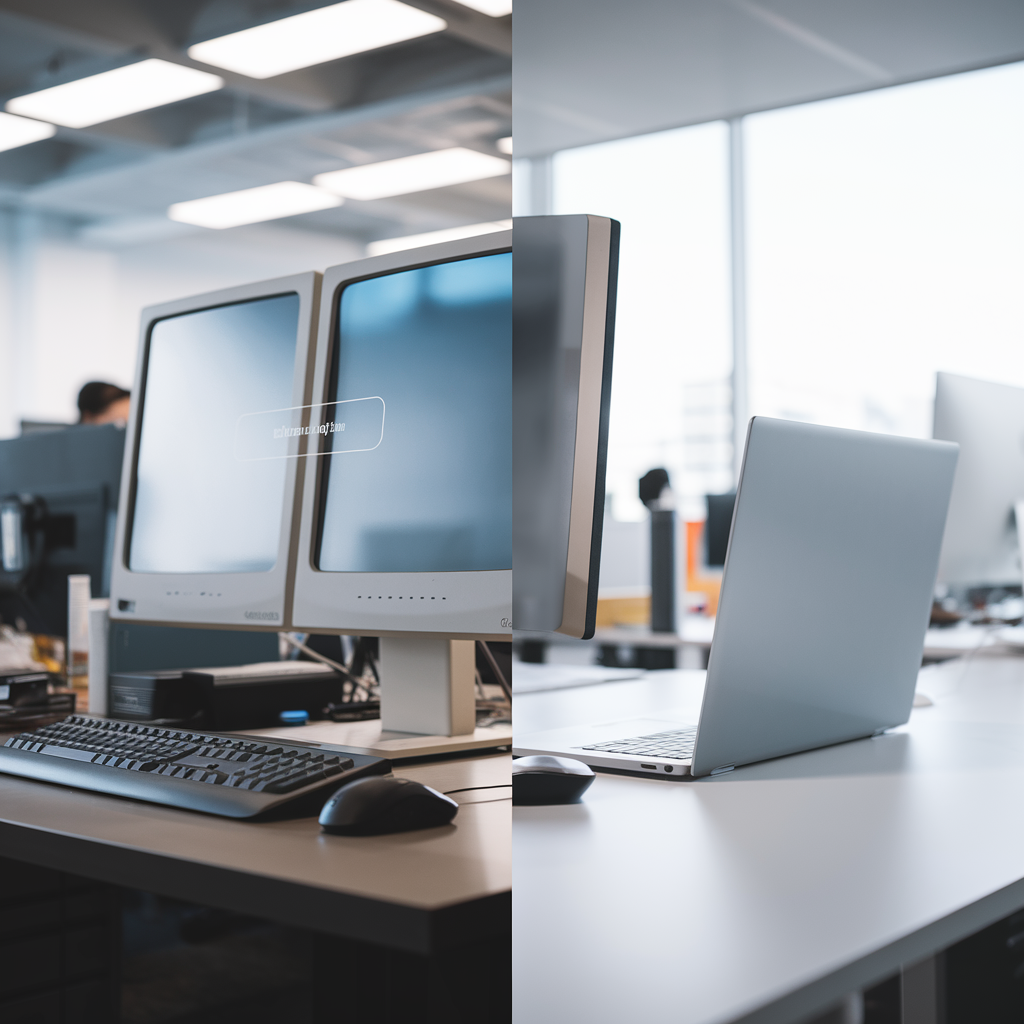
Credit: www.xpresstex.com.au
Factors Influencing Replacement Frequency
Usage patterns affect how often you need a new laptop. Heavy users like gamers or video editors may replace laptops every 2-3 years. Light users might keep laptops for 5 years or more. Daily tasks like browsing or emails need less power, so laptops last longer.
Technological advances can make laptops feel old quickly. New software may need faster processors or more memory. Upgrading every few years keeps your device running smoothly and securely.
Budget considerations play a big role. Some people buy new laptops only when needed. Others prefer to spend more to get the latest features. Balancing cost and needs helps decide replacement timing.
| Brand and Model | Durability | Replacement Frequency |
|---|---|---|
| High-end brands (Apple, Dell XPS) | Last 4-6 years with good care | Every 4-6 years |
| Budget brands | Last 2-4 years | Every 2-4 years |
Average Laptop Lifespan
Entry-level laptops usually last about 3 to 4 years. They are good for simple tasks like browsing or writing. Their parts are less powerful, so they wear out faster.
Mid-range laptops can work well for 4 to 6 years. They handle more programs and some games. These laptops have better parts and last longer than entry-level ones.
High-end laptops often last 5 to 7 years or more. They have fast processors and strong graphics cards. These laptops are built for heavy use and last the longest.

Credit: arlingtonadvanceddentistry.com
Benefits Of Timely Replacement
Improved performance helps your laptop run faster and smoother. Programs open quickly. Tasks get done without delays. This saves time and reduces frustration.
Enhanced security protects your data from threats. New laptops have better tools to stop viruses and hackers. Keeping your information safe is very important.
Better battery efficiency means your laptop lasts longer on one charge. Old batteries drain fast and need charging often. A fresh battery keeps you working without interruptions.
Access to new features lets you enjoy the latest technology. New laptops have updated software and hardware. This makes your computer more useful and fun to use.
When To Repair Vs. Replace
Repair costs that are close to or higher than a new laptop’s price usually mean replacement is better. Small fixes like battery or keyboard replacement are worth it. But big repairs on old parts can be costly.
Repairs may not fix performance issues. Older laptops can be slow even after repairs. Upgrading to a new model often gives faster speed and better features.
Parts availability is crucial. For very old laptops, spare parts become rare or expensive. This makes repairs difficult or impossible.
Thinking about future-proofing is smart. New laptops support the latest software and security updates. Old laptops may stop getting updates and become unsafe or unable to run new programs.
Tips To Extend Laptop Lifespan
Regular maintenance helps keep your laptop fast and safe. Clean dust from vents and keyboard often. Use a soft cloth and gentle cleaner. Check for viruses and delete unnecessary files. This keeps your laptop running smooth and free from problems.
Battery care extends how long your laptop lasts each day. Avoid letting the battery drop to zero. Charge it when it gets low. Do not keep it plugged in all the time. This helps the battery stay healthy for years.
Software updates fix bugs and add security. Install updates for your system and apps regularly. Updates make your laptop work better and protect from threats. Set your laptop to update automatically if possible.
Proper usage habits protect your laptop from damage. Use it on flat, hard surfaces for good air flow. Avoid eating or drinking near your laptop. Do not drop or hit it. These habits help your laptop last longer.
Choosing The Right Replacement Laptop
Assess your needs first. Think about what you use your laptop for daily. Simple tasks like browsing or emailing need less power. For games or videos, pick a laptop with a strong processor and good graphics.
Compare specs carefully. Look at the processor speed, RAM, and storage size. These parts affect how fast your laptop runs. More RAM helps with multitasking. Bigger storage means more space for files and apps.
Portability matters. If you travel a lot, choose a light and slim laptop. Bigger laptops can be heavy and hard to carry. Battery life is key for long trips without charging.
| Price Range | Performance Level | Best For |
|---|---|---|
| Low | Basic | Web browsing, email, documents |
| Medium | Moderate | School work, streaming, light games |
| High | Strong | Gaming, video editing, heavy software |

Credit: smokeodorsolution.com
Frequently Asked Questions
How Often Should You Replace A Laptop For Optimal Performance?
Most laptops should be replaced every 3 to 5 years. This timeframe ensures smooth performance and compatibility with new software. Regular upgrades prevent slowdowns and security risks, keeping your device efficient and secure.
What Signs Indicate It’s Time To Replace Your Laptop?
Common signs include slow performance, frequent crashes, outdated hardware, and poor battery life. If your laptop struggles with basic tasks or no longer supports essential updates, it’s time for a replacement to maintain productivity and security.
Can Software Updates Extend Laptop Replacement Time?
Yes, regular software updates can improve security and functionality, slightly extending your laptop’s lifespan. However, hardware limitations eventually make replacement necessary to support newer applications and maintain optimal performance.
Does Heavy Gaming Affect Laptop Replacement Frequency?
Heavy gaming can shorten a laptop’s lifespan due to increased heat and hardware stress. Gamers might need to replace their laptops every 2 to 4 years to keep up with demanding games and maintain smooth performance.
Conclusion
Choosing when to replace your laptop depends on how you use it daily. Older laptops may slow down or stop running new software. Battery life also plays a big role in deciding to get a new one. Keep an eye on performance and any hardware issues.
Balance cost and needs before buying a new device. Staying updated helps you work smoothly and avoid frustration. Remember, the right time varies for everyone. Trust your experience and replace your laptop when it no longer meets your needs.
As an Amazon Associate, I earn from qualifying purchases.

