

Have you ever found yourself stuck with a dead laptop and no charger in sight? It’s frustrating, right?
But don’t panic just yet. There are simple, clever ways you can charge your laptop without its charger. Whether you’re at a café, traveling, or just forgot your charger at home, knowing these tricks can save your day. Keep reading, and you’ll discover easy, practical methods to power up your laptop when you need it most.
Use A Power Bank
Check if your power bank supports laptop charging. Many power banks work only with phones. A power bank with a USB-C port or a special adapter can charge laptops.
Look at the power output of the power bank. Your laptop needs enough watts to charge. Usually, 30W or more is good. Check your laptop’s charging needs in the manual or online.
Connect the power bank to your laptop using a USB-C cable if both support it. If not, use a compatible adapter to link the devices safely.
Credit: www.currys.co.uk
Charge With A Car Charger
Use a laptop car charger adapter to charge your laptop in a car. This adapter plugs into the car’s cigarette lighter or power outlet. It converts the car’s power to the right voltage for your laptop. Make sure the adapter matches your laptop’s power needs. Connect the adapter to your laptop’s charging port securely. Keep the car engine running for steady power supply. Avoid using cheap or damaged adapters to protect your laptop.
Safety tips for car charging:
- Always use a charger adapter designed for your laptop model.
- Do not leave the charger connected when the car is off.
- Keep the charger and cables away from water or heat.
- Unplug the charger if you notice any sparks or smell burning.
- Charge in a well-ventilated area to prevent overheating.
Utilize A Universal Charger
Choose a universal charger with the correct voltage for your laptop. Check the laptop’s label or manual for the voltage number. Pick a charger that matches this number exactly to avoid damage.
Next, find the right connector tip that fits your laptop’s charging port. Universal chargers often come with multiple tips. Try each tip gently until one fits snugly without force.
Follow these steps to charge safely:
- Turn off your laptop before connecting the charger.
- Attach the correct connector to the universal charger.
- Plug the charger into a power outlet.
- Connect the charger to your laptop’s charging port carefully.
- Wait until the laptop shows it is charging.
- Unplug the charger once the battery is full.
Make A Diy Usb Charger
Required materials include a USB cable, a voltage regulator, and a soldering kit. Use a multimeter to check voltage levels. A plastic case can protect the circuit. Make sure to have electrical tape for insulation.
Assembly instructions start by cutting the USB cable to expose wires. Connect the red wire to the positive terminal of the regulator. Attach the black wire to the negative terminal. Solder connections carefully to avoid loose ends. Place the circuit inside the plastic case. Double-check all connections with the multimeter before use.
Precautions include never touching wires while charging. Use the correct voltage to avoid damage. Do not leave the DIY charger unattended. Keep the charger away from water and heat. Always disconnect after charging to prevent overheating.
Use An External Battery Pack
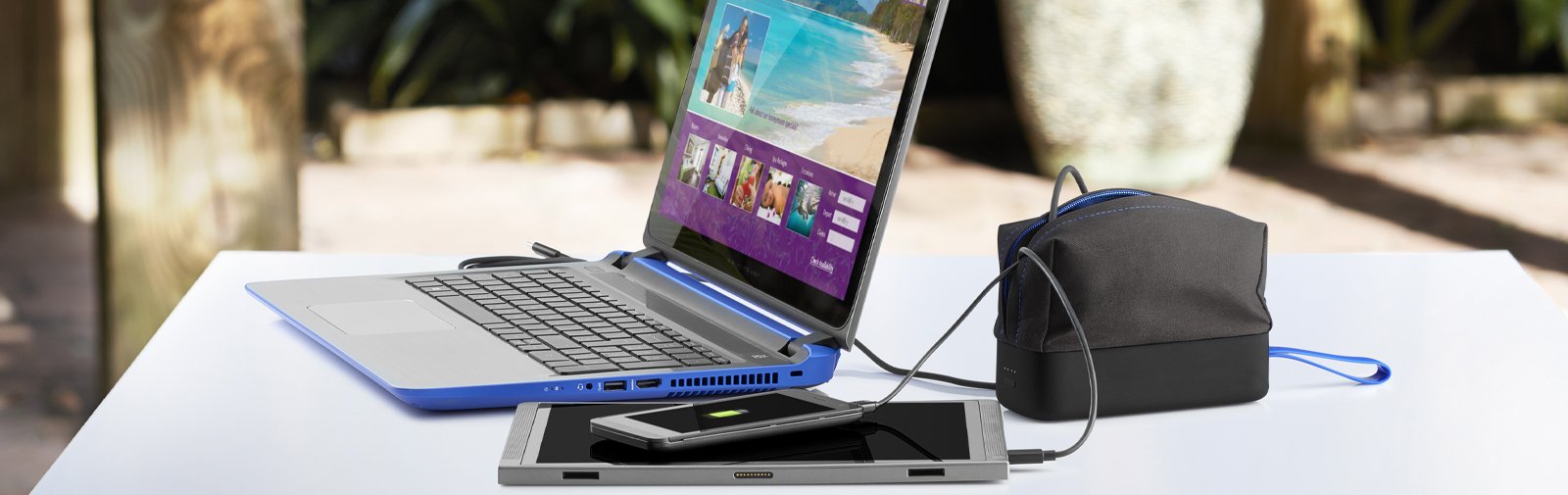
Choose a battery pack with enough power capacity for your laptop. Check the voltage and output current to match your laptop’s needs. Look for a battery pack with a USB-C port if your laptop supports it. Some laptops need special adapters to connect to external batteries.
To connect, plug the battery pack into your laptop’s charging port. Use the correct cable type, usually USB-C or DC connector. Turn on the battery pack if it has a power button. Charging starts automatically when the connection is right.
Credit: www.hp.com
Employ Solar Power Solutions
Portable solar panels are small and easy to carry. They catch sunlight and turn it into power. You can connect them to your laptop using a USB or special adapter. Solar panels work best in bright sunlight. Cloudy days may slow charging.
Charging efficiency depends on panel size and sunlight strength. Larger panels give more power but are heavier. Small panels are light but slower. Angle the panel toward the sun for best results. Keep the surface clean for better power.
Tips To Preserve Laptop Battery
Adjusting power settings helps your laptop use less battery. Lower screen brightness to save energy. Set your laptop to sleep after a short time of no use. Turn off keyboard backlight if possible. These small changes make a big difference.
Closing unnecessary apps stops programs from running in the background. These apps use battery power even if you are not using them. Check your taskbar or dock and close apps you don’t need. This keeps your laptop battery alive longer.
Credit: www.youtube.com
When To Seek Professional Help
Avoiding damage is key when charging without a charger. Using the wrong power source can harm your laptop’s battery or circuits. Never try to force a connection or use low-quality adapters. Check for any signs of overheating or strange smells while charging. Stop immediately if you notice anything unusual.
Authorized repair services provide safe and reliable help. They use original parts and follow proper safety steps. Professionals can fix charging ports or batteries correctly. This prevents further damage and keeps your laptop working well longer. Trusting experts saves time and money in the long run.
Frequently Asked Questions
How Can I Charge My Laptop Without Its Charger?
You can charge your laptop using a USB-C cable, power bank, or universal charger. Ensure compatibility with your laptop’s voltage and ports to avoid damage.
Is It Safe To Use A Power Bank For Laptop Charging?
Yes, if the power bank supports laptop charging and matches voltage requirements. Using an incompatible power bank can harm your laptop or reduce battery life.
Can I Use A Phone Charger To Power My Laptop?
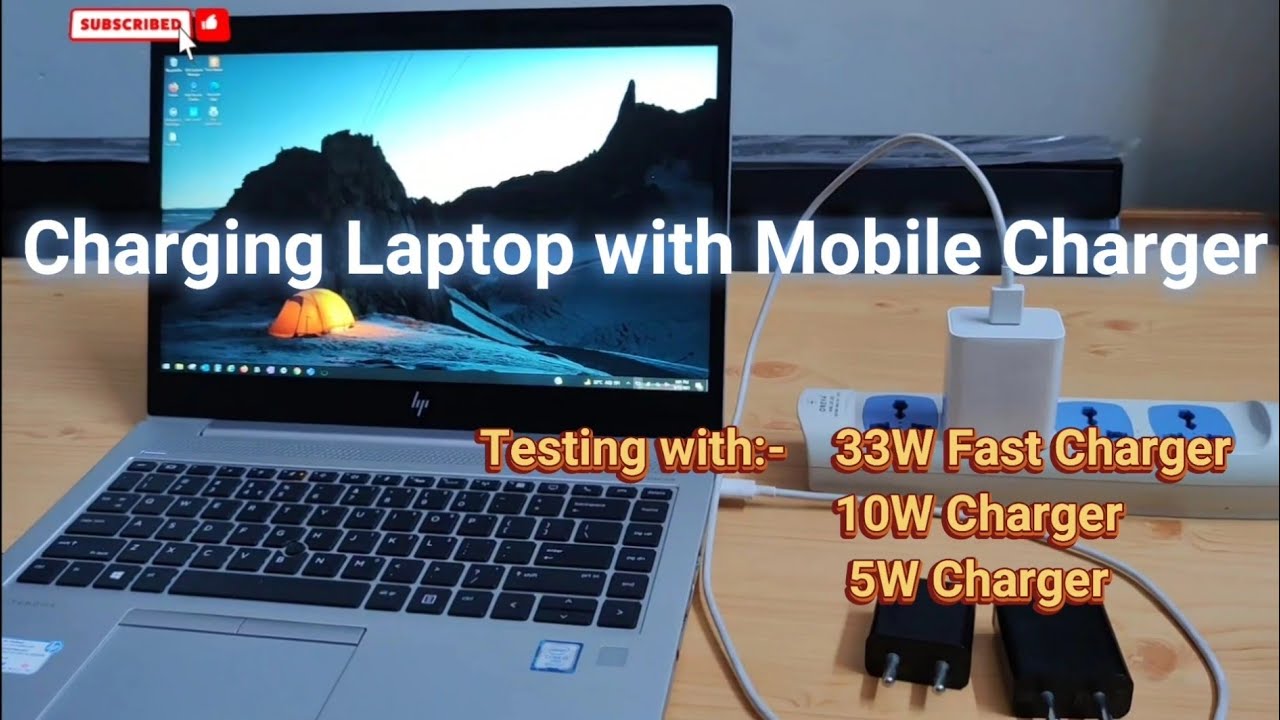
Only if your laptop supports USB-C charging and the phone charger provides enough power. Most phone chargers lack sufficient wattage for laptops.
What Alternative Cables Can Charge A Laptop Without Its Charger?
USB-C cables and some universal laptop chargers can work. Verify port compatibility and power output to ensure safe and effective charging.
Conclusion
Charging a laptop without its charger is possible with some care. Use safe and simple methods like power banks or USB cables. Avoid risky shortcuts that may harm your device. Always check your laptop’s power needs before trying alternative charging.
These tips help keep your laptop running when the charger is missing. Stay prepared and keep your devices ready for any situation.
As an Amazon Associate, I earn from qualifying purchases.

