Are you looking to upgrade your TV sound without buying a whole new system? You might be wondering, “Do soundbars work with any TV?” The good news is, most soundbars are designed to connect easily with a wide range of TVs.
But there are a few things you should know to make sure you get the best sound experience. Keep reading, and you’ll discover how to choose the right soundbar for your TV and enjoy richer, clearer audio every time you watch.

Credit: www.crunchreviews.com
How Soundbars Connect To Tvs
Connecting a soundbar to a TV is simple and can improve your audio experience. Soundbars use different types of connections to link with your TV. Each connection type has its own benefits and setup steps. Understanding these options helps you pick the best fit for your devices.
Hdmi Arc And Earc
HDMI ARC stands for Audio Return Channel. It allows sound to travel both ways on one HDMI cable. This means your TV can send audio to the soundbar without extra cables. eARC is a newer version that supports higher sound quality and more formats. Most modern TVs and soundbars support HDMI ARC or eARC. Use the HDMI port labeled “ARC” on both devices to connect.
Optical Audio Connection
The optical audio connection uses a fiber optic cable. It sends digital sound from the TV to the soundbar. Optical cables are common and work with many TVs. This connection supports surround sound and clear audio. It does not carry video signals, so use it only for sound.
Bluetooth Pairing
Bluetooth lets you connect your soundbar wirelessly to the TV. It is easy and avoids cable clutter. Not all TVs support Bluetooth audio, so check your TV’s features. Bluetooth works best for casual listening and small rooms. Sound delay might occur with some models, so test it first.
Auxiliary And Other Ports
Auxiliary (AUX) ports use a 3.5mm cable to connect soundbars to TVs. This is a simple analog option for older TVs. Some soundbars also have RCA or coaxial ports. These connections offer basic sound quality but less than digital options. Use these if your TV lacks HDMI or optical ports.
Checking Tv Compatibility
Checking your TV’s compatibility with a soundbar is important. Not all soundbars work with every TV. Knowing what your TV supports helps you get the best sound experience. Here are key points to check before buying a soundbar.
Supported Audio Outputs
Look at your TV’s audio output options. Common outputs include HDMI ARC, optical, and AUX. HDMI ARC is the best for clear, high-quality sound. Optical cables also deliver good sound but lack some advanced features. AUX is the most basic and may reduce sound quality. Make sure your soundbar has matching inputs.
Tv’s Sound Settings
Check your TV’s sound menu for audio settings. Some TVs let you choose between internal speakers and external sound devices. You may need to turn off the TV speakers manually. Look for settings like PCM, Dolby Digital, or DTS. These affect how sound is sent to the soundbar. Adjust settings for the best audio output.
Firmware And Software Updates
Keep your TV’s firmware up to date. Updates can improve audio compatibility and fix bugs. Some soundbars also need updates to work well with new TVs. Check the manufacturer’s website or TV menu for update options. Regular updates help your devices work smoothly together.
Types Of Soundbars And Their Compatibility
Soundbars come in different types, each with unique features and compatibility. Understanding these types helps in choosing the right soundbar for your TV. Some soundbars are simple and fit most TVs easily. Others have extra features that need specific connections or smart TVs.
Knowing the differences can save time and avoid compatibility issues. Below are common types of soundbars and how they work with various TVs.
Basic Vs. Advanced Soundbars
Basic soundbars usually have simple connections like HDMI ARC or optical cables. They work with almost any TV that has these ports. Advanced soundbars include more inputs and outputs for better sound control. Some need special HDMI eARC ports to use all features. Make sure your TV supports these ports for full compatibility.
Smart Soundbars With Wireless Features
Smart soundbars connect wirelessly to TVs through Bluetooth or Wi-Fi. They allow streaming music and using voice assistants. Most modern TVs support Bluetooth, but some older models do not. Wi-Fi connections often need the same home network. Check your TV’s wireless options before buying a smart soundbar.
Soundbars With Subwoofers
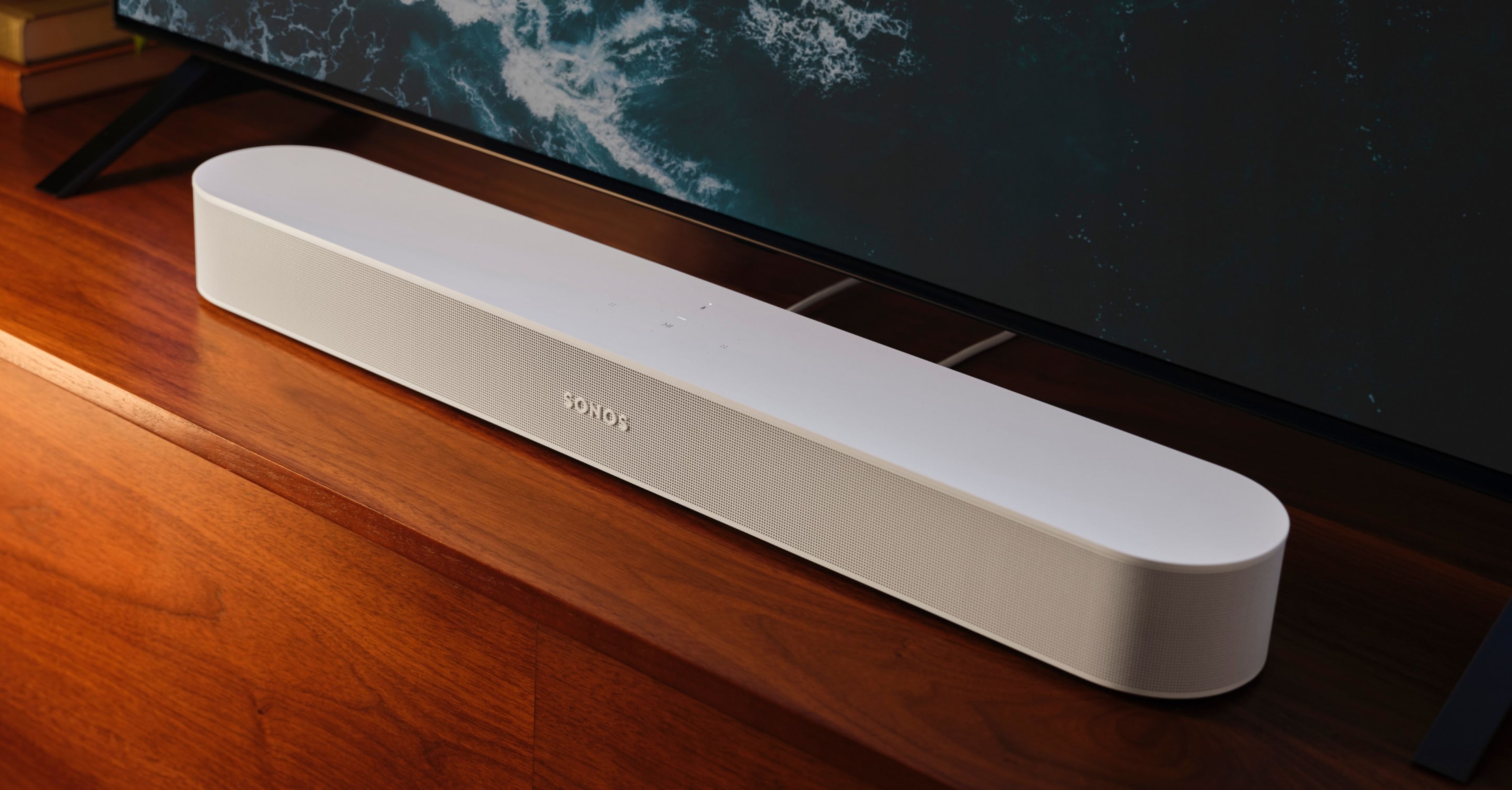
Soundbars with subwoofers add deep bass to your audio experience. The subwoofer usually connects wirelessly to the soundbar. This setup works with any TV since the subwoofer pairs only with the soundbar. The main soundbar still connects to the TV. This type is good for richer sound without complex wiring.
Credit: www.sonos.com
Common Issues When Connecting Soundbars
Connecting a soundbar to your TV should be simple. Still, some common problems can happen during setup. These issues can affect your listening experience and cause frustration. Knowing about these problems helps you fix them fast.
No Sound Or Audio Delay
One frequent problem is no sound from the soundbar. This might happen if cables are loose or in the wrong port. Check if the soundbar is set to the correct input source. Audio delay is another issue where sound does not match the picture. This can happen with wireless connections or wrong TV settings. Adjusting audio sync settings can help fix this.
Remote Control Conflicts
Sometimes, your TV remote may not control the soundbar properly. This can occur if the soundbar and TV use different remote codes. Some soundbars need to be programmed to work with your TV remote. Using the soundbar’s own remote can solve this problem as well.
Lip Sync Problems
Lip sync problems cause the actor’s lips not to match the sound. This happens because of delays in audio processing. Many modern TVs and soundbars have settings to adjust lip sync manually. Try changing these settings to get the sound and video in sync.
Tips To Optimize Soundbar Performance
Optimizing your soundbar helps you get the best audio experience. Small changes can make a big difference. Follow these tips to improve sound quality and enjoy clearer sound from your TV setup.
Proper Placement And Setup
Place the soundbar directly under the TV. Keep it centered for balanced sound. Avoid blocking the speakers with objects. Leave space around the soundbar for airflow. Avoid placing it inside a closed cabinet. Positioning affects bass and clarity. Experiment with slight angle changes to find the best sound.
Adjusting Tv And Soundbar Settings
Check the TV audio settings first. Set the TV audio output to external speakers. Turn off the TV’s internal speakers if possible. Use the soundbar’s equalizer to adjust bass and treble. Choose the right sound mode for your content. Movie mode enhances dialogue and effects. Music mode improves vocals and instruments.
Using External Devices
Connect your soundbar with HDMI ARC or optical cables. These provide better sound quality than Bluetooth. Use a high-quality cable for stable connection. Stream content from external devices like streaming boxes or gaming consoles. Adjust the external device’s audio output settings. This helps maintain clear, synchronized sound.
Popular Brands And Their Compatibility Notes
Many popular soundbar brands work well with most TVs. Each brand has unique features and compatibility notes. Understanding these details helps you pick the right soundbar for your TV. Below, we explore some top brands and their compatibility with different television models.
Samsung Soundbars
Samsung soundbars pair best with Samsung TVs. They use HDMI ARC or eARC for easy connection. Samsung’s Q-Symphony tech syncs TV speakers and soundbar for clear sound. These soundbars also work with other brands but may lack full features. Use optical or Bluetooth connections for non-Samsung TVs. Most Samsung soundbars support voice assistants like Alexa and Google.
Sony Soundbars
Sony soundbars fit well with Sony TVs, especially those with HDMI eARC ports. They offer features like Dolby Atmos and DTS:X for immersive audio. Sony soundbars connect via HDMI, optical, or Bluetooth. They work smoothly with non-Sony TVs but might miss some smart functions. Sony’s soundbars often include built-in Chromecast for easy streaming. They support voice control through Google Assistant.
Bose And Other Brands
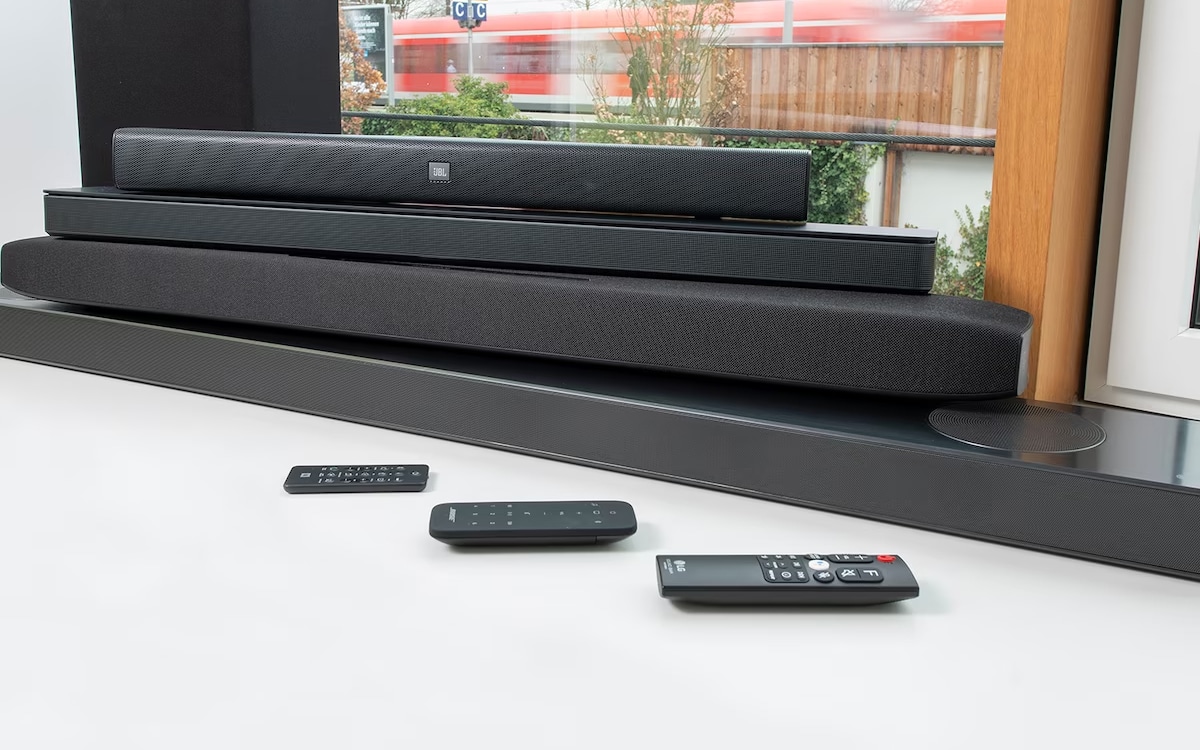
Bose soundbars offer great sound quality and easy setup. They connect through HDMI ARC, optical, or Bluetooth. Bose works with most TV brands but lacks brand-specific features. Other brands like Vizio, JBL, and Yamaha also support many TVs. Check TV ports before buying to ensure compatibility. Many soundbars support multiple audio formats for better sound.
Credit: www.reliant.co.uk
Frequently Asked Questions
Do Soundbars Work With All Tv Brands?
Yes, soundbars are compatible with most TV brands. They connect via HDMI, optical, or Bluetooth. Check your TV’s audio output options for best compatibility.
Can Any Tv Connect To A Bluetooth Soundbar?
Not all TVs support Bluetooth audio output. Many modern TVs do, but older models might need an adapter to connect wirelessly.
Will A Soundbar Improve My Tv’s Audio Quality?
A soundbar significantly enhances TV audio with clearer dialogue and better bass. It offers a more immersive viewing experience than built-in TV speakers.
How Do I Connect A Soundbar To My Tv?
You can connect a soundbar using HDMI ARC, optical cable, or Bluetooth. HDMI ARC is preferred for better audio quality and easier control.
Conclusion
Soundbars usually work with most TVs. They connect easily through HDMI or optical cables. Some older TVs may need adapters. Sound quality improves a lot with a soundbar. It makes watching movies and shows more fun. Choose a soundbar that matches your TV’s ports.
Check the size and features before buying. A good soundbar can fit any TV setup. Enjoy better sound without extra hassle. Simple steps lead to better TV sound today.
As an Amazon Associate, I earn from qualifying purchases.