

Have you ever wondered how 360 cameras capture every angle around you in one shot? Imagine being able to relive a moment from all sides, as if you were right there again.
Understanding how these cameras work can open up new ways for you to create stunning photos and videos that stand out. You’ll discover the simple secrets behind 360 cameras and learn how to use them to take your content to the next level.
Keep reading to unlock the full potential of your 360 camera!

Credit: blog.ricoh360.com
Basics Of 360 Cameras
360 cameras capture the entire environment around them. They create a full spherical image or video. This allows viewers to see every angle. Users can explore the scene by moving or dragging the view. This makes 360 cameras different from regular cameras.
These cameras have special lenses and sensors. They work together to capture a wide field of view. The images from each lens combine to form one seamless picture. This technology gives an immersive experience. It is popular for virtual tours, events, and adventure sports.
What Makes 360 Cameras Unique
Unlike normal cameras, 360 cameras use multiple lenses. Each lens covers a part of the scene. The camera stitches images from all lenses into one. This creates a complete spherical photo or video. You see the scene all around, not just one direction.
360 cameras often have two or more fisheye lenses. These lenses capture a very wide angle. The camera’s software processes the images quickly. It removes overlaps and joins parts smoothly. The result is a natural and continuous view.
Users can interact with the content. They can look up, down, left, or right. This makes the experience more engaging. It is useful for education, real estate, and entertainment.
Types Of 360 Cameras
There are several types of 360 cameras. Single-lens cameras use one lens and a curved mirror. They capture a wide view but with lower resolution. Dual-lens cameras have two wide-angle lenses. They provide better image quality and full coverage.
Multi-lens cameras have more than two lenses. These are often professional models. They offer high resolution and advanced features. They are used for filmmaking and virtual reality.
Some 360 cameras are small and portable. Others are larger and designed for studio use. The choice depends on the user’s needs and budget.
Core Components
Understanding how 360 cameras work means knowing their core parts. These parts work together to capture a full view. Each component plays a key role in creating seamless images or videos. Let’s explore the main elements that make 360 cameras function.
Lenses And Sensors
360 cameras use multiple lenses to capture wide views. Each lens covers a part of the scene around the camera. These lenses are usually fisheye type to capture more area.
Behind each lens is a sensor. Sensors capture light and color to create an image. High-quality sensors produce clearer, sharper pictures. Together, lenses and sensors gather all the visual data needed.
Image Stitching Technology
Image stitching is the process of joining photos from different lenses. It combines the images into one continuous picture or video. This technology removes edges and overlaps for a smooth view.
Software inside the camera or on a computer handles stitching. It matches colors and aligns images perfectly. This step is crucial to create the immersive 360 experience.
Capturing The Full Sphere
Capturing the full sphere means recording everything around the camera. This allows viewers to see the entire scene in all directions. The camera records the environment in a 360-degree view. It captures what is in front, behind, above, and below. This creates an immersive experience that regular cameras cannot offer.
Special technology inside the camera makes this possible. It uses more than one lens to collect images. These images then combine to form a complete sphere. The process is complex but happens quickly. The result is a smooth, continuous picture that surrounds the viewer.
How Multiple Lenses Work Together
360 cameras have several lenses placed around them. Each lens captures a part of the scene. These lenses work at the same time. They take pictures or videos from different angles.
The lenses cover overlapping areas. This overlap helps to match the images later. The camera’s software uses this data to align the pictures. It balances light and colors to keep the view natural. The lenses together capture the entire environment without gaps.
Creating Seamless Panoramas
The camera’s software stitches all images into one. It merges the edges of each picture perfectly. This process is called stitching. It creates a single panoramic image that looks smooth.
Stitching removes any visible lines between pictures. It corrects distortions caused by the lenses. The final image appears as one continuous sphere. This makes the viewer feel like they are inside the scene. The seamless panorama is key for a true 360 experience.

Credit: www.iso1200.com
Image Processing Techniques
360 cameras capture the entire scene around them. This requires special image processing techniques. These techniques turn multiple images into one smooth, seamless view. They help create immersive photos and videos that feel real.
Real-time Stitching
Real-time stitching combines images from several lenses instantly. It aligns the edges to avoid gaps or overlaps. The camera software matches colors and brightness across images. This process happens fast, allowing live 360 video streaming. It ensures smooth movement and a continuous panoramic view.
Post-processing Enhancements
After recording, post-processing improves the 360 images further. It fixes small errors and sharpens details. Software removes stitching lines and corrects lens distortion. Colors get balanced for a natural look. Noise reduction makes the image clearer, especially in low light. These enhancements create a high-quality and realistic 360 experience.
Video Recording In 360
Video recording in 360 captures the entire environment around the camera. This technology lets viewers explore videos from every angle. The camera records a spherical view, giving a full panorama. It uses multiple lenses or sensors to cover all directions. The video is stitched together to create one seamless image. This technique needs precise hardware and software to work well.
Frame Rates And Resolution
Frame rates affect how smooth the video looks. Higher frame rates like 60 fps give fluid motion. Lower frame rates may appear choppy or laggy. Resolution defines the video’s detail and clarity. Common 360 videos have 4K or higher resolution. More pixels mean clearer and sharper images. Balancing frame rates and resolution is key for quality. Higher settings need more storage and power.
Stabilization Methods
Stabilization keeps 360 videos steady and clear. Cameras use electronic or optical stabilization techniques. Electronic stabilization adjusts the video digitally after recording. Optical stabilization moves camera parts to reduce shake. Some 360 cameras combine both methods. Good stabilization prevents blurry and shaky footage. This is important because the camera captures all directions. Stable videos improve viewer experience and immersion.
Viewing 360 Content
Viewing 360 content offers a unique and immersive experience. It allows users to see all angles of a scene by moving their device or looking around. This type of content feels like being inside the video or photo. Different tools and platforms help make this possible.
Vr Headsets And Mobile Devices
VR headsets create a fully immersive environment. Users wear the headset and look around naturally. The headset tracks head movement to show different views. Mobile devices like smartphones also support 360 content. Users can swipe or move their phone to explore the scene. Both tools provide easy access to 360 videos and photos.
Interactive Platforms
Interactive platforms allow users to control their view. They work on websites and apps. Users can click, drag, or tilt to look around. These platforms support 360 images and videos. They often include features like zoom and hotspots. This makes the experience more engaging and informative.
Common Challenges
360 cameras capture a full view by using multiple lenses. This process creates unique challenges. These challenges affect the quality of the final image or video. Understanding these issues helps users get better results. Two common problems are stitch lines and motion artifacts.
Handling Stitch Lines
Stitch lines appear where images from different lenses meet. These lines can look like seams or breaks. They happen because each lens captures a slightly different view. Lighting and color can also vary between lenses. The camera software tries to blend these areas smoothly. Still, perfect blending is hard to achieve. Users may notice faint lines or mismatched details. Good stitching software reduces these errors. Placing the camera far from objects helps too. Avoiding close objects near stitch lines improves the image.
Dealing With Motion Artifacts
Motion artifacts occur when something moves during the capture. Since the camera uses multiple lenses, each lens records at a slightly different time. Fast movements cause parts of the image to misalign. This results in ghosting or blurring effects. Moving people or cars often cause these issues. To reduce artifacts, use cameras with faster capture speeds. Keeping motion slow or steady helps as well. Some cameras use advanced software to fix these errors after recording.
Applications Of 360 Cameras
360 cameras capture a full view around them. This ability makes them useful in many fields. They show scenes in a way regular cameras cannot. People use them to create immersive experiences. These cameras bring a new perspective to videos and photos.
Virtual Tours And Real Estate
Real estate agents use 360 cameras to show homes. Buyers can explore houses online as if they were there. This saves time and travel for both buyers and sellers. Virtual tours help highlight a home’s best features. They give a better sense of space and layout. Buyers feel more confident before visiting in person.
Sports And Adventure Filming
360 cameras are popular in sports and adventure filming. They capture the whole environment around the athlete. Viewers can see every angle of the action. This makes the experience more exciting and real. Filmmakers use them for skiing, biking, and skydiving videos. Fans feel like they are part of the adventure.
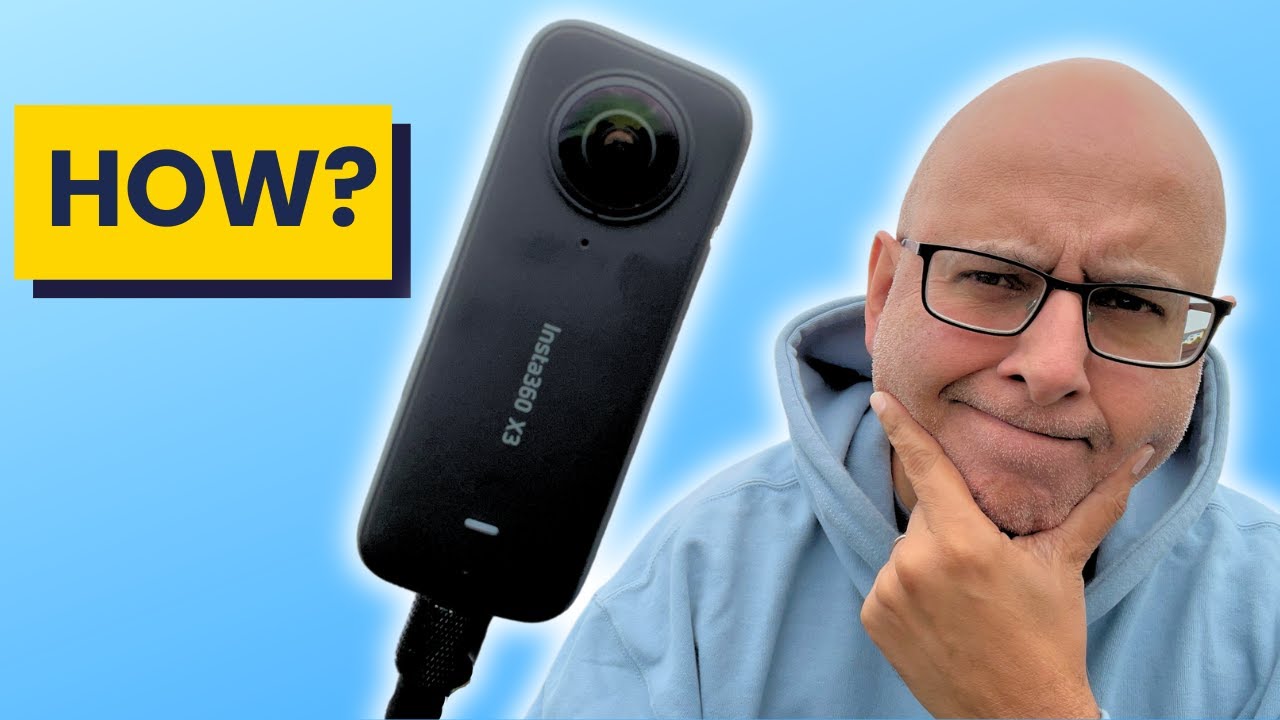
Credit: www.youtube.com
Frequently Asked Questions
What Is A 360 Camera And How Does It Work?
A 360 camera captures images or videos in all directions simultaneously. It uses multiple lenses to cover a full spherical view. The camera stitches these images together to create an immersive, panoramic experience. This allows viewers to explore the scene from any angle interactively.
How Do 360 Cameras Capture A Full Spherical Image?
360 cameras use two or more wide-angle lenses placed back-to-back. Each lens captures a wide field of view. The camera software stitches these overlapping images into a seamless spherical panorama. This process creates a continuous 360-degree image or video without blind spots.
Can 360 Cameras Record Live Video Streaming?
Yes, many 360 cameras support live streaming. They capture and stitch the 360-degree video in real time. This lets viewers watch immersive live events from any perspective. Live streaming works through compatible apps and platforms, enhancing audience engagement.
What Are The Main Uses Of 360 Cameras?
360 cameras are used in virtual tours, real estate, and tourism. They enhance video production, gaming, and social media content. They also serve in training, surveillance, and immersive storytelling. Their versatility makes them valuable in many industries.
Conclusion
360 cameras capture every angle at once. They use multiple lenses to create a full view. This technology helps users see the entire scene. It works by stitching images together quickly. You can use 360 cameras for photos or videos.
They are easy to use and share. Understanding how they work makes using them fun. Try a 360 camera to explore new perspectives. They bring a fresh way to record moments. Simple, yet powerful tools for capturing life’s details.
As an Amazon Associate, I earn from qualifying purchases.
