Playing music from your phone through your Ford F150’s Bluetooth system is one of the easiest ways to enjoy your favorite songs, podcasts, and audiobooks while driving. But for many owners, the process isn’t clear at first. You may worry about confusing menus or whether your truck even supports Bluetooth music. The good news is that most modern Ford F150 models make wireless audio simple, whether your vehicle is new or a few years old. With the right steps, you can set everything up in minutes—and enjoy hands-free control every time you drive.
Understanding Your Ford F150’s Bluetooth System
Most Ford F150s from 2013 onwards offer Bluetooth connectivity as a standard or optional feature. This allows not only hands-free calling but also wireless music streaming from your smartphone. The system is usually called SYNC or SYNC 3, depending on your model year.
Older F150s (2010-2012) may have basic Bluetooth only for calls, not music. Always check your owner’s manual or the media screen for the Bluetooth Audio option to be sure.
One thing many owners miss: the first time you pair your phone, both devices must be in pairing mode. If you can’t see your truck on your phone’s Bluetooth list, check if it’s already connected to another device.
Steps To Pair Your Phone And Play Bluetooth Music
Follow these steps to connect your smartphone and start playing music:
- Start your Ford F150 and keep it in Park.
- On your infotainment screen, press the Phone or Media button.
- Select Add a Device or Pair Phone. Your F150 will start searching for devices.
- Open Bluetooth settings on your smartphone and make sure Bluetooth is turned on.
- Look for your truck’s name (like “SYNC”) in the phone’s device list and tap it.
- Confirm the PIN shown on both the truck’s screen and your phone.
- If asked, allow your phone to access contacts and audio.
Once paired, open your favorite music app and start playing a song. Select Bluetooth Audio on your F150’s screen—your music should play through the truck speakers.
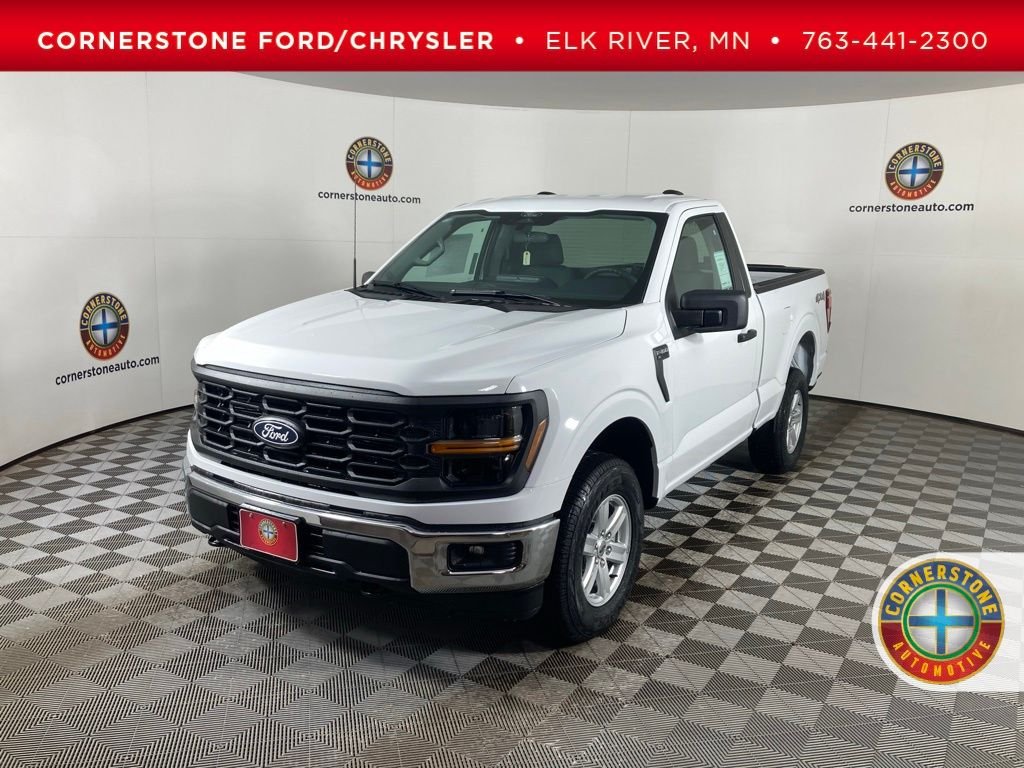
Credit: www.cornerstoneauto.com
Troubleshooting Common Problems
Even with the right steps, sometimes things don’t work smoothly. Here are solutions for the most common issues:
- Music doesn’t play: Make sure your phone’s volume is up and the source on your F150 is set to Bluetooth Audio.
- No sound but connected: Try disconnecting and reconnecting Bluetooth on your phone.
- Connection drops: Delete the F150 from your phone’s Bluetooth devices and re-pair from scratch.
- Old phone won’t connect: Update your phone’s software or try pairing a newer device.
A practical tip: Restarting your F150’s infotainment system can fix many glitches. Hold the power button for about 10 seconds until the screen turns off, then turn it back on.
Using Voice Commands And Steering Wheel Controls
One of the best features in the Ford F150 is the ability to control your music without touching your phone. Use the voice command button on your steering wheel and say commands like:
- “Play [song name]”
- “Next track”
- “Pause music”
This feature works best with SYNC 3 and newer phones. Steering wheel buttons also allow you to skip tracks or adjust volume safely.
Comparison: Bluetooth Vs. Usb And Aux For Music
It’s useful to know how Bluetooth stacks up against other ways to play music in your F150:
| Feature | Bluetooth | USB | AUX |
|---|---|---|---|
| Wireless | Yes | No | No |
| Sound Quality | Good | Best | Average |
| Phone Charging | No | Yes | No |
| App Integration | Yes | Yes (some apps) | No |
Bluetooth offers the most convenience, but USB can give slightly better sound and charges your device at the same time.
How To Switch Between Multiple Devices
Many families share their F150. You might want to play music from different phones. Here’s how to make it easy:
- Go to the Phone or Bluetooth menu on your infotainment screen.
- Select Devices or Manage Devices.
- Pick the phone you want to use and select Connect.
If you have more than one device paired, the F150 will usually connect to the last one used. To avoid confusion, disconnect unused phones.
Here’s a quick view of how many devices you can connect, depending on your SYNC version:
| SYNC Version | Paired Phones Limit | Music Streaming |
|---|---|---|
| SYNC | 6 | Yes |
| SYNC 3 | 12 | Yes |
| SYNC 4 | 10 | Yes |
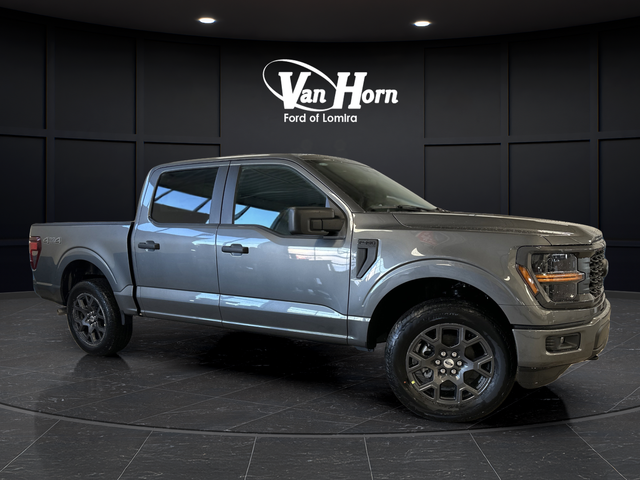
Credit: www.vhcars.com
Extra Tips For Better Bluetooth Experience
- Keep your phone’s Bluetooth software updated. Older phones may have more glitches.
- Remove old, unused devices from your F150’s paired list to prevent connection issues.
- For better sound, set your phone’s EQ (equalizer) settings before connecting.
- If you use music streaming apps like Spotify or Apple Music, make sure they’re allowed to play over Bluetooth in your phone’s settings.
- In cold weather, let your phone warm up before connecting—extreme temperatures can affect Bluetooth performance.
A non-obvious tip: If your F150 has wireless Android Auto or Apple CarPlay, these features use Wi-Fi, not Bluetooth, and might block Bluetooth music. Disconnect them to use regular Bluetooth audio.
When To Visit A Ford Dealer
If you’ve tried all the steps and still can’t play music, your truck’s system may need a software update or repair. Ford dealers can update the SYNC system, check for hardware issues, and even help set up your phone.
According to the Ford official support site, regular software updates can solve most compatibility problems—especially with newer phones.
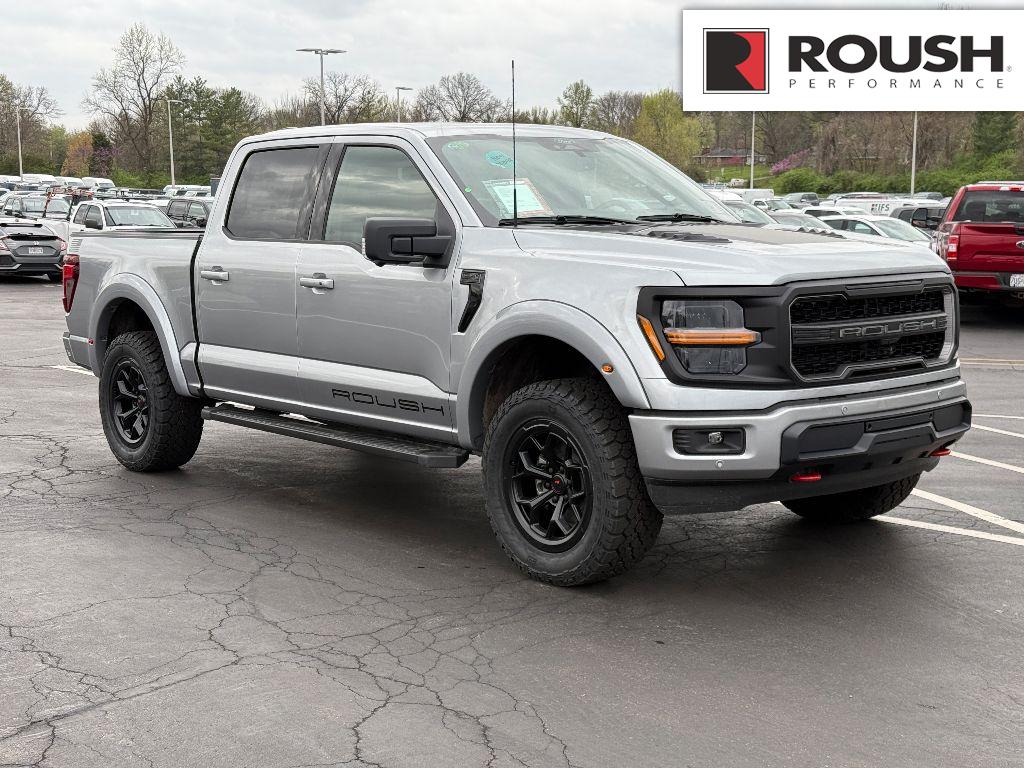
Credit: www.sunsetfordstlouis.com
Frequently Asked Questions
How Do I Know If My F150 Supports Bluetooth Music?
If your infotainment system shows a Bluetooth Audio option, your truck supports wireless music. Most F150s from 2013 onwards have this feature.
Why Is My Music Not Playing Even Though My Phone Is Connected?
Check if the source on your F150 is set to Bluetooth Audio. Also, make sure your phone’s media volume is up and music is playing on the phone.
Can I Play Music From Two Phones At The Same Time?
No. The Ford F150 can pair with multiple devices, but only one can stream music at a time. You can easily switch between devices using the media screen.
Does Bluetooth Music Lower Sound Quality Compared To Usb?
Bluetooth sound is very good, but USB connections usually offer slightly better quality. For most people, the difference is hard to notice during regular driving.
Is It Safe To Use Bluetooth While Driving?
Yes. Bluetooth lets you control music hands-free, so it’s safer than handling your phone. Use voice commands or steering wheel buttons to keep your focus on the road.
Playing Bluetooth music in your Ford F150 is simple once you know the steps. With easy setup, quick troubleshooting, and a few practical tips, you can enjoy your favorite tunes on every journey—without any wires or hassle.
As an Amazon Associate, I earn from qualifying purchases.