
As an Amazon Associate, I earn from qualifying purchases.
Are you planning to travel soon and wondering if you can bring your laptop on a plane? You’re not alone.
Many travelers worry about airport rules and want to keep their devices safe during the flight. Knowing the answer can save you from last-minute stress and help you pack smarter. Keep reading to find out exactly what you need to know about carrying your laptop on board, so your trip starts off smooth and worry-free.
Laptop Rules For Air Travel
Traveling with a laptop requires knowing the rules for air travel. Airlines and airports have specific guidelines to keep devices safe. Following these rules helps avoid delays and keeps your tech secure. Understand where and how to pack your laptop for smooth travel.
Carry-on Vs Checked Bags
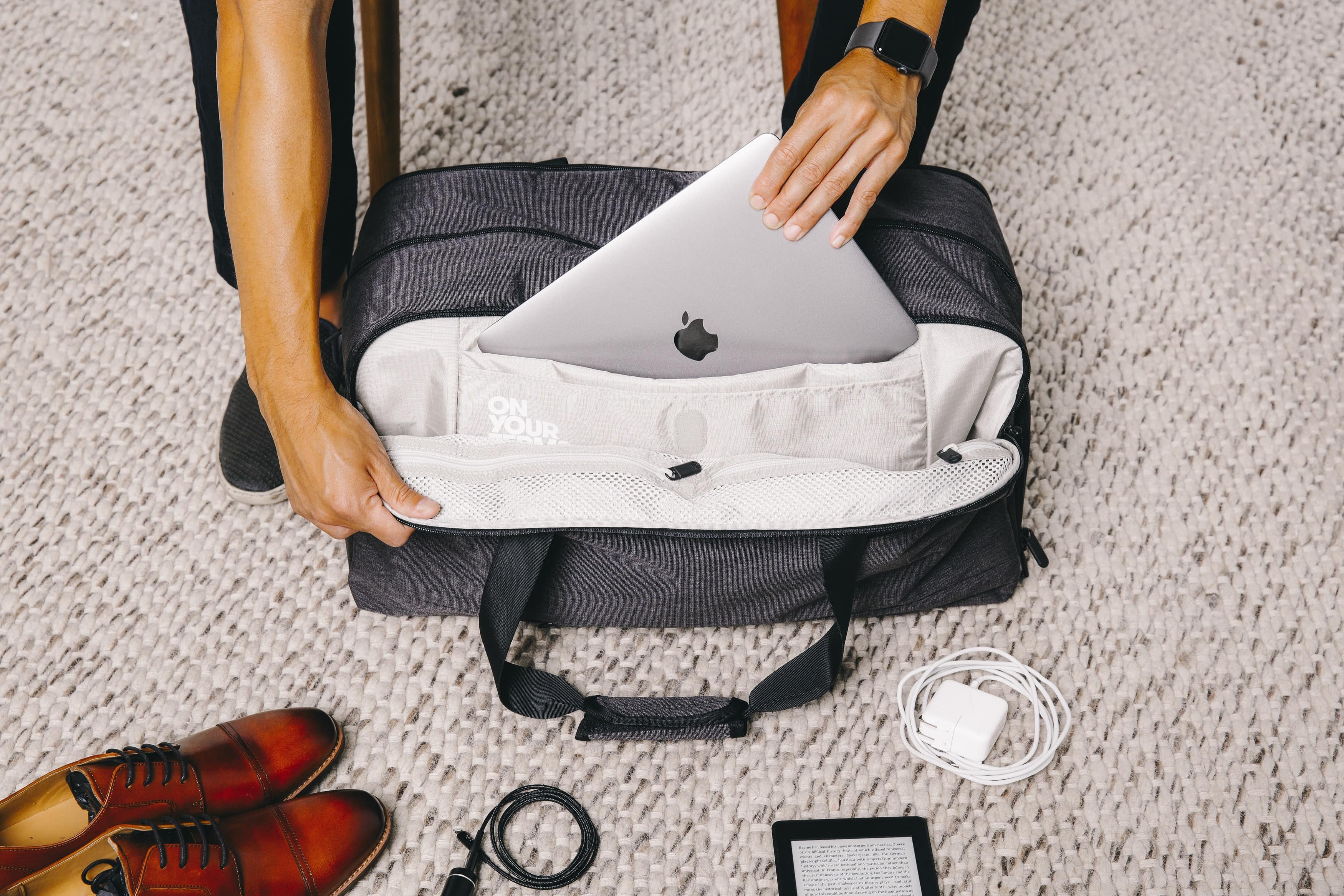
Always pack your laptop in your carry-on bag. Checked bags may expose laptops to damage or theft. Many airlines forbid laptops in checked luggage. Carrying your laptop allows you to keep it safe and accessible. Use a padded laptop case for extra protection.
Airport Security Screening
At security checkpoints, remove your laptop from its bag. Place it in a separate bin for scanning. This speeds up the process and avoids damage. Some airports use advanced scanners that do not require removal. Follow the instructions of security staff carefully.
International Flight Considerations
Rules for laptops vary by country and airline on international flights. Check the specific regulations before you travel. Battery restrictions and power adapters differ in each region. Keep your laptop charged and ready for inspection. Declare your device if asked during customs checks.
Credit: www.pugetsystems.com
Packing Tips For Laptops
Carrying a laptop on a plane needs careful packing. Protecting your device ensures it stays safe during travel. Follow these packing tips to avoid damage and meet airline rules.
Choosing The Right Laptop Bag
Select a bag with padded compartments. It cushions your laptop from bumps and drops. A bag with extra pockets keeps chargers and accessories organized. Choose lightweight and durable material for easy carrying.
Protecting Your Device
Use a laptop sleeve for extra protection inside the bag. Avoid placing heavy items near your laptop. Turn off your device to prevent overheating. Clean your laptop before packing to avoid dirt buildup.
Battery And Power Regulations
Check airline rules on laptop batteries before packing. Most airlines allow laptops in carry-on bags only. Remove spare batteries and pack them separately if allowed. Keep your laptop charged for security checks at the airport.
Using Laptops During Flights
Laptops are common travel companions. Many passengers want to stay productive or entertained during flights. Using a laptop on a plane is possible but involves some rules and tips. Understanding these helps you use your device smoothly and safely while flying.
Airline Policies On In-flight Use
Each airline has its own rules about using laptops during flights. Most allow laptop use after takeoff and before landing. Flight attendants may ask to turn off devices during safety checks. Some airlines offer Wi-Fi, but speeds vary. Always follow crew instructions to avoid problems.
Battery Life Management
Long flights can drain laptop batteries fast. Charge your device fully before boarding. Carry a portable charger or power bank if allowed. Lower screen brightness and close unused apps. Use airplane mode to save power when you don’t need internet.
Offline Work Options
Not all flights have internet access. Prepare by downloading files and apps beforehand. Use offline tools like word processors and media players. Save important documents on your laptop or USB drive. This keeps you productive even without Wi-Fi.

Credit: sunny16.com
Handling Laptop Safety And Privacy
Carrying a laptop on a plane requires care to keep your device safe and your information private. Airports and airplanes can expose your laptop to risks. Protecting your data and hardware is key to a smooth travel experience.
Simple habits and tools help secure your laptop. Understanding basic safety steps reduces the chance of theft or damage. Keeping backups ensures your files stay safe no matter what happens.
Data Security Measures
Use strong passwords to lock your laptop. Avoid using simple or easy-to-guess codes. Enable encryption to protect your files. This keeps data safe if someone else accesses your device.
Turn off auto-connect to public Wi-Fi networks. Public Wi-Fi can expose your information to hackers. Use a virtual private network (VPN) for safer connections. This hides your internet activity from prying eyes.
Keep your software updated. Updates fix security flaws that hackers might exploit. Use antivirus software to block malicious attacks. These steps help keep your data private during travel.
Avoiding Theft And Damage
Carry your laptop in a padded bag for protection. Place it in a secure spot during security checks. Never leave your laptop unattended in public places. Thieves often target unattended devices.
Use a lock or cable to secure your laptop when possible. Stay alert in crowded areas like airports and planes. Handle your laptop gently to avoid drops and bumps. This prevents costly repairs or loss of data.
Backup Strategies
Save important files to an external drive or cloud storage. Backups protect your data if your laptop is lost or stolen. Update your backup regularly to include new files.
Keep backup copies in different locations for extra safety. Test your backups to make sure they work properly. Having a backup reduces stress and data loss during travel.
Troubleshooting Common Issues
Traveling with a laptop can cause some unexpected problems. Knowing how to handle these issues helps keep your trip smooth. This section covers common troubles and easy ways to fix them.
Dealing With Confiscation
Airport security may ask to check your laptop carefully. Sometimes, laptops get held if there is a security concern. Stay calm and follow the staff’s instructions. Ask politely for the reason if your laptop is taken. Keep your laptop’s serial number handy for proof. Knowing your rights helps you respond better.
Customs And Import Rules
Some countries have strict rules about bringing electronics inside. You might need to declare your laptop at customs. Check the rules of the country you visit before you pack. Carry proof of purchase to avoid extra taxes or fees. Declaring your laptop can prevent fines or delays. Being prepared saves time at the border.
Lost Or Damaged Laptops
Laptops can get lost or damaged during flights. Use a strong, padded laptop case to protect it. Label your laptop with your name and contact details. Report lost or damaged laptops to the airline immediately. Keep a backup of important files before traveling. Quick action can help recover your laptop or get compensation.
Credit: blog.tortugabackpacks.com
Frequently Asked Questions
Can I Carry A Laptop In My Carry-on Bag?
Yes, you can bring a laptop in your carry-on bag. Airlines allow laptops onboard for security and convenience reasons. Make sure to remove it during security screening for separate inspection.
Are There Laptop Size Restrictions On Planes?
Most airlines do not have specific size limits for laptops. However, your laptop must fit comfortably in your carry-on or personal item. Oversized laptops might need special handling or checked baggage.
Can I Use My Laptop During The Flight?
You can use your laptop during the flight, except during takeoff and landing. Airlines require electronic devices to be in airplane mode throughout the flight.
Do I Need To Remove My Laptop At Security?
Yes, you must remove your laptop from its bag at airport security. This allows TSA agents to scan it separately for safety checks. Some airports have TSA PreCheck lanes allowing you to keep laptops inside bags.
Conclusion
Travelers can bring laptops on planes with a few simple rules. Laptops must be taken out of bags during security checks. Batteries should be charged to avoid extra questions. Make sure your device fits in carry-on luggage. Follow airline rules to keep your trip smooth.
Carrying a laptop is safe and common today. Stay calm and prepare your electronics before flying. This helps you pass through airport checks quickly. Enjoy your flight with your laptop ready to use.
As an Amazon Associate, I earn from qualifying purchases.

