
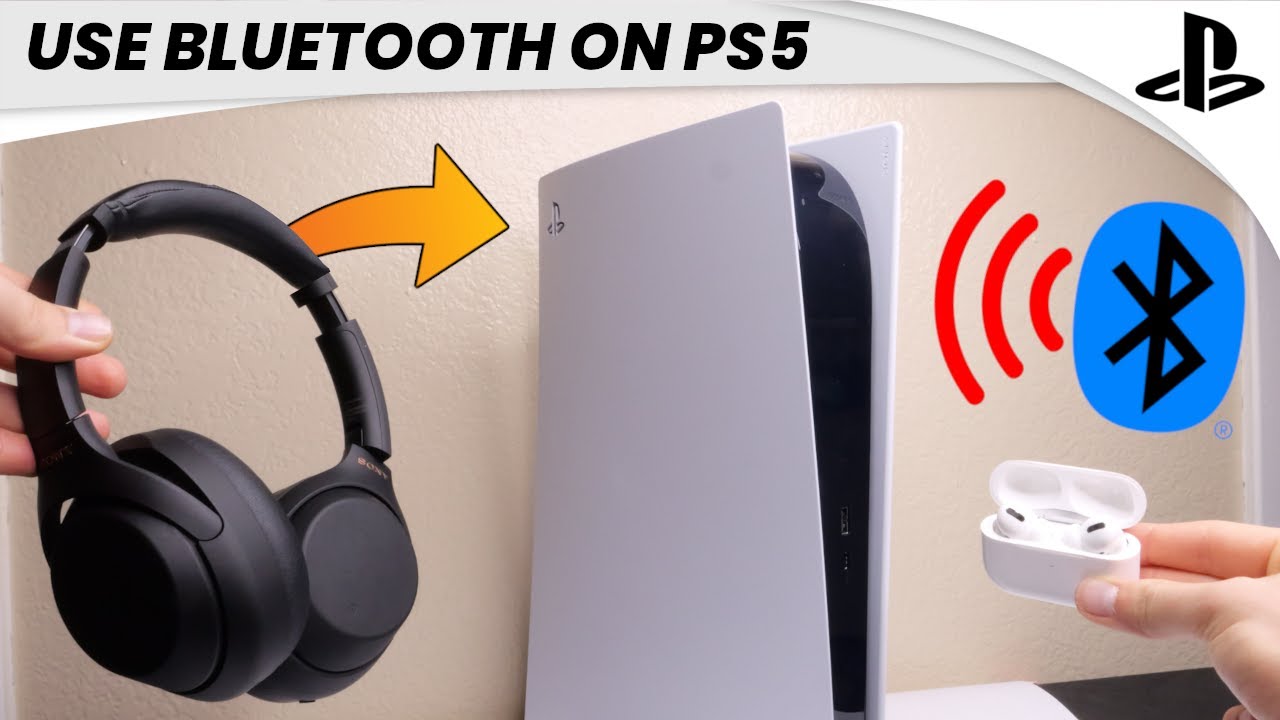
Are you wondering if you can connect your Bluetooth headphones to your PS5? You’re not alone.
Many gamers want the freedom to use wireless headphones for a better gaming experience without the hassle of wires. But does the PS5 really support Bluetooth audio devices? If you’ve been searching for a simple answer, this article will clear up the confusion and show you exactly what you need to know.
Keep reading to discover how you can enjoy your games with the headphones you love.
Credit: www.youtube.com
Bluetooth Compatibility With Ps5
Bluetooth compatibility with the PS5 is a common question among gamers. Many want to use their Bluetooth headphones for a wireless audio experience. The PS5 has some Bluetooth features, but it also has limits that affect headphone use. Understanding these details helps you know what devices work well with your console.
Built-in Bluetooth Features
The PS5 supports Bluetooth for certain devices. It mainly uses Bluetooth to connect official accessories like the DualSense controller. This helps with wireless gameplay. The system can pair with some audio devices, but it is not designed for all Bluetooth headphones. The focus is on low-latency connections and stable performance.
Limitations Of Ps5 Bluetooth
The PS5 does not fully support all Bluetooth headphones. Many standard Bluetooth headsets cannot connect directly to the console. This is because the PS5 prioritizes its own wireless protocol for audio. Bluetooth audio from third-party headphones may cause lag or not work at all. A USB dongle or a wired connection often becomes necessary.
Types Of Supported Devices
The PS5 works best with official Sony wireless headsets. These include the Pulse 3D wireless headset. Other Bluetooth devices like keyboards and controllers also connect easily. For audio, USB or optical connections offer better compatibility. Some Bluetooth transmitters can help connect regular headphones. Knowing supported devices avoids connection problems during play.
Connecting Bluetooth Headphones
Connecting Bluetooth headphones to the PS5 can be tricky. The console does not support most Bluetooth audio devices directly. Still, there are ways to enjoy wireless sound. This section explains how to connect your Bluetooth headphones to the PS5.
Pairing Process Steps
First, check if your headphones have a special PS5 mode or support low-latency Bluetooth. If yes, turn on pairing mode on your headphones. On the PS5, go to Settings, then Accessories, and select Bluetooth Accessories. The console will scan for nearby devices. Choose your headphones from the list. Follow any on-screen instructions to complete pairing. Not all Bluetooth headphones will appear here.
Using Usb Bluetooth Adapters
USB Bluetooth adapters offer a simple solution. Plug the adapter into one of the PS5’s USB ports. Put your headphones into pairing mode. The adapter will connect your headphones to the PS5. This method works with many wireless headphones. Choose an adapter that supports audio devices and PS5 compatibility.
Troubleshooting Connection Issues
If your headphones do not connect, try resetting them and the PS5. Make sure the headphones are fully charged. Move closer to the console to avoid interference. Restart the PS5 and try pairing again. Check for firmware updates on your headphones or PS5. Some models may never connect due to compatibility limits.
Alternatives To Bluetooth Headphones
Bluetooth headphones do not connect easily to the PS5. Many users want a wireless audio option. Several alternatives offer good sound and ease of use. These options can fit different budgets and needs.
Wired Headphone Options
Wired headphones connect directly to the PS5 controller. No extra setup is needed. They provide clear sound without delay. Many models have built-in microphones for chat. This option is simple and reliable. No need to worry about battery life.
Official Ps5 Wireless Headsets
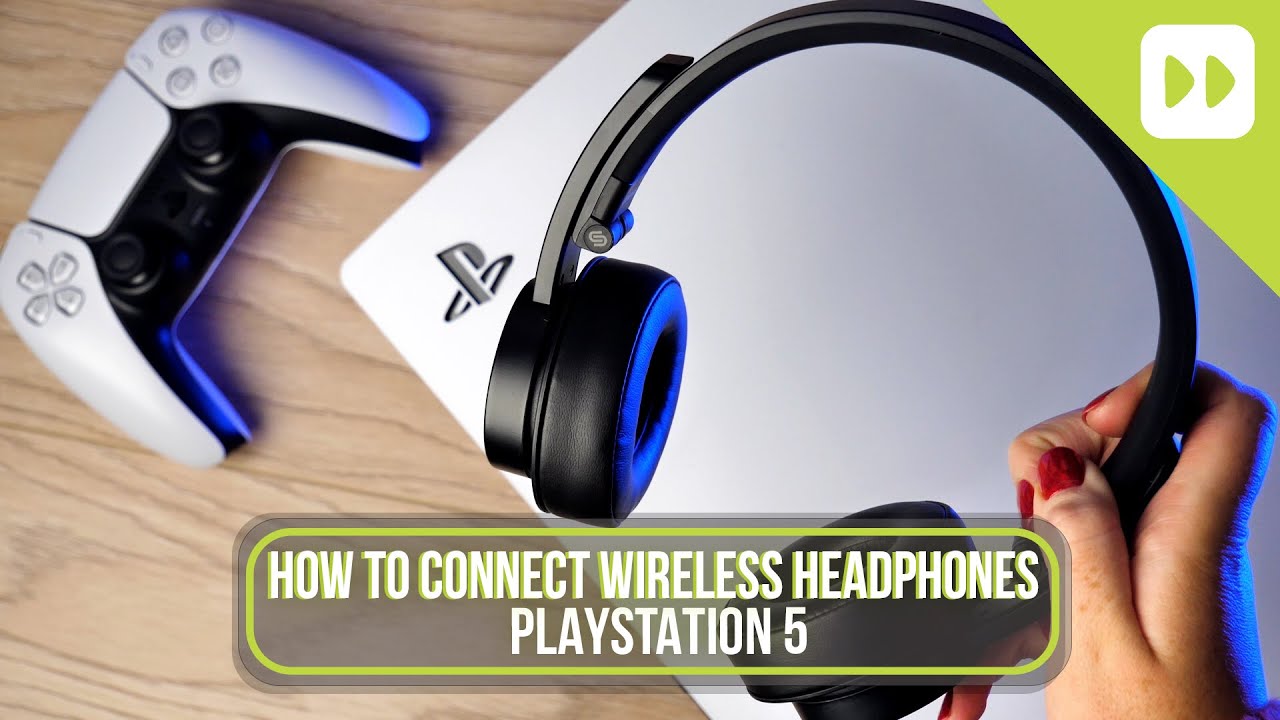
Sony offers wireless headsets made for the PS5. These use a USB dongle to connect. Sound quality matches the console’s features well. The mic works clearly for team talk. Comfort suits long gaming sessions. These headsets integrate smoothly with PS5 menus.
Third-party Wireless Solutions
Third-party brands sell wireless headsets compatible with PS5. They use USB adapters or their own tech. Many offer strong sound and good mic quality. Prices vary from budget to premium. Some include extra features like surround sound. Check compatibility before buying to avoid issues.
Credit: www.przewozcm.eu
Audio Quality And Latency
Audio quality and latency play a big role in gaming on the PS5. Good sound makes games more fun and clear. Low latency means the sound matches the actions perfectly. This is very important in fast games. Wireless audio can sometimes cause delays or lower sound quality. Understanding these issues helps you get the best experience from your Bluetooth headphones.
Bluetooth Audio Performance
Bluetooth headphones often use compressed audio. This can lower sound quality compared to wired headsets. Some Bluetooth versions offer better sound but may still lose details. The PS5 supports limited Bluetooth audio devices natively. This can affect how well your headphones perform. Expect some drop in audio clarity or depth with wireless connections.
Impact On Gaming Experience
Sound delay can hurt gameplay. Hearing footsteps or gunshots late can mean losing a fight. High latency makes it hard to sync sound with game action. This reduces immersion and can frustrate players. Some games rely on precise audio cues, where latency matters most. Using Bluetooth headphones might make these cues less reliable.
Improving Sound Sync
Using a Bluetooth transmitter with low latency helps. These devices connect to the PS5 and your headphones. They reduce audio delay for better sync. Choosing headphones with aptX Low Latency codec improves timing. Adjusting PS5 audio settings can also help reduce lag. Wired headphones remain the best choice for perfect sound sync.
Future Bluetooth Updates For Ps5
The PS5 currently has limited support for Bluetooth headphones. Sony mainly supports its own wireless headsets. Many users want to connect other Bluetooth headphones to the console. Sony plans to improve Bluetooth features in future updates. These updates aim to enhance user experience and compatibility.
Expect new firmware updates to improve Bluetooth connections. These updates might allow more devices to connect easily. Sony listens to users and works on better audio quality. The goal is to make wireless gaming more convenient and fun.
Expected Firmware Improvements
Sony will likely release firmware updates to fix connection issues. Updates may reduce audio lag and improve sound clarity. Users might see better battery management for wireless devices. Firmware could allow easier pairing of various Bluetooth headphones. These improvements will make wireless gaming smoother.
Potential New Features In 2026
New features may include multi-device Bluetooth support. This means connecting two headphones or a headset and speaker. Voice chat through Bluetooth headphones might get better. Sony could add settings to customize sound profiles. These features will give users more control over audio.
Community Feedback And Requests
Many PS5 users ask for broader Bluetooth support. They want simple pairing and stable connections. Gamers request lower audio delay for better gameplay. Sony often checks community forums for ideas. User feedback helps shape future Bluetooth updates.
Credit: www.asurion.com
Frequently Asked Questions
Can You Use Any Bluetooth Headphones With Ps5?
No, PS5 only supports specific Bluetooth audio devices. Most standard Bluetooth headphones won’t connect directly. Use official wireless adapters or compatible USB dongles for Bluetooth audio.
How To Connect Bluetooth Headphones To Ps5?
You need a Bluetooth adapter compatible with PS5. Plug it into the USB port, then pair your Bluetooth headphones through the adapter. PS5 doesn’t natively support direct Bluetooth headphone pairing.
Are There Ps5-compatible Bluetooth Headphones Available?
Yes, some brands offer PS5-compatible Bluetooth headphones. Look for official PS5 wireless headsets or ones with USB dongles designed for consoles. Check product details before purchasing.
Can Ps5 Bluetooth Headphones Cause Audio Lag?
Yes, Bluetooth connections may cause slight audio delay during gameplay. Using wired or official wireless headsets reduces lag and improves audio sync on PS5.
Conclusion
Connecting Bluetooth headphones to the PS5 is not always simple. The PS5 supports certain wireless headphones but may block others. Using a Bluetooth adapter can help connect most headphones. Wired headphones always work without issues. Sound quality matters for a good gaming experience.
Choose the right method for your setup. Enjoy your games with clear and comfortable audio. Experiment to find what works best for you.
As an Amazon Associate, I earn from qualifying purchases.

