
Are you planning a trip and wondering if you can put your laptop in checked luggage? It’s a common question that many travelers face.
You might think it’s easier to pack your laptop in your suitcase and avoid carrying it through the airport. But is it safe? Could you risk losing your device or damaging it? You’ll discover the important facts you need to know before deciding where to pack your laptop.
Keep reading to protect your valuable gear and travel with peace of mind.
Laptop Risks In Checked Bags
Laptops are delicate and costly devices. Putting them in checked luggage can cause serious risks. These risks can affect your device’s safety and your travel experience. Understanding these risks helps you make smart packing choices.
Damage From Handling
Checked bags often face rough handling. Bags get thrown, stacked, and squeezed. Laptops inside can suffer cracks, broken screens, or internal damage. Padding in bags may not protect laptops enough. Damage can cause expensive repairs or total loss.
Theft Concerns
Checked luggage passes through many hands. There is a risk of theft or tampering. Laptops are valuable targets for thieves. Once stolen, recovery chances are low. Theft can lead to loss of important data and files.
Battery Safety Issues
Laptop batteries can be a safety hazard in checked bags. Airlines restrict lithium batteries due to fire risks. Batteries may overheat or catch fire under pressure. Fires in luggage compartments are hard to control. This risk makes carrying laptops in checked bags dangerous.
Airline Policies On Laptops
Airline policies about laptops in checked luggage vary widely. Each airline sets its own rules to keep devices safe and passengers secure. Knowing these rules helps avoid problems at the airport. It also protects expensive electronics from damage or theft.
Major Carrier Rules
Most major airlines advise keeping laptops in carry-on bags. They worry about damage from rough handling in cargo holds. Some carriers ban laptops in checked luggage completely. Others allow it but warn about battery restrictions. Airlines like Delta, American, and United follow these guidelines strictly.
International Flight Regulations
International flights often have stricter rules on laptops. Countries may ban lithium batteries in checked bags. These batteries can catch fire if damaged. Airlines must follow global safety standards. Passengers flying overseas should check both airline and country rules before packing.
Security Screening Procedures
Security checks differ for checked and carry-on luggage. Laptops in carry-on bags go through X-ray machines separately. This makes it easier to spot threats. Checked bags are scanned as a whole, which can miss small items. Some airports may ask to open checked bags if laptops are inside.
Benefits Of Carrying Laptops Onboard
Carrying laptops onboard offers several clear benefits. Travelers can keep their devices close and ready. It also helps avoid damage and delays during travel. These advantages make carrying laptops in carry-on bags a smart choice for many flyers.
Easy Access During Flight
Having your laptop onboard means you can use it anytime. Work, watch movies, or browse the internet during the flight. No need to wait until you land. This convenience keeps you entertained and productive.
Better Protection
Laptops in carry-on bags face less risk of damage. Checked luggage can be tossed or stacked, which harms devices. Onboard, you control how the laptop is stored. This reduces chances of scratches, cracks, or other damage.
Faster Security Checks
Security officers often require laptops to be taken out during screening. Carrying laptops in carry-on bags speeds up this process. You can quickly place it in the bins for scanning. This helps keep lines moving and saves time at the airport.
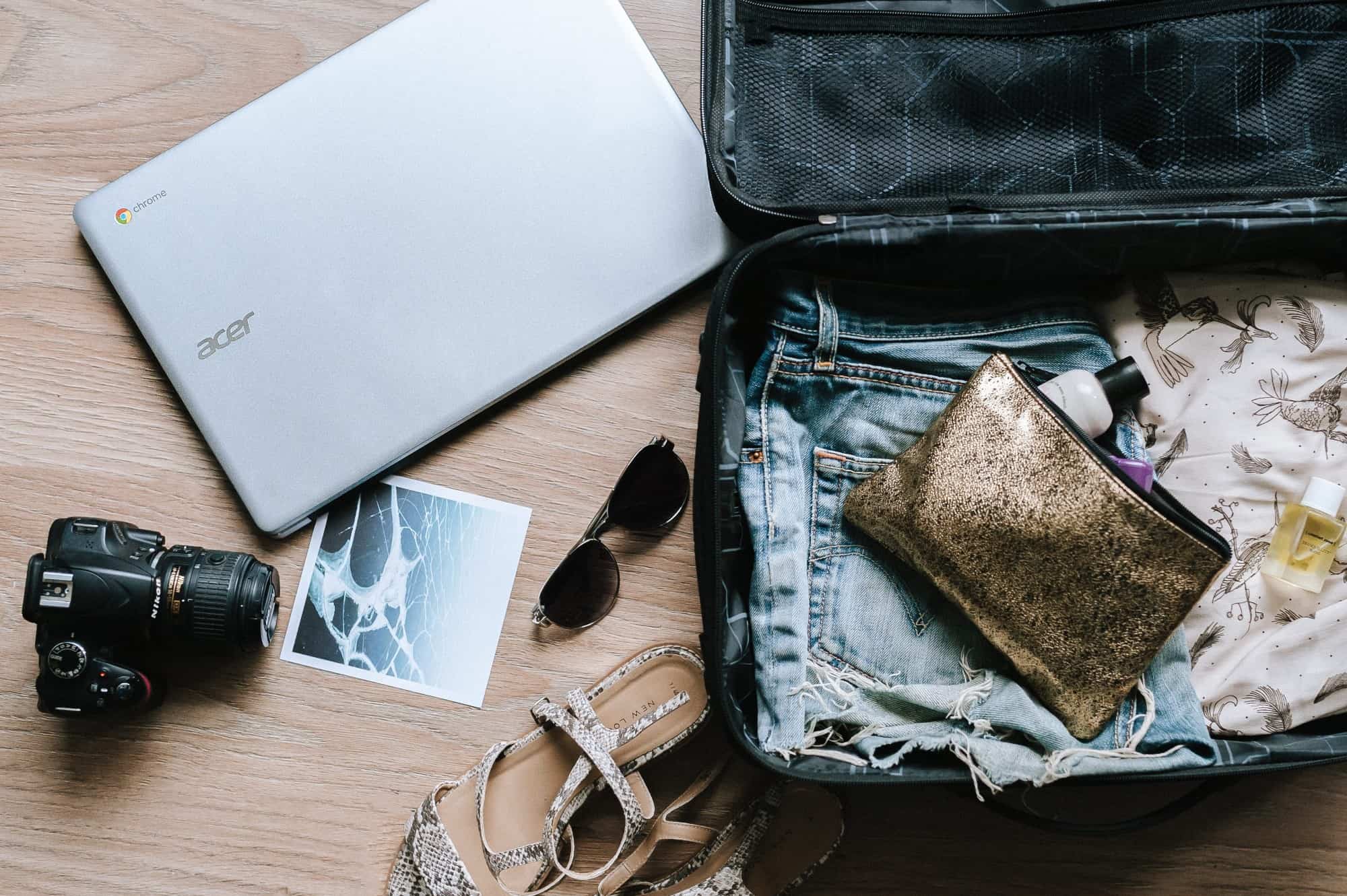
Credit: toomanyadapters.com
Packing Laptops Safely In Checked Bags
Packing laptops in checked luggage needs careful planning. Laptops are fragile and can break easily during travel. Protecting them reduces risks of damage and data loss. Follow simple steps to keep your laptop safe.
Choose the right case, add cushioning, and avoid battery hazards. These tips help secure your device in checked bags.
Choosing The Right Case
Pick a hard-shell case or a padded laptop bag. Soft bags do not protect well from bumps. The case should fit the laptop snugly to prevent movement. Water-resistant cases can protect against spills or rain. Look for cases with reinforced corners for extra protection.
Cushioning And Protection Tips
Wrap your laptop in soft cloth or bubble wrap before placing it inside the case. Add extra padding around the laptop inside your suitcase. Use clothes or foam inserts to fill empty spaces. Avoid placing heavy items on top of the laptop. Pack the laptop in the middle of the suitcase for better protection.
Avoiding Battery Hazards
Lithium batteries can be dangerous if damaged. Remove the battery if possible and carry it in your carry-on bag. Turn off the laptop completely before packing. Avoid packing laptops with swollen or damaged batteries. Check airline rules about battery transport to stay safe.
Alternatives To Checking Your Laptop
Checking your laptop in luggage is risky. Laptops can get damaged or lost. Many travelers find safer ways to carry their devices. Here are some useful alternatives to keep your laptop safe and your data secure.
Using Portable Storage Devices
Portable storage devices like USB drives and external hard drives help carry data. They are small and easy to pack in carry-on bags. These devices reduce the need to bring your laptop along. You can access your files on any computer by plugging them in.
Cloud Backup Options
Cloud storage services store your data online. You can access your files from any device with internet. This method keeps your data safe even if you lose your laptop. Services like Google Drive or Dropbox offer free and paid plans.
Loaner Devices And Rentals
Some places rent laptops or loan devices for short periods. This option works well for travelers on business trips. Renting helps avoid carrying your own device. Always check the rental terms and security features before choosing this option.

Credit: www.myticketstoindia.com
Travel Tips For Laptop Users
Carrying a laptop during travel needs some care and planning. Laptops are sensitive and hold important data. Protecting your device and information is key for a smooth trip.
Simple steps can help avoid damage, loss, or theft. Being ready for security checks and having proper coverage adds peace of mind. These tips make travel easier for laptop users.
Keeping Data Secure
Back up your data before the trip. Use strong passwords and encryption to protect files. Avoid public Wi-Fi for sensitive work. Use a VPN for safer internet connections. Keep your laptop locked with a password or biometric security.
Travel Insurance For Electronics
Consider insurance that covers electronics. It can cover loss, theft, or damage. Check the policy details for laptop coverage. Keep receipts and proof of ownership with you. Insurance offers financial protection during unexpected events.
Preparing For Security Checks
Remove your laptop from the bag at airport security. Place it in a separate bin for screening. Keep your laptop easily accessible to avoid delays. Carry a clean, organized laptop bag. This helps pass through security smoothly.
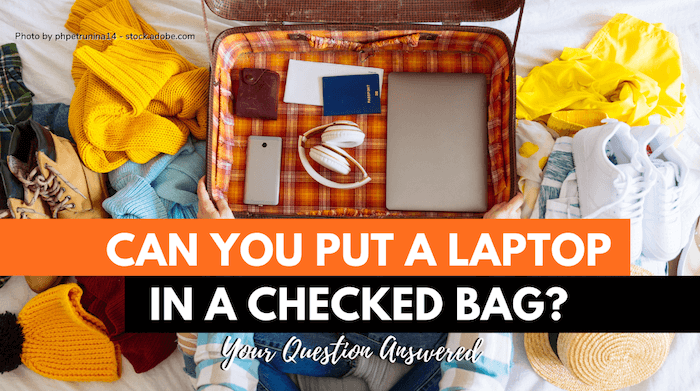
Credit: www.cabinzero.com
Frequently Asked Questions
Can Laptops Be Placed In Checked Luggage?
Yes, laptops can be placed in checked luggage, but it’s not recommended. Checked bags face rough handling, increasing damage risk. Battery safety concerns also exist due to lithium-ion batteries. Carrying laptops in carry-on luggage is safer and preferred by most airlines.
Are There Airline Restrictions On Laptops In Checked Bags?
Many airlines discourage laptops in checked bags due to fire risks from batteries. Some may ban them entirely in checked luggage. Always check your airline’s specific rules before packing your laptop. Carry-on is generally the safest option for laptops.
What Are The Risks Of Putting Laptops In Checked Luggage?
Risks include physical damage from rough handling and theft risk. Lithium-ion batteries can overheat, causing fire hazards in the cargo hold. These risks make carrying laptops in carry-on bags safer and more secure during travel.
How To Protect Laptops If Checked In Luggage?
Use a sturdy, padded laptop case for extra protection. Wrap the laptop in clothes to cushion it. Remove any accessories and back up important data before traveling. Despite precautions, carry-on travel remains the safest choice for laptops.
Conclusion
Packing laptops in checked luggage can lead to damage or loss. Carrying them in your hand luggage keeps them safe and secure. Airlines and security rules often advise against checked laptops. Protect your device from rough handling and theft this way.
Always check airline policies before you travel. Your laptop deserves careful handling during flights. Stay cautious and smart to avoid problems at the airport. Safe travels start with smart packing choices.
As an Amazon Associate, I earn from qualifying purchases.

