
Have you ever wondered if you can use your laptop on a plane? Whether you’re catching up on work, watching movies, or just browsing the web, knowing the rules and tips can make your flight much smoother.
You might be surprised by what’s allowed and how to stay connected without any hassle. Keep reading to discover everything you need to know about using your laptop in the sky—and make your next flight more productive and enjoyable.
Laptop Use During Flights
Most airlines allow laptops on planes but have specific rules. Laptops must be off or in airplane mode during takeoff and landing. This helps keep the plane’s systems safe. Once the plane reaches cruising height, you can usually use your laptop.
Some airlines ask passengers to stow laptops during taxiing and landing. Always follow the flight crew’s instructions. Rules can change based on the airline or the flight route.
| Flight Phase | Laptop Use | Notes |
|---|---|---|
| Takeoff | Off or stowed | Electronic devices must be off or stowed |
| Cruising | Allowed | Use laptops in airplane mode |
| Landing | Off or stowed | Devices must be off or stowed again |

Credit: weirdpride.day
Preparing Your Laptop For Travel
Keep your laptop battery fully charged before the flight. Charging ports may not always be available. Bring a portable charger or power bank that works with your laptop. This helps keep your device powered during long trips.
Use a padded laptop bag to protect against bumps. Avoid putting heavy items on top of your laptop. Clean your device before packing to prevent dirt damage. Also, consider a screen protector to guard against scratches.
- Charging cable and adapter
- Portable power bank
- Headphones for in-flight entertainment
- USB drives or external hard drives
- Cleaning cloth for the screen
- Mouse for easier navigation
Staying Connected In-flight
Many planes offer Wi-Fi, but it often comes with extra costs. Prices vary by airline and flight length. Some flights provide free Wi-Fi for messaging only. Full internet access usually costs more. Connection speeds can be slow and unstable, so avoid heavy downloads.
Working offline is a smart choice. Prepare files and emails before boarding. Use apps that don’t need internet. Save important documents on your laptop. This helps avoid frustration during no-signal times.
Airplane mode turns off wireless signals but lets you use your laptop. You can still work on offline files and watch downloaded videos. Turn on Wi-Fi only if allowed by the crew to connect to in-flight internet.
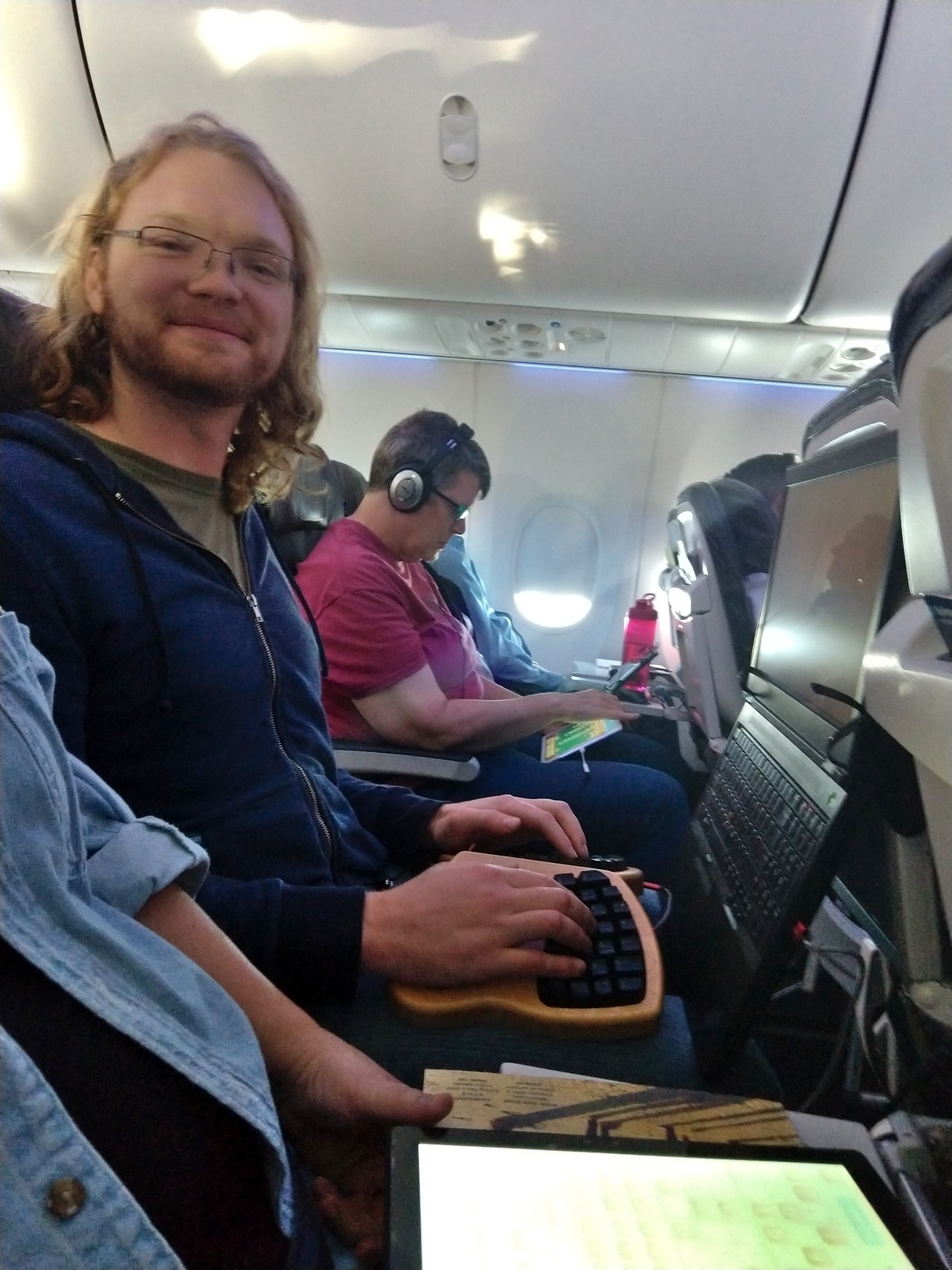
Credit: mgsloan.com
Security And Privacy Tips
Protecting your data in public spaces is very important. Use a VPN on planes to keep your internet safe. VPNs hide your online activity from others. They stop hackers from stealing your information.
Keep your laptop close to avoid theft. Always watch your bag and devices. Use a hard case to protect your laptop from damage. Avoid placing your laptop where it can fall or get bumped.
| Tip | Why It Matters |
|---|---|
| Use VPN | Protects your online privacy from hackers |
| Keep laptop close | Reduces risk of theft during travel |
| Use hard case | Prevents damage from drops or bumps |
| Watch your bag | Stops others from taking your device |
Comfort And Ergonomics
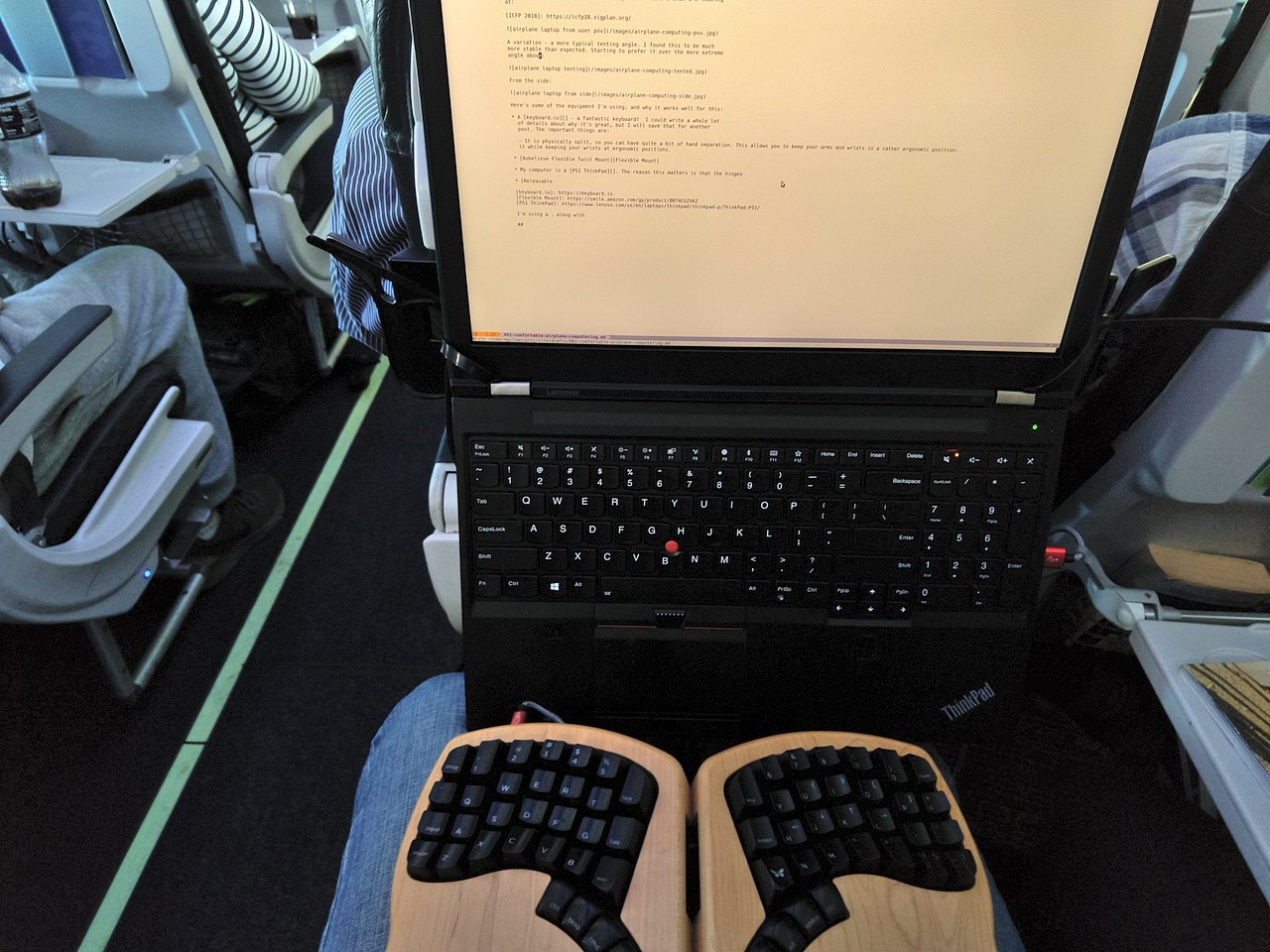
Space on planes is limited. Use your tray table wisely. Keep items close to avoid clutter. Use a slim laptop stand to raise the screen. This helps with better posture and saves space.
Keep the screen at eye level. This reduces neck strain. Adjust the seat so your back rests comfortably. Use a small pillow or rolled jacket for support if needed.
Look away from the screen every 20 minutes. This helps reduce eye strain. Blink often to keep eyes moist. Use an anti-glare screen or adjust brightness for comfort.
Credit: mgsloan.com
Troubleshooting Common Issues
Signal interference is common on planes. Electronic devices may cause weak Wi-Fi or no connection. Keep your laptop in airplane mode and use the plane’s Wi-Fi if available. This helps reduce interference and keeps signals stable.
Connectivity problems happen often. Restart the laptop or toggle Wi-Fi off and on. Check if the plane’s Wi-Fi needs a login or payment. Sometimes, moving closer to the router or hotspot can improve speed and connection.
Laptops can get hot after long use in tight spaces. Use a small stand or place the laptop on a hard surface. Avoid using it on soft surfaces like pillows or blankets. Taking breaks helps cool down the device and prevents slowdowns.
Frequently Asked Questions
Can I Use A Laptop During A Flight?
Yes, you can use a laptop on a plane. Airlines allow laptop use once the plane reaches cruising altitude. Turn off devices during takeoff and landing as per airline rules.
Are Laptops Allowed During Airplane Security Checks?
Laptops must be removed from bags at security checkpoints. This helps TSA officers scan devices properly for safety. Keep laptops easily accessible for smooth screening.
Can I Charge My Laptop On A Plane?
Many airplanes have power outlets or USB ports. You can charge your laptop if the seat offers power. Check with your airline before flying to confirm availability.
Is Airplane Mode Required For Laptops On Planes?
Yes, airplane mode is required for laptops during flights. It disables wireless signals like Wi-Fi and Bluetooth. This ensures no interference with the aircraft’s communication systems.
Conclusion
Using a laptop on a plane is usually allowed and safe. Airlines ask passengers to turn off devices during takeoff and landing. Wi-Fi may be available, but speeds can be slow. Battery life matters—charge your laptop before flying. Keep your device in airplane mode to avoid signal issues.
Remember to follow crew instructions for a smooth flight. Working or watching movies can make your trip better. Just stay aware of airline rules and enjoy your journey.
As an Amazon Associate, I earn from qualifying purchases.

