
Have you ever wondered if your backup camera does more than just show you what’s behind your car? You might rely on it every day to park safely or avoid obstacles, but does it actually record what happens?
Knowing the answer could change how you protect yourself and your vehicle. You’ll discover whether backup cameras capture and save footage, why that matters for your safety, and how to make the most of this feature if it’s available. Keep reading to unlock the truth about your backup camera and take control of your driving security.
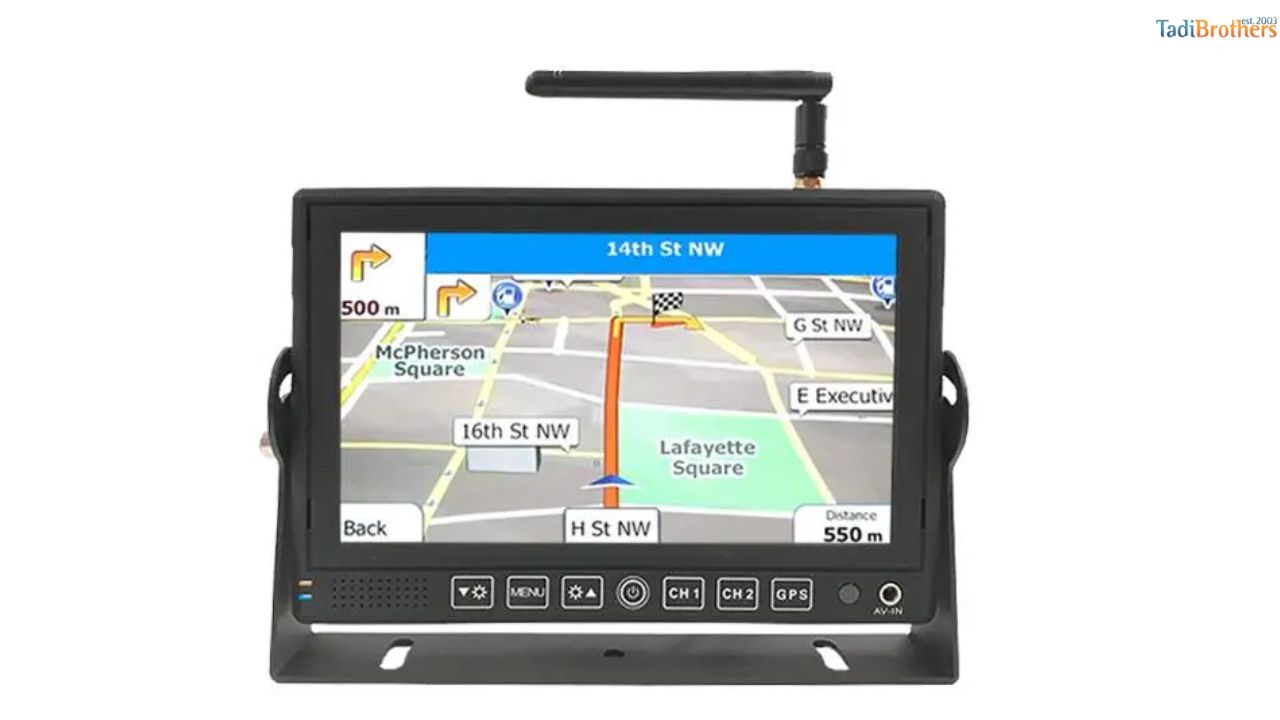
Credit: blog.tadibrothers.com
How Backup Cameras Work
Backup cameras help drivers see behind their vehicles. They improve safety by showing blind spots. Understanding how these cameras work clarifies whether they record video or just display it.
Basic Components
A backup camera has three main parts: the camera, the monitor, and the wiring. The camera mounts on the rear of the vehicle. It captures the view behind the car. The monitor sits inside the vehicle, often on the dashboard. It shows the video feed from the camera. Wires connect the camera to the monitor, sending the video signal. Some systems use wireless signals instead of wires.
Real-time Video Feed
The camera sends live video to the monitor. This feed appears instantly as the car shifts into reverse. The video helps drivers avoid obstacles and park safely. Most backup cameras do not record or save this video. They only show what is happening at the moment. Recording functions require extra equipment or apps.
Recording Capabilities Of Backup Cameras
Backup cameras help drivers see behind their vehicles. Many wonder if these cameras also record video. Recording capabilities vary by model and features. Understanding these differences helps choose the right camera.
Standard Vs. Advanced Models
Standard backup cameras mainly show live video on a screen. They do not usually save any footage. These models focus on safety while reversing.
Advanced backup cameras often include recording functions. They can save video to a memory card or cloud storage. This helps capture accidents or unexpected events.
Some advanced models offer continuous recording or event-triggered recording. Event-triggered records only when motion or impact happens. This saves storage space and captures important moments.
Built-in Recording Features
Cameras with built-in recording usually have a microSD card slot. The card stores video clips automatically. Users can watch or download videos later.
Some backup cameras connect with a mobile app. This app lets drivers view live feed and recorded clips remotely. It adds convenience and peace of mind.
Battery-powered cameras may limit recording time. Wired models often support longer recording hours. Power source affects how much video the camera can save.
Types Of Backup Camera Systems
Backup cameras come in different types, each with unique features. Understanding these types helps you choose the best system for your vehicle. Some systems only display images, while others record video. Knowing the differences is important for safety and convenience.
Wired Systems
Wired backup cameras connect directly to your vehicle’s display. They offer a steady and clear video feed. Installation involves running cables through the car. These systems rarely lose signal or lag. They usually do not record footage unless linked to a separate recorder.
Wireless Systems
Wireless backup cameras send video signals without cables. They are easier to install than wired systems. Wireless systems may face interference or slight delays. Many models include recording features built-in. Battery life and signal strength affect performance.
Integrated Dash Cameras
Integrated dash cameras combine front and rear views. They record continuously while driving and parking. These systems save videos automatically on memory cards. Some models offer cloud storage options. They provide both backup view and recording in one device.

Credit: www.automotiveglobespecialist.com
Storage Options For Recorded Footage
Backup cameras can record footage, but storing these videos requires specific options. Different systems offer various ways to save recorded clips. Choosing the right storage depends on your needs and device features.
Internal Storage
Some backup cameras have built-in memory. This internal storage saves videos directly in the device. It offers quick access to recordings without extra equipment. The downside is limited space, which fills up fast. Older videos may delete automatically to make room.
External Sd Cards
Many cameras support external SD cards for storage. These cards come in different sizes and are easy to replace. They expand your storage capacity significantly. You can remove the card to view or save videos on other devices. SD cards are a popular choice for flexibility.
Cloud Storage
Cloud storage uploads footage to online servers. This option protects videos from damage or loss. You can access your recordings from any device with internet. It often requires a subscription or fee. Cloud storage offers secure and long-term video saving.
Legal And Privacy Considerations
Backup cameras help drivers see behind their vehicles. Many wonder if these cameras record video or just show live images. Recording video raises legal and privacy questions. Drivers must know the rules before using backup cameras to record.
Recording Laws By Region
Different places have different laws about recording with backup cameras. Some regions allow recording only with consent. Others ban recording in public spaces. Some states require clear notice if recording happens. Ignoring these rules can lead to fines or legal trouble. Always check local laws before using a backup camera to record.
Privacy Concerns For Drivers And Bystanders
Recording with backup cameras may capture people nearby. Bystanders may not want their images recorded. Drivers also worry about their own privacy. Videos can be shared without permission. Storing videos securely is important. Respecting others’ privacy helps avoid conflicts and legal issues.

Credit: www.amazon.com
Benefits Of Recording Backup Footage
Recording backup footage offers many benefits for drivers. It provides clear proof of events behind the vehicle. This footage can protect you in various situations. Knowing these benefits helps you see why backup cameras are important.
Backup cameras that record do more than just show you a view. They save video clips that can be useful later. These recordings serve as a reliable source of truth.
Accident Evidence
Backup footage shows exactly what happened during a crash. It captures details like other vehicles, road conditions, and timing. This evidence helps prove who caused the accident. It reduces disputes and confusion after collisions.
Insurance Claims
Insurance companies accept recorded backup footage as proof. It speeds up the claim process by clarifying fault. Clear videos prevent false claims and protect honest drivers. This leads to fairer settlements and less stress.
Theft Prevention
Recording backup footage can deter thieves and vandals. Cameras catch suspicious activity near your vehicle. This evidence helps law enforcement catch criminals. Backup cameras add an extra layer of security for your car.
Limitations And Challenges
Backup cameras offer great help while parking or reversing. Many drivers wonder if these cameras also record video. It is important to know their limitations and challenges. These factors affect how well backup cameras capture and save footage.
Video Quality Issues
Backup cameras often have low resolution. The video may appear blurry or pixelated. Nighttime or bad weather lowers video clarity. Some cameras struggle with glare from sunlight. These issues make it hard to see details. Clear video is important for safety and evidence.
Storage Capacity Limits
Many backup cameras record only short clips. Storage space on the device or memory card is small. Videos may overwrite quickly if storage is full. Some systems do not save footage automatically. Users must check and manage storage often. Limited storage reduces the usefulness of recorded videos.
Power And Connectivity Constraints
Backup cameras depend on the vehicle’s power supply. Power cuts stop recording immediately. Wired cameras need secure connections to work well. Wireless cameras may face signal drops or interference. These problems cause gaps in the video. Reliable power and connection are key for continuous recording.
Choosing The Right Backup Camera
Choosing the right backup camera can improve your driving safety. A good camera helps you see blind spots. It also makes parking easier and prevents accidents.
Selecting the best backup camera depends on several factors. These include features, budget, and installation process. Understanding these points helps you pick a camera that fits your needs.
Features To Look For
Look for a camera with clear image quality. Night vision helps you see in the dark. A wide viewing angle shows more area behind your vehicle. Some cameras record video for extra safety. Waterproof cameras last longer in bad weather. Check if the camera fits your car model well.
Budget Considerations
Backup cameras come in many price ranges. Decide how much you want to spend. Cheaper models offer basic views but less clarity. Mid-range cameras have better features and durability. High-end cameras include recording and advanced sensors. Balance cost with the features you need most.
Installation Tips
Choose a camera easy to install or comes with instructions. Some cameras connect to your car’s display screen. Others use a separate monitor. Professional installation ensures the camera works well. Test the camera view before finalizing the setup. Secure all wires to avoid damage or disconnection.
Frequently Asked Questions
Do Backup Cameras Automatically Record Video?
Most backup cameras do not record automatically. They only display live video while reversing. Recording requires additional hardware or apps.
Can Backup Cameras Save Footage For Security?
Standard backup cameras don’t save footage. However, some advanced systems include built-in recorders for security and evidence purposes.
What Devices Enable Backup Camera Recording?
Dash cams or dedicated backup camera recorders capture and store video. These devices connect to your camera system for recording.
Is Recording Backup Camera Footage Legal?
Laws vary by location. Generally, recording your own vehicle’s backup camera footage is legal, but check local regulations for privacy rules.
Conclusion
Backup cameras mainly show live views, not record video. Some advanced models can record, but most do not. Recording needs extra features or devices. Knowing your camera’s type helps you understand its functions. This knowledge keeps you safe and aware on the road.
Check your car’s manual for details about recording. Stay informed to use your backup camera well. Simple steps can improve your driving safety every day.
As an Amazon Associate, I earn from qualifying purchases.
