
Have you ever wondered if your dash camera picks up more than just video? Maybe you’re curious whether it records the sounds inside your car or the noise from outside.
Knowing if your dash cam records sound could change how you use it and what you expect from it. You’ll discover the truth about dash camera audio recording and what it means for your safety, privacy, and even legal matters.
Keep reading to find out everything you need to know about sound and your dash cam.
Credit: global.botslab.com
How Dash Cameras Capture Audio
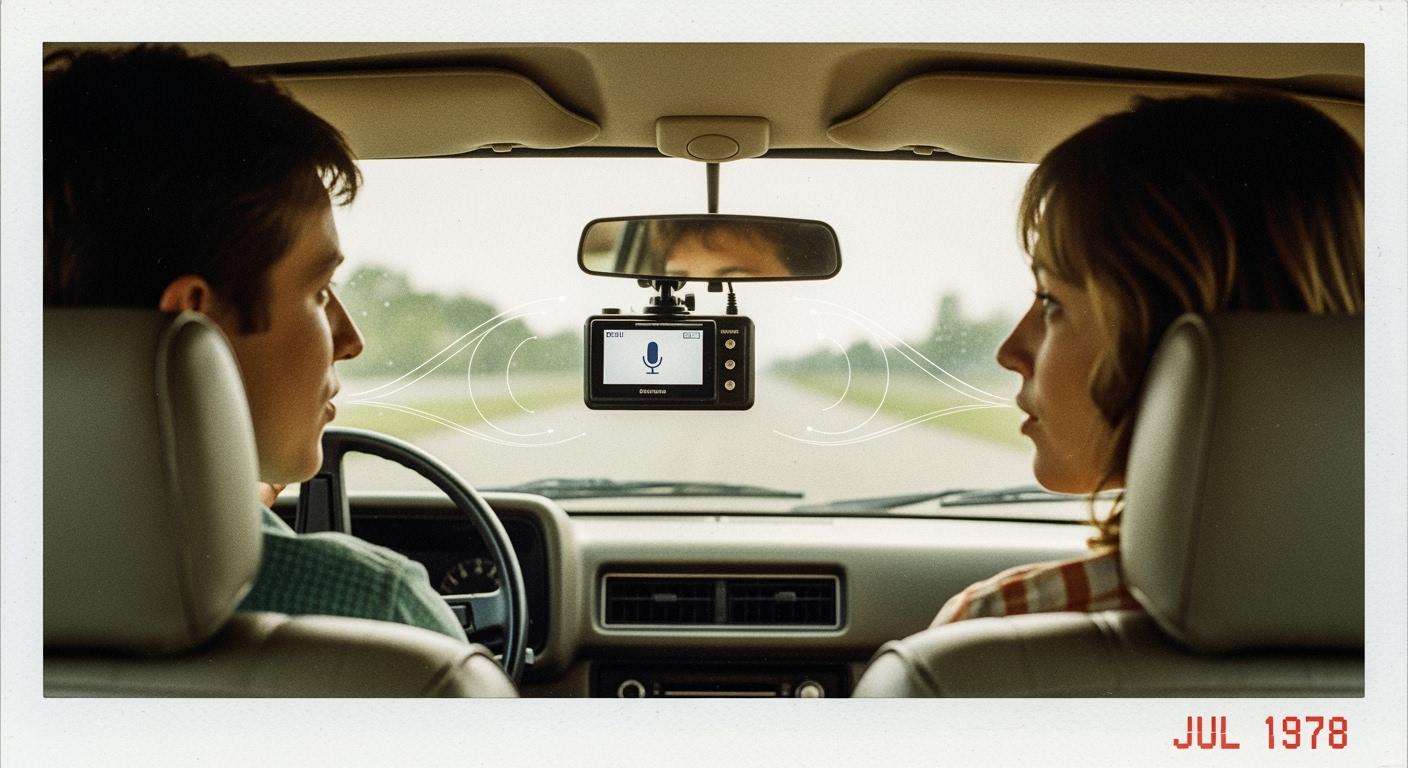
Dash cameras not only record videos but also capture sounds inside the car. This audio recording helps provide a clearer context during incidents. Understanding how dash cameras capture audio can help you choose the right device for your needs.
Built-in Microphones
Most dash cameras come with built-in microphones. These small devices pick up sounds from inside the vehicle. They record conversations, engine noise, and other sounds nearby. The microphone is usually placed near the camera lens for better audio capture. Some dash cams allow you to turn audio recording on or off. This feature helps protect privacy when needed.
Audio Quality And Range
The quality of sound depends on the microphone and camera design. Dash cams typically capture clear voices close to the device. Sounds outside the car or far away may be faint or unclear. Background noise like wind or road sounds can affect audio quality. Higher-end models often have better microphones and noise reduction features. This leads to clearer recordings and improved sound range.
Legal Aspects Of Recording Sound
Dash cameras often record sound along with video. This can raise legal questions. Knowing the laws helps you avoid problems. Laws vary by country and region. It is important to understand local rules before using audio recording features.
Some places allow recording sound freely. Others have strict controls to protect privacy. Ignoring these laws can lead to fines or legal trouble. Understanding legal limits keeps you safe and responsible.
Privacy Laws By Region
Privacy laws differ widely across the world. Some regions consider audio recording a private act. Others treat it as public information. For example, the European Union has strict privacy rules. The United States uses a mix of state laws. Some states require all parties to consent. Others need only one party’s permission. Knowing local laws helps you respect privacy rights.
Consent Requirements
Consent is key in audio recording legality. Some places require all people recorded to agree. Others allow recording if one person agrees. This is called “one-party consent.” Without proper consent, recordings may be illegal. Always check if you must notify or get approval. Consent rules protect people’s private conversations. Following these rules avoids legal risks.
Benefits Of Audio Recording In Dash Cams
Dash cams with audio recording add a useful layer of information. They do more than just capture video. Sound helps understand the full story in many situations.
Audio can clarify what happened during an event. It makes the footage more reliable and complete. This can help drivers protect themselves better.
Enhancing Evidence In Accidents
Audio recording captures voices and sounds at the accident scene. It records conversations between drivers and witnesses. This can support the video evidence clearly.
Hearing what people say can prove fault or innocence. Sounds like horns, brakes, or crashes add important details. It helps police and insurance companies decide faster.
Capturing Roadside Conversations
Dash cams also record talks with other drivers or pedestrians. This can show what was said during disputes or emergencies. It makes tricky situations easier to explain later.
Audio helps remember exact words or warnings given. It also records sounds around the car, such as sirens or alerts. These details improve the overall safety picture.

Credit: wolfbox.com
Limitations And Challenges
Dash cameras can record sound, but there are some limits and challenges to consider. These issues affect how well the audio is captured and stored. Understanding these factors helps set the right expectations for dash cam users.
Background Noise Issues
Dash cams often pick up a lot of background noise. Sounds from the road, wind, and engine can interfere with clear audio. This noise makes it hard to hear conversations or important details. Microphones in dash cams are usually small and not very powerful. They struggle to isolate voices from loud surroundings. This limits the usefulness of recorded sound during incidents.
Storage And Battery Constraints
Recording sound uses extra storage space on the dash cam’s memory card. Audio files add up quickly, reducing how much video can be saved. Dash cams also rely on car power or internal batteries. Playing and recording sound drains battery life faster. Users may find that audio recording shortens the overall recording time. These limits force many dash cams to mute sound or record it only when needed.
How To Enable Or Disable Sound Recording
Dash cameras often record sound along with video footage. Knowing how to turn this feature on or off helps you control your privacy. It also lets you capture important audio evidence if needed. The process varies by dash cam brand and model. This guide explains how to enable or disable sound recording on popular dash cams.
Settings In Popular Dash Cam Models
Most dash cams have a menu for audio settings. For example, Garmin dash cams let you toggle the microphone on or off in the settings menu. Thinkware models usually include an option called “Audio Recording” or “Microphone.” You can disable it to stop sound recording.
Nextbase dash cams often have a simple switch in the app or device settings. Press the button to enable or disable sound. Vantrue dash cams also offer clear microphone controls in the setup menu. Check your dash cam’s user guide for exact steps.
When To Turn Off Audio
Turning off sound recording protects privacy inside the car. Some states or countries require consent before recording audio. Disable the microphone to avoid legal issues. Also, muting sound can save storage space on your memory card.
In quiet areas, audio might not add value to your footage. Turning it off reduces background noise. Use silent mode when you only need video evidence. Switch it back on during long trips or rides with passengers.
Credit: execsecurity.com
Alternatives To Built-in Audio Recording
Some dash cameras do not record sound well or at all. Alternatives to built-in audio recording help capture clear sound. These options improve audio quality and add useful details to your videos. You can choose the best method based on your needs and budget.
External Microphones
External microphones connect to your dash camera or car system. They pick up clearer sound than built-in microphones. You can place them near the driver or windows. This reduces noise from the road and engine. Many external microphones are small and easy to install. They improve audio during calls or when recording incidents.
Pairing With Smartphones
Pairing your dash camera with a smartphone is another option. Your phone’s microphone often records better sound than the camera. Many dash camera apps allow audio recording through your phone. This method also lets you save videos and audio in one place. It is a simple way to get good sound without extra equipment.
Frequently Asked Questions
Do Dash Cameras Record Audio By Default?
Most dash cameras can record audio, but many have the feature turned off by default. Users must enable it in settings for sound capture.
Is Recording Sound On Dash Cameras Legal?
Laws vary by location. Some regions require all-party consent, while others allow one-party consent for audio recording in vehicles.
Can Dash Camera Audio Improve Accident Evidence?
Yes, audio can provide context, such as driver conversations or external sounds, enhancing accident investigation and insurance claims.
Do All Dash Cameras Have Microphones?
Not all dash cameras include built-in microphones. Check product specifications to ensure the model supports audio recording.
Conclusion
Dash cameras often record sound, but not all models do. Some cameras need you to turn on the microphone. Recording sound can help in accidents or disputes. Keep in mind, laws about audio recording vary by place. Check your local rules before using sound features.
Choose a dash cam that fits your needs. Sound recording can add extra proof on the road. It’s a useful feature, but not always necessary. Consider what matters most for your driving safety.
As an Amazon Associate, I earn from qualifying purchases.
