Are you wondering if you really need a cable box when you have a smart TV? It’s a question many people ask as they try to cut costs and simplify their home entertainment.
You might think a smart TV has everything you need, but the answer isn’t always clear. Keep reading, because by the end of this article, you’ll know exactly what works best for your setup and how to get the most out of your TV without wasting money or missing out on your favorite shows.

Credit: gloriaforce.com
Smart Tv Features
Smart TVs come with many features that change how you watch TV. These features offer more than just regular channels. They make watching shows and movies easier and more fun. Understanding these features helps decide if a cable box is needed.
Built-in Streaming Apps
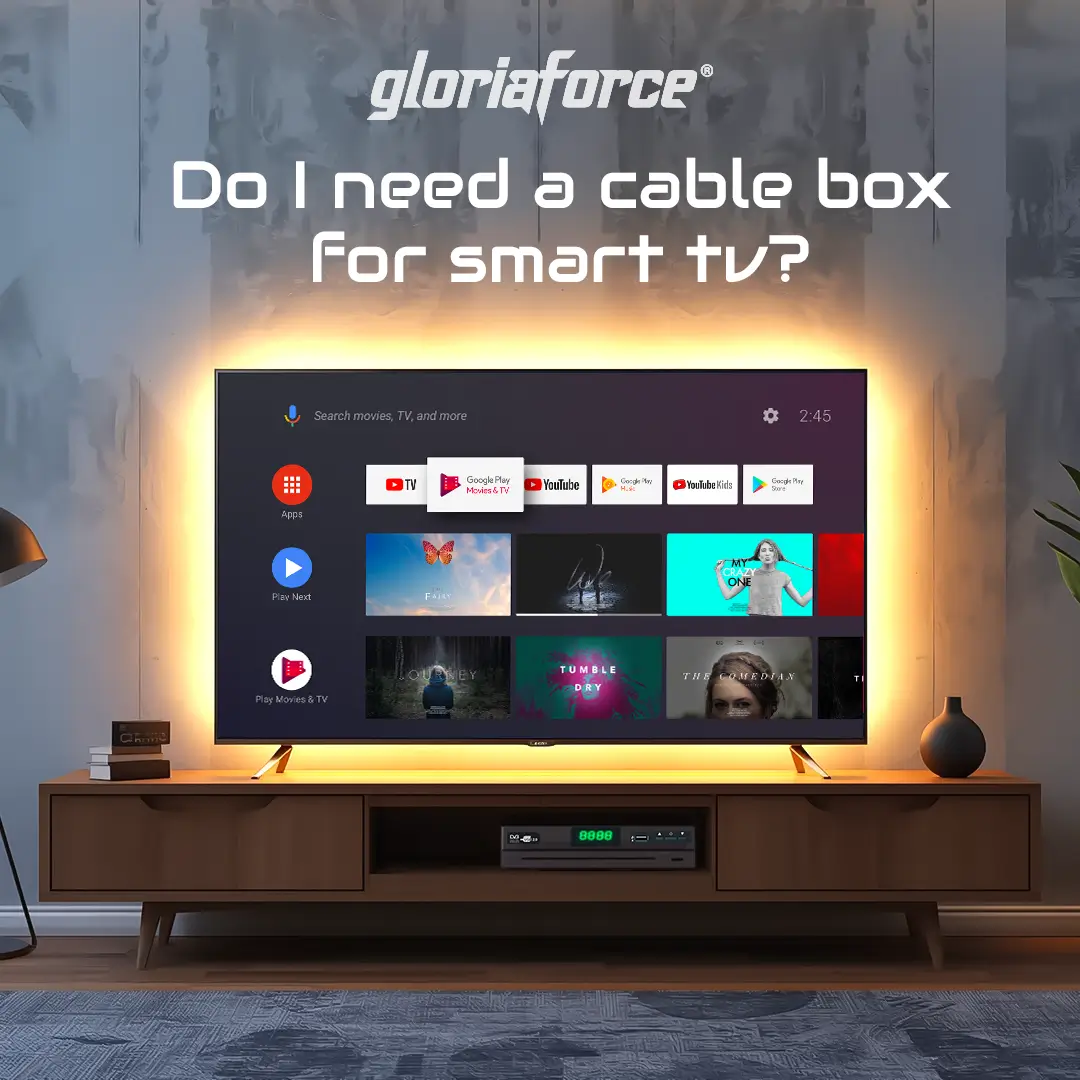
Smart TVs include apps like Netflix, Hulu, and YouTube. These apps let you watch on demand shows and movies. No need to connect extra devices. Just open the app and start watching.
Internet Connectivity
Smart TVs connect to the internet through Wi-Fi or Ethernet. This connection allows streaming and app updates. It also lets you browse content online without other gadgets.
User Interface And Navigation
The user interface on smart TVs is simple and clear. Menus are easy to move through with the remote control. This helps find shows, apps, and settings fast.
Role Of A Cable Box
A cable box acts as a bridge between your TV and cable service. It controls the way you watch cable channels on your smart TV. The box decodes the cable signal and sends it to your TV. This allows you to see live TV channels with clear quality.
Besides showing channels, cable boxes offer more features. They help access special content and manage recordings. Many people still use cable boxes for these benefits.
Access To Cable Channels
Cable boxes give you access to many channels. They show local, sports, news, and entertainment channels. Some channels may not be available without a cable box. The box ensures you get the channels included in your subscription.
On-demand Content
Cable boxes offer on-demand movies and shows. You can watch your favorite programs anytime. This feature lets you pause, rewind, or fast forward content. It adds flexibility to how you watch TV.
Dvr And Recording Options
Many cable boxes include DVR features. This lets you record live TV shows and movies. You can watch recorded content later at your convenience. The recording option helps never miss important programs.
When You Still Need A Cable Box
A smart TV offers many apps and streaming options. It can show shows and movies from the internet easily. Still, some situations call for a cable box. This device connects to your TV and brings cable channels directly. Not everyone can skip the cable box just yet.
Many cable companies need a box to access their services. Also, some channels are not available on smart TV apps. A cable box might offer special options that apps cannot. Understanding these cases helps decide if you need one.
Subscription Requirements
Cable companies often require a box to watch their channels. Even with a smart TV, many providers block access without it. The box verifies your subscription and grants permission. Without it, you might lose access to your paid channels.
Some companies offer apps, but they need a cable login. The box ensures a smoother, direct connection to channels. This is important for live TV and premium content.
Local Channel Access
Local channels sometimes do not stream well on smart TVs. A cable box can receive these channels clearly. It uses a cable signal that apps may not support. This helps you watch local news, sports, and events easily.
Using a cable box ensures stable picture quality for local stations. It avoids buffering or missing channels common with online apps.
Special Features And Services
Cable boxes often include features not found on smart TVs. DVR lets you record shows to watch later. Some boxes offer on-demand movies and pay-per-view events. These services enhance your viewing experience beyond basic apps.
Interactive guides and parental controls come with many cable boxes. These tools help manage what you watch and when. Smart TVs may lack these useful options without a cable box.

Credit: www.wikihow.com
Alternatives To Cable Boxes
Smart TVs offer many ways to watch shows and movies. You do not always need a cable box. There are simple and affordable alternatives. These options can save money and give more viewing choices.
Here are some popular alternatives to cable boxes that work well with smart TVs.
Streaming Devices
Streaming devices like Roku, Amazon Fire Stick, and Chromecast connect to your TV. They let you watch apps such as Netflix, Hulu, and YouTube. These devices are easy to use and often cost less than cable boxes. You can watch on demand and skip ads on some services.
Antenna For Local Channels
Antenna picks up free local channels. This option is great for live news, sports, and local events. A simple indoor antenna can provide many channels in good signal areas. No monthly fees. Just plug it into your TV and scan for channels.
Ott Services
Over-the-top (OTT) services stream TV shows and movies over the internet. Examples include Sling TV, YouTube TV, and Hulu + Live TV. They offer live channels similar to cable but without a box. You pay a monthly fee and watch on your smart TV app.
Cost Comparison
Comparing costs helps decide if you need a cable box with your smart TV. Smart TVs can stream many channels without extra devices. But cable boxes offer some channels and features that streaming might not. Understand the costs before choosing the best option for your budget.
Cable Box Rental Fees
Cable companies usually charge monthly fees to rent a box. These fees can range from $10 to $15 each month. Over a year, rental fees add up to $120 to $180. Some providers may offer discounts but expect regular charges.
Streaming Service Costs
Streaming services vary in price. Basic plans start at about $6 to $10 per month. Premium plans with more channels cost $15 to $25 monthly. Some services offer free content but limit access to popular shows. Streaming costs depend on what you want to watch.
Equipment Investment
Smart TVs come with built-in apps, no extra box needed. Buying a cable box means extra spending upfront. Cable boxes cost $50 to $150 to buy outright. Streaming devices like Roku or Fire Stick cost $30 to $50. Equipment cost affects the total spending over time.
Setup And Compatibility
Setting up a cable box with a smart TV can seem tricky. Compatibility issues may arise if both devices do not work well together. This section explains how to connect your cable box to a smart TV and what to check for compatibility. It also covers common problems and ways to fix them.
Connecting Cable Box To Smart Tv
Use an HDMI cable to connect the cable box to your smart TV. Plug one end into the cable box’s HDMI out port. Plug the other end into the smart TV’s HDMI in port. Turn on both devices and select the correct HDMI input on your TV. This setup allows you to watch cable channels on your smart TV.
Smart Tv Compatibility With Cable Providers
Not all smart TVs work with every cable provider. Check if your smart TV supports the cable company’s app or service. Some providers require a cable box for access to premium channels. Others offer apps that stream cable content directly. Verify with your cable company to avoid compatibility issues.
Troubleshooting Common Issues
If your smart TV does not show cable channels, check the HDMI connection. Make sure the cable box is powered on and set to the right channel. Restart both the cable box and the smart TV. Update the TV’s software if needed. If problems continue, contact your cable provider for help.
Future Of Tv Viewing
The future of TV viewing is changing fast. Technology grows every day. People want easy access to shows and movies. Smart TVs bring many new features. They change how we watch content at home.
Old ways of watching TV are fading. Cable boxes may not be needed soon. Streaming services and smart apps make TV simple and flexible. Understanding these changes helps you decide what you need.
Trends In Smart Tv Technology
Smart TVs now have faster processors and better screens. They connect directly to the internet. Voice control and smart assistants are common. Apps for streaming services come pre-installed. Updates improve performance without extra devices.
Decline Of Traditional Cable
Fewer people use cable subscriptions today. Cable boxes add cost and clutter. Many prefer watching shows anytime, not on a schedule. Streaming offers on-demand content without contracts. This shift reduces the need for cable boxes.
Emerging Streaming Options
Streaming platforms grow every year. Services offer exclusive shows and movies. Some provide live TV and sports too. Smart TVs support many apps, making cable boxes less needed. Choices increase, and viewers pick what fits them best.
Credit: gloriaforce.com
Frequently Asked Questions
Do Smart Tvs Need A Cable Box For Cable Channels?
Smart TVs usually do not need a cable box if they have built-in apps for cable providers. However, some cable channels require a box or a cable card for access.
Can I Use A Smart Tv Without A Cable Subscription?
Yes, you can use a smart TV without cable by streaming content via apps like Netflix or YouTube. Cable subscription is only needed for live cable channels.
How Does A Cable Box Connect To A Smart Tv?
A cable box connects to a smart TV using HDMI or coaxial cables. This setup allows the TV to receive cable channels through the box.
Will A Smart Tv Replace My Cable Box Completely?
A smart TV can replace a cable box for streaming, but not all cable channels are accessible without a box. It depends on your provider and services.
Conclusion
A smart TV offers many apps and streaming options. Still, a cable box may be needed for some channels. It depends on the channels you want to watch. Some local or premium channels require cable service. You can save money by skipping the cable box if streaming works for you.
Choose the option that fits your viewing habits best. This way, you enjoy TV without extra devices or costs. Simple and clear.
As an Amazon Associate, I earn from qualifying purchases.