
Imagine controlling your lights, thermostat, and security system with just your voice or a tap on your phone. Sounds amazing, right?
Making your home smart isn’t just for tech experts anymore—you can do it too, step by step. You’ll discover simple, practical ways to transform your living space into a smart home. Ready to enjoy more comfort, convenience, and security? Keep reading to find out how easy it can be.
Benefits Of A Smart Home
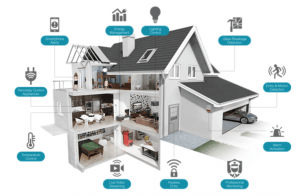
Smart homes offer many benefits that make daily life easier and safer. They use technology to connect devices and systems in one place. This helps manage your home with little effort. Smart homes save time and reduce stress. They also help lower energy bills and protect your family. Here are some key benefits of having a smart home.
Enhancing Convenience
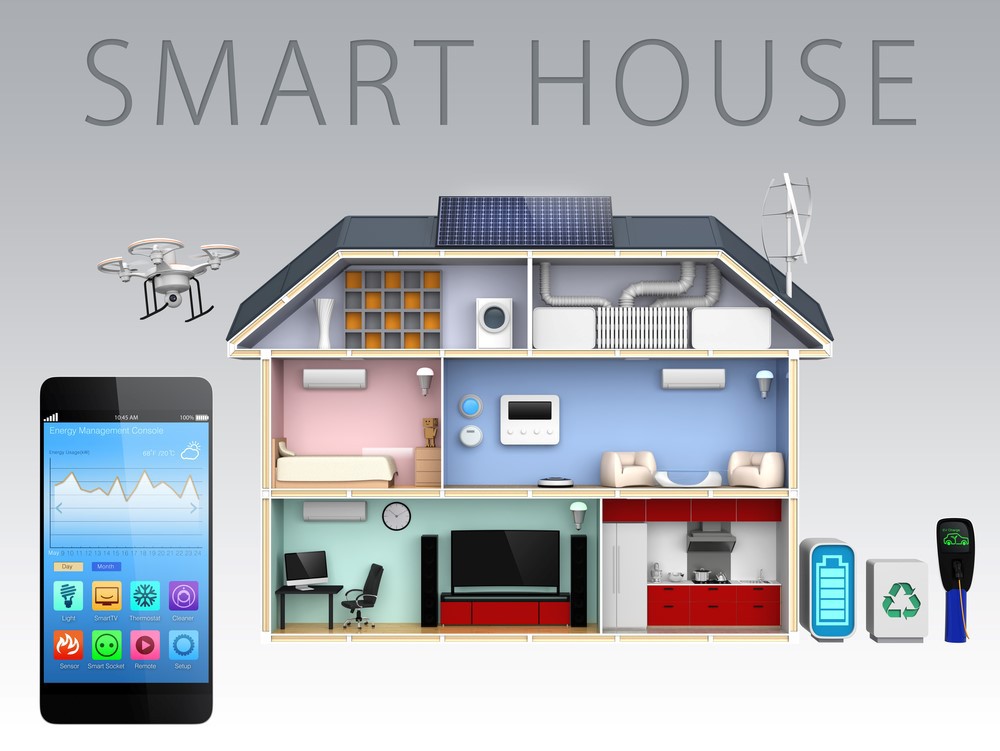
Smart home devices automate tasks around your house. You can control lights, thermostats, and appliances from your phone. Voice commands make it easy to manage many devices. No need to walk around to switch things on or off. Scheduling features let your home adjust settings automatically. Convenience improves your daily routine and saves time.
Improving Security
Smart security systems keep your home safe. Cameras, motion sensors, and alarms alert you of unusual activity. You can monitor your home remotely anytime. Smart locks let you control access without keys. Some systems send notifications to your phone. This added security helps you feel more secure and aware.
Boosting Energy Efficiency
Smart homes help reduce energy use and save money. Thermostats learn your schedule and adjust heating or cooling. Smart lights turn off when rooms are empty. Energy monitoring tools track power consumption. This information helps you make better energy choices. Lower energy use means a smaller utility bill and less environmental impact.
Credit: hometechhacker.com
Essential Smart Devices
Smart devices make your home easier and more comfortable. They help control many tasks with little effort. These devices connect to the internet and work together. You can manage them using your phone or voice. Below are some essential smart devices to start with.
Smart Speakers And Assistants
Smart speakers listen to your voice commands. They play music, answer questions, and control other smart devices. Popular options include Amazon Echo and Google Nest. These assistants make daily tasks simple and hands-free. You can set reminders, check the weather, and more.
Smart Lighting Systems
Smart lights let you control brightness and color from anywhere. Use your phone or voice to turn lights on or off. Some systems adjust light based on time or activity. Smart lighting saves energy and sets the right mood. Easy to install and fits any home style.
Smart Thermostats
Smart thermostats control your home temperature automatically. They learn your schedule and adjust settings to save energy. You can control them remotely using an app. These devices keep your home comfortable and reduce bills. They fit most heating and cooling systems.
Security Cameras And Sensors
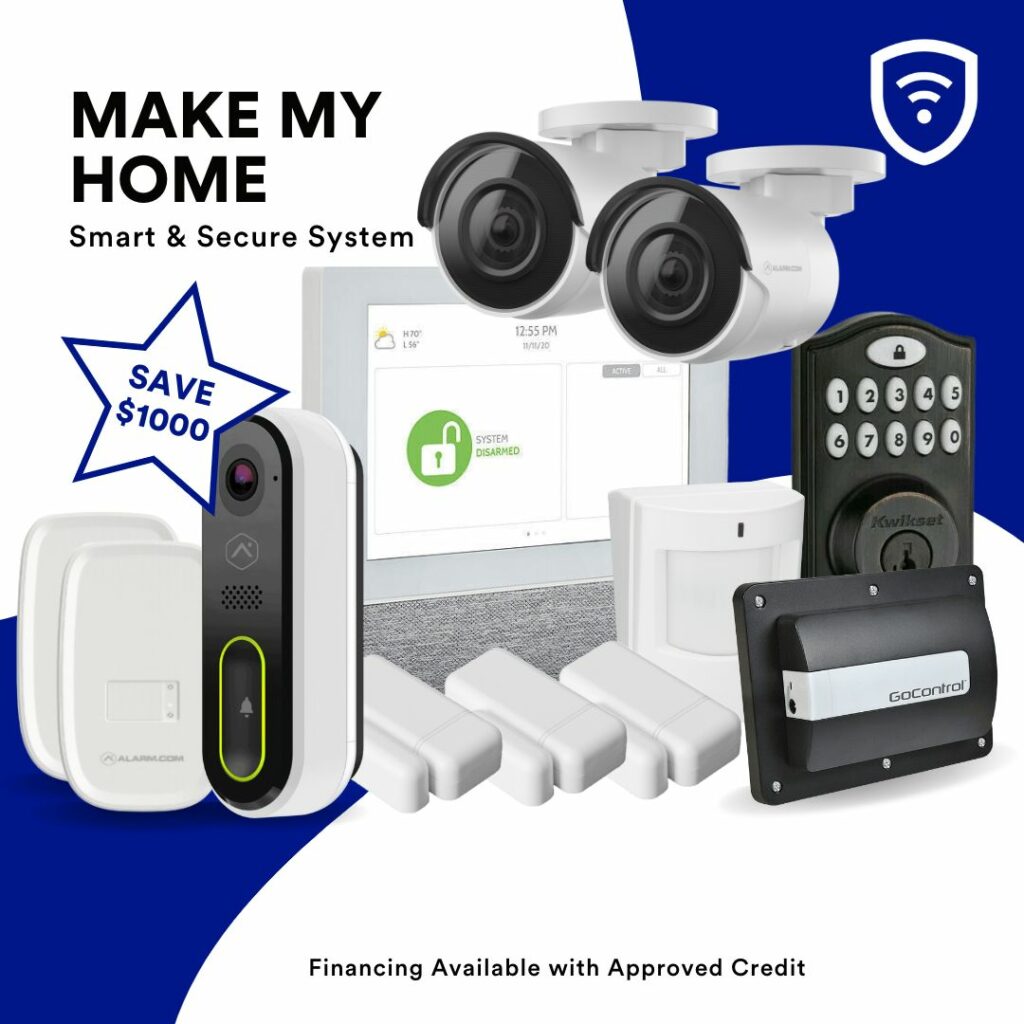
Security cameras monitor your home 24/7. You can watch live video on your phone. Sensors detect motion, doors opening, or smoke. Alerts notify you of unusual activity immediately. These devices help keep your home safe and secure. Installation is simple and works with smart hubs.
Choosing The Right Hub
Choosing the right hub is the first step to a smart home. The hub acts as the control center for all your devices. It helps them work together smoothly. Picking the right one makes your smart home simple and efficient. Several factors matter when selecting a hub. These include device compatibility, ease of use, and voice control features.
Compatibility With Devices
Check if the hub works with your smart devices. Some hubs support many brands and types. Others only work with a few. Choose a hub that fits your current and future devices. This avoids extra costs and hassle later. Look for hubs that support popular standards like Zigbee or Z-Wave.
User-friendly Interfaces
Choose a hub with an easy-to-use interface. A simple app or control panel saves time. It helps you manage devices without confusion. Clear instructions and simple menus make a big difference. The goal is to control your home with no stress.
Voice Control Options
Voice control adds convenience to your smart home. Check if the hub supports popular assistants like Alexa or Google Assistant. This lets you use simple voice commands. Voice control can turn lights on, adjust temperature, and more. It makes everyday tasks easier and faster.
Setting Up Your Network
Setting up your network is the first step to making your home smart. A good network keeps all your devices connected and working well. It helps smart lights, cameras, and speakers run smoothly. Without a strong network, smart devices may lag or lose connection. Follow these tips to build a reliable network at home.
Ensuring Strong Wi-fi Coverage
Strong Wi-Fi coverage reaches every corner of your home. Place your router in a central spot. Avoid walls and large objects that block signals. Use Wi-Fi extenders or mesh systems for bigger houses. Check your signal strength in different rooms. This helps smart devices stay connected without drops.
Securing Your Network
Protect your network with a strong password. Change the default router password right away. Use WPA3 or WPA2 encryption for safety. Turn off network name broadcasting if possible. Keep your router’s firmware up to date. This stops hackers from accessing your smart devices.
Managing Bandwidth
Bandwidth is the amount of data your network can handle. Too many devices can slow it down. Prioritize smart devices that need constant connection. Limit streaming or large downloads during busy times. Use Quality of Service (QoS) settings on your router. It helps give important devices more bandwidth.
Step-by-step Installation
Making your home smart starts with a clear installation process. Follow these simple steps to set up your smart devices easily. A good installation ensures your devices work well together. It also helps you control your home better and save time.
Planning Device Placement
Think about where each smart device should go. Place sensors near doors and windows for better security. Put smart lights in rooms where you spend the most time. Avoid spots with weak Wi-Fi signals. Good placement helps devices work without problems.
Connecting Devices To The Hub
Turn on your smart hub first. Follow the hub’s instructions to add new devices. Usually, you press a button on the device to connect. Wait for the hub to confirm the device is linked. Connect all devices one by one for best results.
Configuring Automation And Scenes
Use your hub’s app to set up automation rules. Make lights turn on at sunset or when you enter a room. Create scenes that control multiple devices with one command. For example, a “movie time” scene can dim lights and close blinds. Test your settings to ensure they work smoothly.
Credit: bsgtexas.com
Maintaining And Updating Systems
Maintaining and updating your smart home systems keeps them running smoothly. Regular care helps avoid problems and improves security. Stay ahead by checking your devices often. Keep everything connected and working well for a smarter home.
Regular Software Updates
Smart devices need software updates to fix bugs and improve features. Check for updates in your app or device settings. Install updates as soon as they are available. Updates protect your home from security risks. They also add new tools for better control.
Troubleshooting Common Issues
Sometimes devices stop working or lose connection. Restarting the device often solves simple problems. Check Wi-Fi and power supply if devices fail. Reset devices to factory settings if needed. Use online guides or customer support for help. Don’t ignore small issues to avoid bigger problems later.
Expanding Your Smart Home
Adding new devices can improve your home’s smart system. Choose devices that work well with your current setup. Start with simple additions like smart bulbs or plugs. Gradually add security cameras or smart thermostats. Plan for future upgrades by picking flexible systems. Expansion keeps your home efficient and up to date.
Budget-friendly Tips
Making a smart home does not have to cost a lot. Small changes can add up to big savings. Smart devices help with comfort and security without breaking the bank. Focus on simple steps that fit your budget. Start with what you really need and grow from there.
Prioritizing Essential Devices
Choose smart devices that improve daily life the most. Smart lights and plugs save energy and money. A smart thermostat controls temperature efficiently. Security cameras and alarms protect your home. Pick devices that offer the best value first. Avoid buying too many gadgets at once.
Finding Deals And Discounts
Watch for sales during holidays and special events. Many stores cut prices on smart devices regularly. Use coupons or cashback offers to save more. Compare prices online before buying. Sometimes refurbished products work well and cost less. Stay patient and wait for the right deal.
Diy Installation Ideas
Save money by installing devices yourself. Many smart gadgets come with easy instructions. Use online videos to guide the setup process. Avoid hiring professionals for simple tasks. Test devices in one room before full installation. Learning to install saves time and money.
Credit: corezoid.com
Frequently Asked Questions
What Are The First Steps To Make My Home Smart?
Start by choosing a reliable smart home hub. Connect essential devices like smart lights and thermostats. Ensure your Wi-Fi is strong and secure. This foundation allows easy control and automation of your smart home system.
Which Smart Devices Are Essential For Home Automation?
Smart lights, thermostats, security cameras, and voice assistants are key. These devices improve convenience, security, and energy efficiency. Choose devices compatible with your smart home hub for seamless integration.
How Can I Improve Home Security With Smart Technology?
Install smart locks, cameras, and motion sensors. Use automated alerts and remote monitoring for safety. Integrate devices with your smartphone for real-time updates and control from anywhere.
Can I Make My Home Smart Without Extensive Wiring?
Yes, many smart devices are wireless and easy to install. Use Wi-Fi or Bluetooth-enabled gadgets. This approach minimizes hassle and cost while enhancing your home’s intelligence.
Conclusion
Making your home smart can bring ease and comfort every day. Start with small devices like smart bulbs or plugs. These add convenience without much cost or effort. Gradually add more gadgets as you learn what fits your needs. Control lights, temperature, and security from your phone.
A smart home saves time and energy. It also helps keep your family safe. Take it step by step. Enjoy the benefits of a connected home at your own pace.
As an Amazon Associate, I earn from qualifying purchases.

