
Are you wondering how long an ankle monitor stays charged? If you or someone you know has to wear one, knowing the battery life is important.
It can affect your daily routine and peace of mind. You’ll discover exactly how long these devices last, what can make the battery run out faster, and simple tips to keep it charged longer. Keep reading to get the full picture and avoid any surprises with your ankle monitor’s power.
Battery Life Basics
Ankle monitors rely on batteries to function properly throughout the day. Understanding battery life basics helps users know when to recharge. The battery must last long enough to track movement continuously. Short battery life can cause interruptions in monitoring. Knowing how long the device stays charged can reduce stress and ensure compliance.
Typical Charge Duration
Most ankle monitors hold a charge for 24 to 48 hours. Some models last longer, up to 72 hours, depending on the device. Users usually need to recharge the monitor every one to two days. The charging process can take a few hours to complete. Regular charging keeps the device active and prevents false alerts.
Factors Affecting Battery Life
Battery life varies based on device type and usage. Frequent movement and signal transmission use more battery power. Older devices may have shorter battery life than newer models. Environmental conditions, like extreme temperatures, can reduce battery efficiency. Proper care and timely charging extend the battery’s lifespan.
Types Of Ankle Monitors
Ankle monitors vary by type and technology. Understanding these differences helps explain how long they stay charged. Each type uses different systems and batteries. These factors affect battery life and charging needs.
Passive Vs Active Monitors
Passive monitors only record data. They do not send signals constantly. These devices use less power. Their batteries last longer between charges. Active monitors send signals all the time. They track location in real-time. This constant communication uses more battery power. Active monitors need more frequent charging.
Battery Differences Among Models
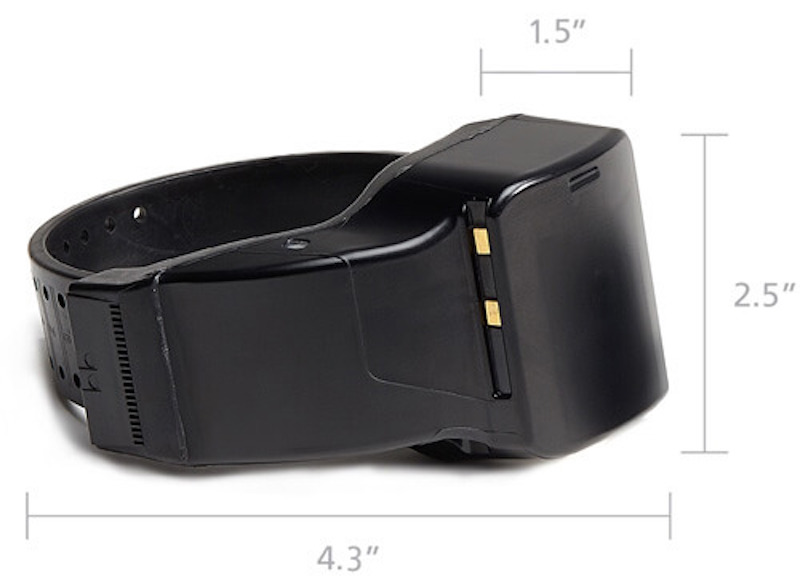
Batteries differ by size and type in ankle monitors. Some use standard lithium-ion batteries. Others use special long-life batteries. Larger batteries usually last longer. Small, lightweight models may have shorter battery life. Battery quality also impacts charging time. Good batteries recharge faster and last longer. Battery life can range from one day to several days.
Charging Process
The charging process of an ankle monitor is simple but important. Keeping the device charged ensures it works correctly. A low battery can cause problems and false alerts. Understanding how to charge the monitor properly helps avoid these issues.
How To Charge Properly
Use the charger that comes with the ankle monitor. Connect the charger to a power source first. Then attach the charger to the device. Avoid using damaged cables or adapters. Keep the charging area dry and clean. Do not charge the monitor near water or heat. Check the device regularly during charging. Unplug it when it is fully charged. Overcharging can shorten the battery life.
Charging Time Estimates
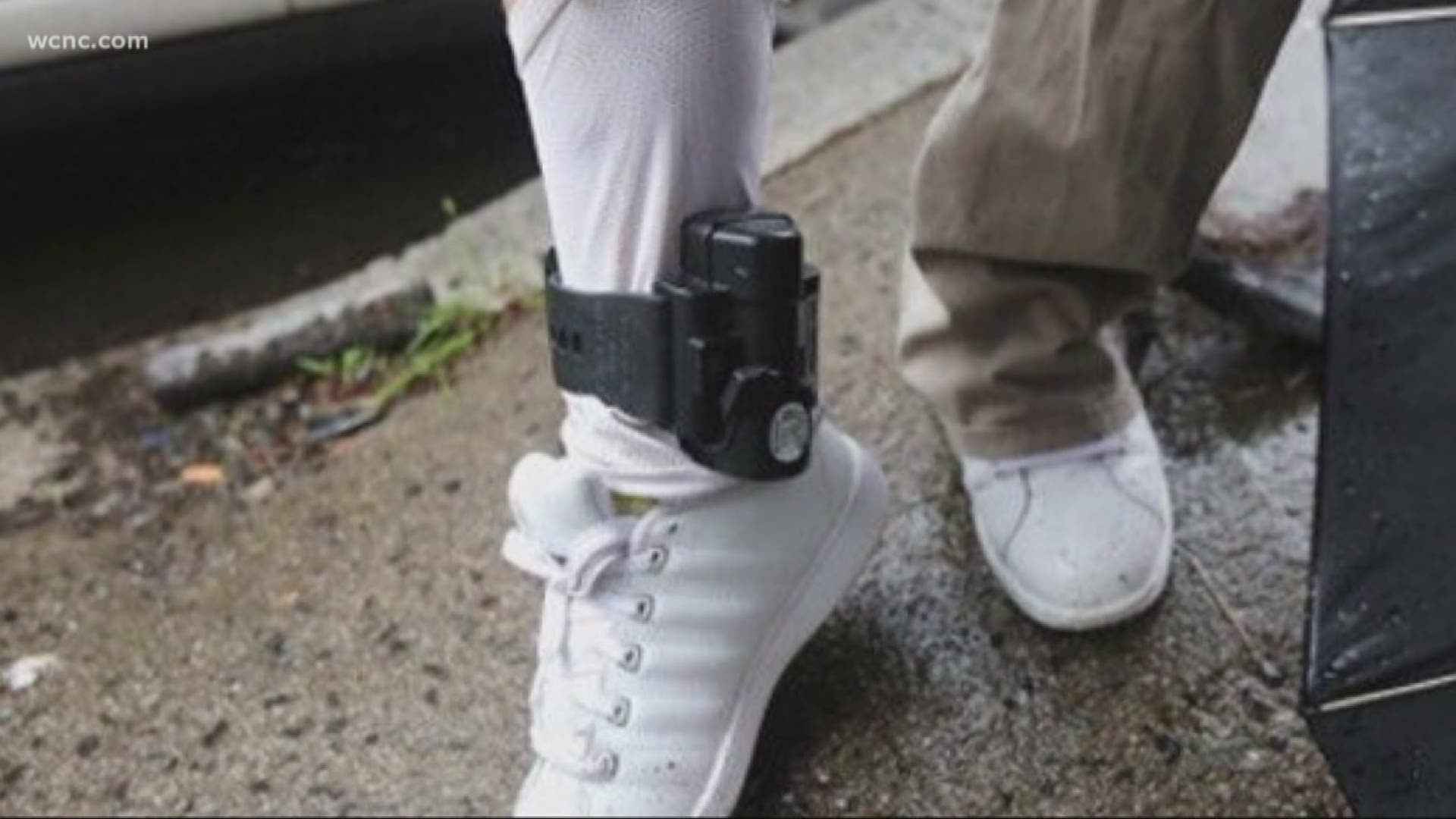
Most ankle monitors take about two to four hours to charge. Some models may charge faster or slower. The battery can last from one to several days after charging. Battery life depends on the model and usage. A fully charged monitor works without issues for a full day or more. It is best to charge the device every day. This keeps the monitor ready and reliable at all times.
Credit: www.wcnc.com
Battery Maintenance Tips
Battery maintenance is key to keeping an ankle monitor working well. Proper care helps the battery last longer. It also prevents unexpected shutdowns. Understanding how to maintain the battery saves time and stress. Here are some useful tips on battery care.
Extending Battery Life
Charge the monitor regularly before the battery runs out. Avoid letting the battery drop to zero. Keep the device away from very hot or cold places. Extreme temperatures can damage the battery. Remove the monitor only when needed to save power. Turn off unnecessary features if possible. These steps help the battery hold charge longer.
Common Charging Mistakes
Do not overcharge the battery by leaving it plugged in for too long. Overcharging reduces battery health. Avoid using chargers that do not fit the device. Wrong chargers can cause damage or slow charging. Do not charge near water or wet areas. Charging in unsafe places risks damage and injury. Follow the manufacturer’s instructions carefully for safe charging.
Signs Of Low Battery
An ankle monitor needs power to work properly. The battery runs out after some time. Knowing the signs of a low battery helps avoid problems. Early signs keep you prepared and safe.
Low battery signs vary by device but often include clear warnings. The monitor may beep or flash lights. Some devices send alerts to a connected phone or control center. These signals warn the wearer to charge soon.
Alerts And Notifications
Most ankle monitors have built-in alerts for low battery. A steady beep or blinking light means the battery is low. Some devices send text or app notifications. The control center might also get an alert. These warnings appear hours before the battery dies. They give enough time to recharge the device.
What To Do When Battery Is Low
Charge the ankle monitor as soon as possible. Use the charger provided by the monitoring agency. Avoid removing the device without permission. Follow all rules given by the supervising officer. Keep the charger handy for daily use. Regular charging prevents missed alerts or device failure.
Credit: bi.com
Impact Of Usage Patterns
The time an ankle monitor stays charged depends a lot on how it is used. Different activities and surroundings change how fast the battery runs out. Understanding these factors helps users keep the device working longer. This section explains how usage patterns affect battery life.
Activity Levels And Battery Drain
More movement causes the ankle monitor to use more power. Walking, running, or frequent shifts make sensors work harder. Sensors check location and motion often during high activity. This higher demand speeds up battery drain. Less movement means the battery lasts longer. Sitting or resting reduces power use. Users should know that active days need more frequent charging.
Environmental Influences
Temperature changes affect the ankle monitor’s battery life. Cold weather can slow the battery’s performance. Warm conditions may also reduce how long the charge lasts. Moisture and dirt can interfere with the device’s sensors. This interference causes the monitor to work harder. Harder work uses more battery power. Keeping the monitor clean and dry helps maintain battery life. The environment plays a key role in battery duration.
Replacing The Battery
Replacing the battery in an ankle monitor is important to keep it working properly. The battery powers the device, allowing it to track location and send signals. Knowing when and how to replace the battery helps avoid problems like loss of signal or device failure.
When Replacement Is Needed
Signs of a low battery include warning beeps or flashing lights. The device may also send alerts to the monitoring center. Most batteries last from a few days to a couple of weeks. Replacement is needed once the battery can no longer hold a charge. Waiting too long can cause the device to stop working.
Process And Precautions
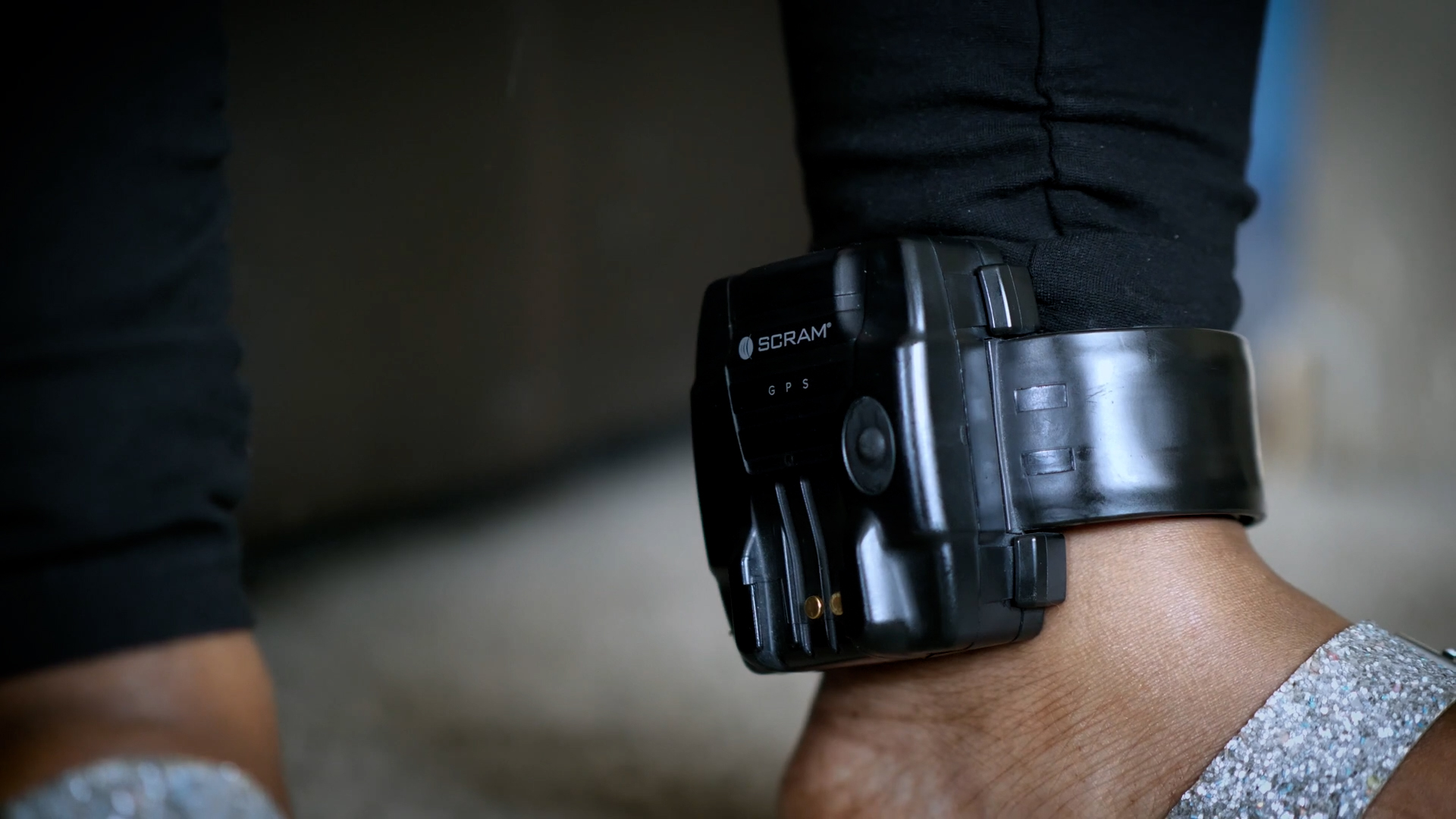
Battery replacement should follow the instructions given by the monitoring authority. Only use approved batteries to avoid damage or malfunctions. Turn off the device before replacing the battery if possible. Handle the device carefully to prevent damage. After replacement, check if the monitor is working correctly. Report any problems immediately to the monitoring center.
Credit: bailproject.org
Frequently Asked Questions
How Long Does An Ankle Monitor Battery Last?
An ankle monitor battery typically lasts between 24 to 72 hours. Usage and model affect battery life. Regular charging is necessary to avoid disruptions. Battery alerts help users know when to recharge.
How Often Should I Charge My Ankle Monitor?
You should charge your ankle monitor every one to three days. Follow specific device instructions. Frequent charging ensures continuous tracking and compliance with monitoring rules.
What Affects Ankle Monitor Battery Life The Most?
Battery life depends on model type, signal strength, and usage frequency. Higher data transmission drains battery faster. Keeping the device charged prevents monitoring interruptions.
Can Ankle Monitors Run Out Of Battery Unexpectedly?
Yes, batteries can drain unexpectedly due to heavy use or poor signal. Users must monitor battery alerts and charge promptly to avoid device shutdown.
Conclusion
An ankle monitor’s battery usually lasts about one to two days. Charging it regularly keeps it working without interruptions. Battery life depends on the device type and usage. Staying aware of the charging schedule helps avoid problems. Always follow the instructions given by your officer or provider.
This way, the device stays reliable and accurate. Understanding these basics makes managing an ankle monitor easier. It ensures you stay compliant and stress-free. Simple care goes a long way in daily use.
As an Amazon Associate, I earn from qualifying purchases.

