
As an Amazon Associate, I earn from qualifying purchases.
Is your laptop screen cracked, flickering, or just not working right? You might be wondering, “How much does it cost to replace a laptop screen?” This question is important because your laptop is more than just a device—it’s your connection to work, friends, and entertainment.
Knowing the cost upfront can save you time, money, and stress. You’ll discover the real price range for screen replacement, factors that affect the cost, and tips to get the best deal. Keep reading to find out exactly what you need to know before fixing your laptop screen.
Factors Affecting Screen Replacement Cost
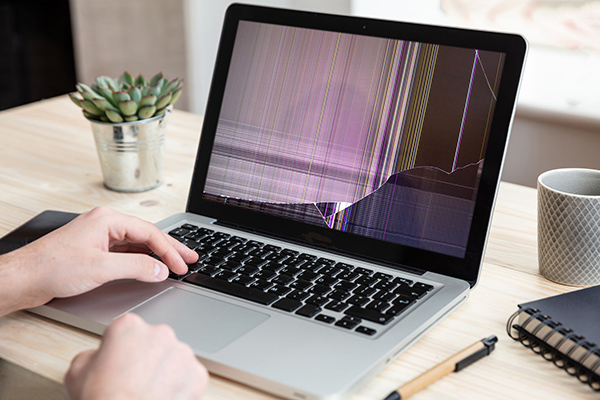
Screen size greatly affects the replacement cost. Bigger screens cost more to fix. Screen type matters too. LCD and LED screens vary in price. Touchscreen repairs are usually pricier than non-touch screens.
Laptop brand plays a big role. Popular brands may have higher repair costs. Some models have rare parts, which are expensive. Older laptops might be cheaper to fix or harder due to part scarcity.
Screen resolution also impacts price. Higher resolution screens cost more to replace. Full HD or 4K screens need special parts. Touchscreen features add extra cost due to complexity.
Parts availability can increase or lower the cost. Easy-to-find parts mean lower prices. Rare or custom parts raise the repair cost. Availability depends on laptop age and brand popularity.
Credit: www.gophermods.com
Cost Breakdown For Diy Replacement
Replacement screens vary in price based on laptop model and size. Basic screens cost around $30 to $70. High-resolution or touchscreen models can be more expensive, up to $150 or more.
Tools needed include small screwdrivers, plastic prying tools, and tweezers. These may cost an additional $10 to $25 if not already owned. Buying a full tool kit can be cheaper than separate tools.
DIY screen replacement saves money but has risks. Improper installation can cause more damage. Warranty may become void. Careful work is important to avoid extra costs.
| Item | Cost Range |
|---|---|
| Replacement Screen | $30 – $150+ |
| Tools and Accessories | $10 – $25 |
| Potential Risks | Possible extra repair costs |
Professional Repair Costs
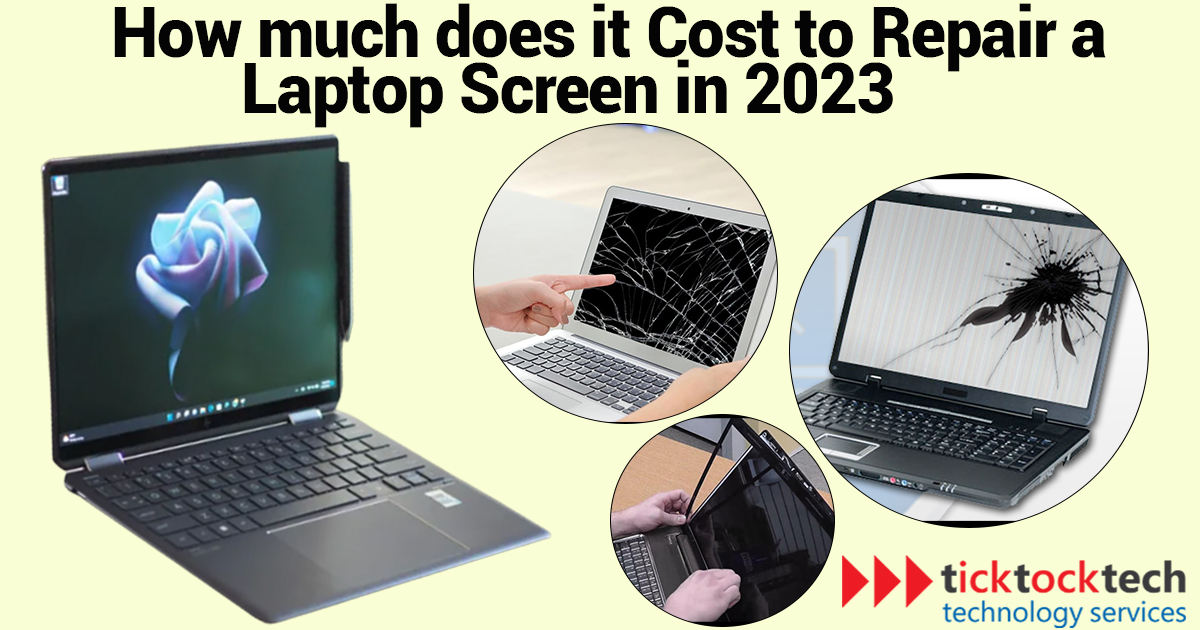
Authorized service centers usually charge more for laptop screen repairs. They use original parts and provide a warranty on the repair. Prices can range from $150 to $400, depending on the laptop model. The repair may take a few days as they follow strict quality checks.
Third-party repair shops often offer cheaper prices. Their cost can be between $80 and $200. Some use generic parts, which may affect screen quality. Repair time is usually faster, often within a day or two.
| Service Type | Cost Range | Parts Used | Repair Time |
|---|---|---|---|
| Authorized Service Centers | $150 – $400 | Original | Several days |
| Third-Party Repair Shops | $80 – $200 | Generic or Original | 1-2 days |
Warranty and service plans can cover screen repairs. They may reduce or remove repair costs. Check your plan details before paying for repairs.
Credit: ticktocktech.com
Comparing Repair Vs Replacement
Repairing a laptop screen is a good choice if the damage is minor. Cracks or small dead pixels can often be fixed for less money. Repairs usually cost less than buying a new laptop. It also saves your data and settings. Repair can take a few hours to a day.
Buying a new laptop makes sense when the screen damage is very bad. Also consider a new laptop if other parts are old or broken. New laptops come with better features and warranties. This option costs more but may save money long-term.
| Factor | Repair | Replacement |
|---|---|---|
| Cost | Lower, usually $50-$150 | Higher, $300 and up |
| Time | Few hours to 1 day | Several days to weeks |
| Device Age | Better for newer laptops | Better for old or damaged laptops |
| Warranty | May void warranty | New warranty included |
Tips To Lower Replacement Costs
Finding affordable parts can save a lot of money. Check online stores and local shops for lower prices. Sometimes, used or refurbished parts work well and cost less. Compare prices before buying to get the best deal.
Repair coupons and discounts help reduce costs. Look for special offers on websites or social media. Some repair shops give seasonal discounts or deals for first-time customers. Always ask if any coupons are available before starting repairs.
Choosing reliable repair services is important. Cheap repairs may cause more problems. Read reviews and ask friends for recommendations. Quality service saves money by avoiding future fixes. Balance price with service quality for best value.
Common Issues Leading To Screen Damage
Physical impact is a common cause of laptop screen damage. Dropping a laptop or hitting it against a hard surface can crack or shatter the screen. Even small hits may cause lines or dead pixels.
Liquid spills can ruin a laptop screen. Water, coffee, or soda can seep inside and cause short circuits. This often results in a blank or flickering screen.
Manufacturing defects also cause screen problems. Sometimes screens have dead pixels or color issues right from the start. These defects may get worse over time and require replacement.
Screen Replacement Time Estimates
DIY laptop screen replacement usually takes between 1 to 3 hours. Time varies by model and skill level. Beginners may spend more time watching tutorials and carefully removing parts. Having the right tools helps speed up the process. Patience is key to avoid damaging the screen or other components.
Professional repairs often take 30 minutes to 1 hour. Experts use specialized tools and experience to work quickly and safely. Some repair shops offer same-day service, while others may need a day or two, depending on parts availability. Using a professional ensures the screen is replaced correctly and comes with a warranty.

Credit: callnerds.com
Frequently Asked Questions
How Much Does Laptop Screen Replacement Usually Cost?
Laptop screen replacement typically costs between $100 and $300. Price varies by model, screen size, and repair service quality. High-end laptops or specialized screens may cost more. DIY replacements can save money but require technical skills.
Can I Replace My Laptop Screen Myself?
Yes, you can replace a laptop screen yourself if you have basic tools and technical knowledge. Follow step-by-step guides and handle components carefully. Mistakes can cause further damage, so professional help is recommended if unsure.
What Factors Affect Laptop Screen Replacement Price?
Screen size, resolution, brand, and type (LCD, LED) impact replacement cost. Labor charges and repair location also influence price. Original manufacturer parts cost more than third-party alternatives. Damage severity can affect total expenses.
Is It Cheaper To Repair Or Replace A Laptop Screen?
Repairing a laptop screen is usually cheaper than replacing the entire laptop. If the laptop is old or has multiple issues, replacement might be more cost-effective. Evaluate repair cost against laptop’s current value before deciding.
Conclusion
Replacing a laptop screen can vary in cost based on several factors. Brand, model, and screen type affect the price. Choosing between DIY and professional repair changes expenses too. Weighing repair costs against a new laptop helps make smart choices.
Keep your laptop’s value and needs in mind. Understanding these details saves money and avoids surprises. Now, you can decide the best way to fix your screen.
As an Amazon Associate, I earn from qualifying purchases.

