Are you thinking about upgrading your TV but wondering if Element TV fits the smart TV category? You’re not alone.
Choosing the right TV can be confusing, especially with so many options and features out there. You want a TV that’s easy to use, offers streaming apps, and connects effortlessly to your devices. You’ll discover exactly what makes a TV “smart” and whether Element TV meets those expectations.
Keep reading—you might find out that your next TV is closer than you think.
Element Tv Basics
Element TVs are popular for their affordable prices and clear picture quality. Many buyers wonder if these TVs are smart TVs or just regular screens. Understanding the basics helps in making a good choice.
Smart TVs connect to the internet and let you stream shows, movies, and apps. Not all Element TVs have this feature. Knowing what makes a TV smart is important.
What Makes A Tv Smart
A smart TV connects to Wi-Fi or Ethernet. It has built-in apps like Netflix, YouTube, or Hulu. You can watch shows without extra devices. It also updates software automatically. This gives access to new features and services.
Smart TVs have easy-to-use interfaces. Remote controls or voice commands help you find content quickly. Some smart TVs support screen mirroring or casting. This lets you show your phone or tablet on the big screen.
Element Tv Models Overview
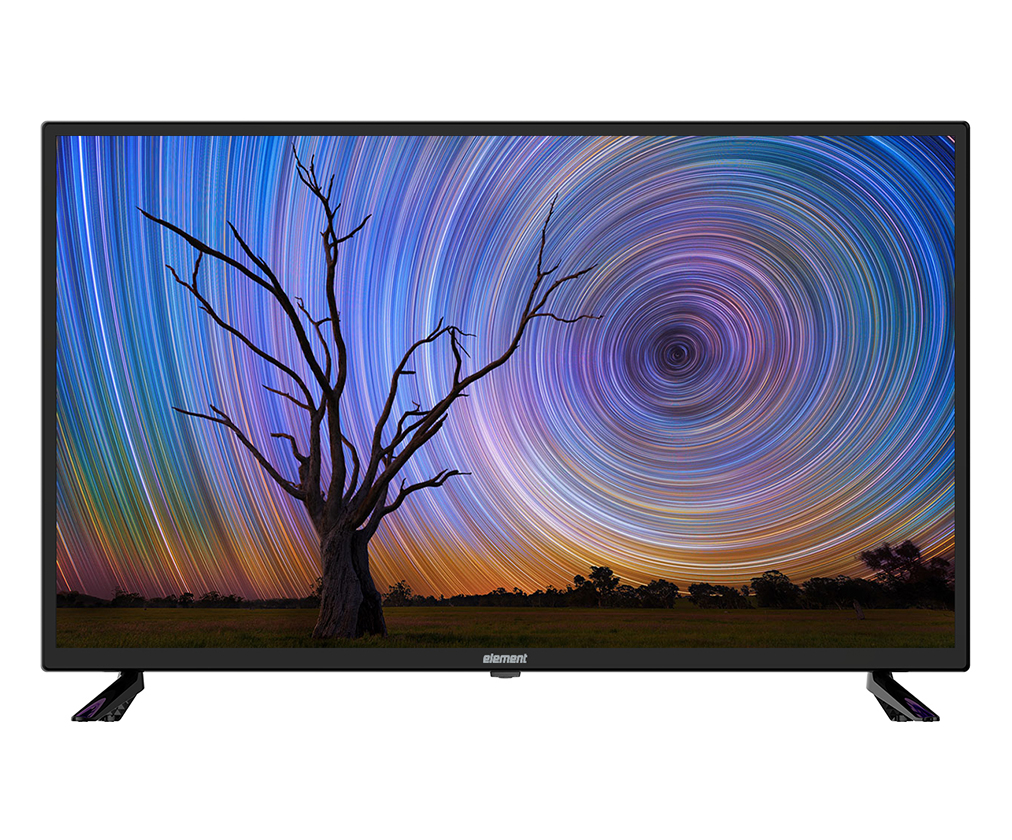
Element offers both smart and non-smart TV models. Their smart TVs run on popular platforms like Roku or Android TV. These models include apps and internet access.
Non-smart Element TVs only display channels from cable or antenna. They need extra devices like streaming sticks to access apps. Check the model number to know if it is smart or not.
Element smart TVs are budget-friendly. They provide many features found in higher-end brands. This makes them a good option for simple streaming needs.
Smart Features In Element Tv
Element TV offers several smart features that enhance your viewing experience. These features make it easy to watch your favorite shows and movies. The TV combines simple design with useful technology. It aims to meet basic streaming needs without complexity.
The smart features focus on ease of use and quick access. These include the operating system, available apps, and remote control functions. Each part helps make the TV more convenient and user-friendly.
Operating System And Interface
Element TVs often use Roku OS or Android TV. This depends on the model you choose. The interface is simple to navigate. Menus are clear and easy to read. This helps users find content fast. The system updates automatically to add new features. This keeps the TV current without extra effort.
App Availability And Streaming Options
Element TV supports many popular streaming apps. Netflix, Hulu, and YouTube come pre-installed on most models. You can also download apps from the app store. This allows access to thousands of channels and shows. Streaming quality is usually smooth with a good internet connection.
Voice Control And Remote Features
Some Element TVs include voice control through the remote. This lets you search for shows by speaking. The remote may have shortcut buttons for quick app access. It is designed to be simple and comfortable to use. Voice commands reduce the need to type or scroll a lot.
Connectivity Options
Connectivity options define how well a TV can connect to the internet and other devices. Element TVs offer various ways to stay connected. These options help you stream content, share media, and use external devices easily. Understanding these features shows if Element TV meets your smart TV needs.
Wi-fi And Ethernet Support
Element TVs often include Wi-Fi support for wireless internet access. This allows you to stream shows and movies without cables. Some models also have an Ethernet port. Wired connections give faster and more stable internet. Both options let you connect to online services smoothly.
Hdmi And Usb Ports
Most Element TVs come with multiple HDMI ports. These let you connect gaming consoles, Blu-ray players, or streaming devices. USB ports are also common. They allow you to plug in flash drives or external hard drives. These ports expand your TV’s ability to play various media files.
Screen Mirroring Capabilities
Screen mirroring lets you display your phone or tablet screen on the TV. Some Element TVs support this feature using technologies like Miracast. It helps share photos, videos, or apps easily. Screen mirroring makes your TV more versatile and interactive.
Picture And Sound Quality
Picture and sound quality define the viewing experience on any TV. Element TV delivers clear images and decent audio for everyday use. Understanding its display and sound features helps you decide if it fits your needs.
Resolution And Display Technology
Element TVs usually offer HD or Full HD resolution. Some models come with 4K Ultra HD screens. The display uses LED technology for bright colors and sharp images. This tech makes the picture look crisp and lively. It works well for watching movies and sports.
Audio Enhancements
Sound quality is good but not exceptional. Element TVs have built-in speakers with basic audio tuning. They support Dolby Digital for clearer sound. The audio output suits daily TV shows and news. For better sound, you might want external speakers.
Performance In Different Lighting
The TV screen performs well in moderate light. Colors remain vibrant and details stay clear. In very bright rooms, glare can reduce picture quality. Using curtains or dimming lights improves the view. In dark rooms, the TV shows deep blacks and good contrast.
Benefits Of Owning An Element Smart Tv
Owning an Element Smart TV brings many benefits that enhance your viewing experience. These TVs combine modern technology with ease of use. They offer features that suit everyday needs without complexity. Element Smart TVs provide a solid balance of quality and convenience.
Choosing one means getting a device that is easy to operate and stays updated. The smart features open up many entertainment options. Watching shows, browsing apps, and streaming videos become simple tasks.
User-friendly Experience
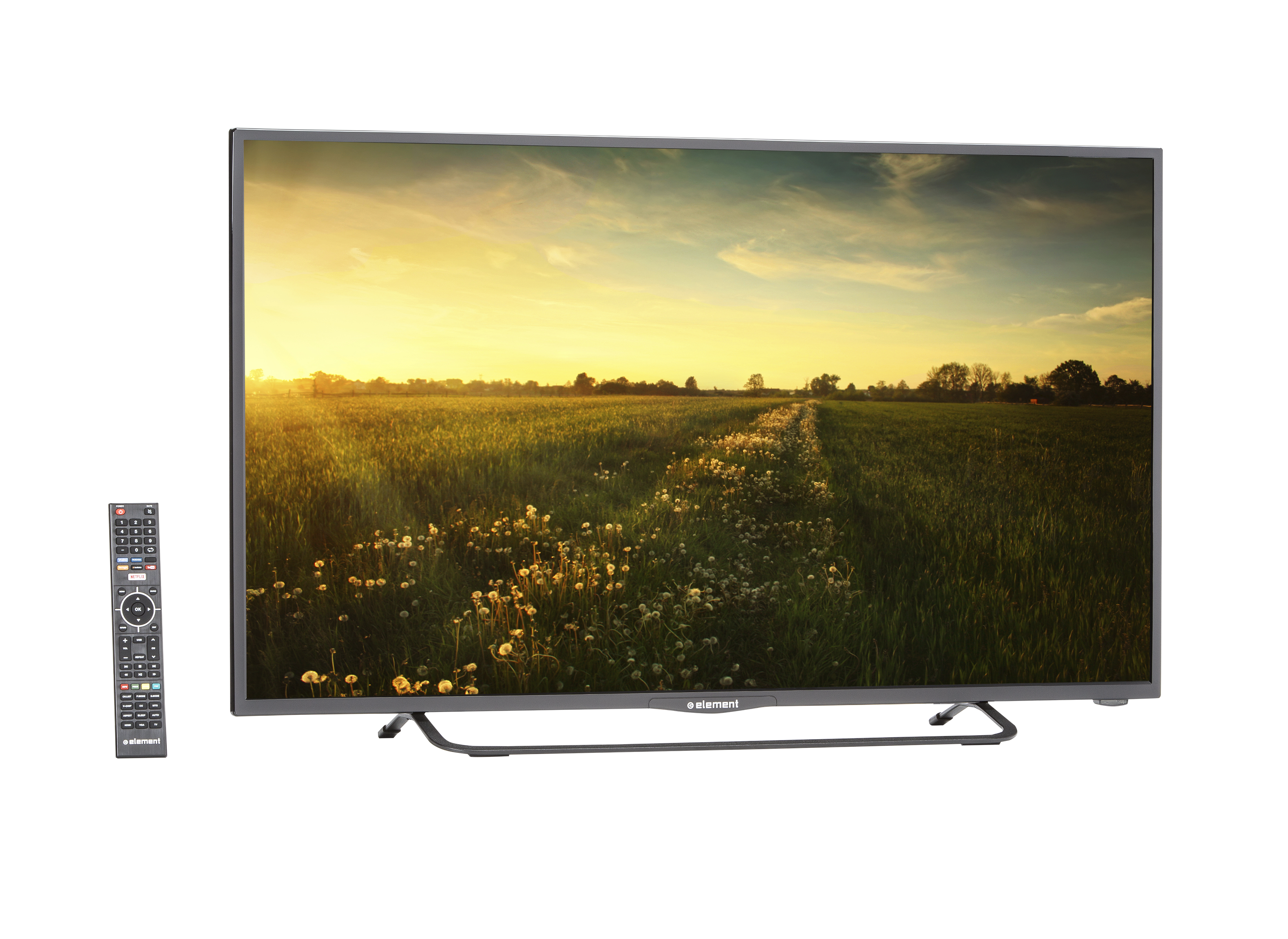
Element Smart TVs have simple menus and clear controls. The interface is easy to navigate for all ages. Setup takes just a few minutes. Users can quickly access apps like Netflix and YouTube. Remote controls are designed to be intuitive and responsive. This ease reduces frustration and saves time.
Cost-effectiveness
These TVs offer good features at affordable prices. You get smart TV functions without paying extra for luxury brands. Element models often cost less but deliver reliable performance. They help save money while enjoying modern technology. This makes smart TV ownership accessible for many families.
Regular Software Updates
Element provides updates to improve TV performance and security. Updates add new features and fix bugs. This keeps your TV running smoothly over time. Regular updates ensure access to the latest apps and services. Staying current helps protect your device from vulnerabilities.
Credit: www.consumerreports.org
Comparing Element Tv With Other Brands
Comparing Element TV with other brands helps buyers decide the best smart TV for their needs. Each brand offers unique features, prices, and support. Understanding these differences can guide your purchase and improve your viewing experience.
Feature Comparison
Element TVs provide basic smart features like app access and streaming. Other brands may offer advanced voice control, better display quality, and more app options. Some brands include built-in assistants like Alexa or Google Assistant. Element focuses on simplicity and ease of use. If you want more smart capabilities, other brands might be better.
Price Differences
Element TVs are usually more affordable than many major brands. This makes them a good choice for budget buyers. Other brands often charge more for extra features and better build quality. Paying more can mean better picture and sound. Element offers good value but may lack premium features found in higher-priced models.
Customer Support And Warranty
Element provides standard customer support and warranty coverage. Response times may vary compared to bigger brands. Some well-known brands offer longer warranties and 24/7 support. Element’s support is enough for most users but may not be as fast or comprehensive. Consider warranty length and support quality before deciding.
Troubleshooting Common Issues
Troubleshooting common issues on Element TV helps improve your viewing experience. Small problems can stop your smart TV from working well. Knowing how to fix them saves time and frustration.
This section covers basic fixes for usual problems. Follow these tips to keep your Element TV running smoothly.
Connectivity Problems
Wi-Fi or Ethernet issues often cause connection loss. First, check if your internet works on other devices. Restart your router and TV to refresh the connection. Move the TV closer to the router to improve signal strength. Use a wired connection if Wi-Fi keeps dropping. Make sure your TV’s network settings are correct and updated.
App Crashes And Freezes
Apps may crash or freeze due to bugs or low memory. Close and reopen the app to reset it. Clear the app’s cache or data from the settings menu. Uninstall and reinstall the app if problems continue. Keep your TV’s software updated to avoid app errors. Restart the TV to free up system resources.
Software Update Challenges
Updating software may fail due to slow internet or storage limits. Check your internet speed before starting the update. Delete unused apps or files to free up space. Try updating at a different time if servers are busy. Use a USB drive to update manually if online update fails. Always keep your TV’s software current for better performance.
Credit: elementelectronics.com

Credit: www.walmart.com
Frequently Asked Questions
Is Element Tv A Smart Tv Or Not?
Element TVs come in both smart and non-smart versions. Smart models have built-in Wi-Fi and apps for streaming. Non-smart versions lack internet connectivity and app support. Check your specific model to confirm its smart TV features before purchase.
What Smart Features Does Element Tv Offer?
Element smart TVs include streaming apps like Netflix, YouTube, and Hulu. They support screen mirroring and voice control on select models. The interface is user-friendly, allowing easy access to content. Features may vary by model and year.
Can I Install Apps On Element Smart Tv?
Yes, Element smart TVs allow app installation from their app store. You can download popular streaming and utility apps directly. However, the app selection is limited compared to other brands like Samsung or LG.
How Do I Connect Element Tv To The Internet?
To connect, go to the TV’s settings menu and select Wi-Fi. Choose your home network and enter the password. Wired Ethernet connection is also supported on some models for stable streaming.
Conclusion
Element TV offers basic features but may lack smart TV functions. It works well for simple viewing needs. Some models include apps and internet access. Others do not support streaming or app downloads. Check your model’s specs to confirm smart features.
Choose based on your viewing habits and budget. Element TV suits those wanting easy, affordable options. Not all models provide full smart TV experience. Consider this before making a purchase decision. Simple and clear choices help avoid confusion.
As an Amazon Associate, I earn from qualifying purchases.