
As an Amazon Associate, I earn from qualifying purchases.
Have you ever wondered how websites seem to know exactly what you like or what you’ve been searching for? That’s no coincidence—it’s the work of internet trackers.
These tiny pieces of code follow your every move online, collecting information about your habits, preferences, and even your location. But what does that mean for your privacy and security? Understanding internet trackers is key to taking control of your digital life.
Keep reading to discover what internet trackers really are, how they affect you, and what you can do to protect yourself.

Credit: www.datawrapper.de
Types Of Internet Trackers
Internet trackers collect data about your online actions. They help websites and advertisers understand your behavior. Different types of trackers work in different ways to gather this data. Knowing these types helps you protect your privacy better.
Cookies And Their Role
Cookies are small files stored on your device by websites. They remember your preferences and login details. Cookies also track what pages you visit. This helps websites show content that suits your interests. Some cookies follow you across multiple sites to gather more data.
Web Beacons And Pixel Tags
Web beacons are tiny, invisible images embedded in web pages or emails. They send information back to the server when you open a page or email. Pixel tags work similarly, tracking if you viewed certain content. These tools help measure how effective ads or emails are.
Browser Fingerprinting
Browser fingerprinting collects details about your device and browser settings. It looks at your screen size, installed fonts, and plugins. This creates a unique profile to identify you without cookies. Fingerprinting is hard to block and tracks you across websites.
Third-party Trackers
Third-party trackers belong to companies other than the website you visit. They often come from ads or social media buttons. These trackers collect your data to build a profile for targeted ads. They can follow you across many websites for detailed tracking.
Credit: whatismyipaddress.com
How Trackers Collect Data
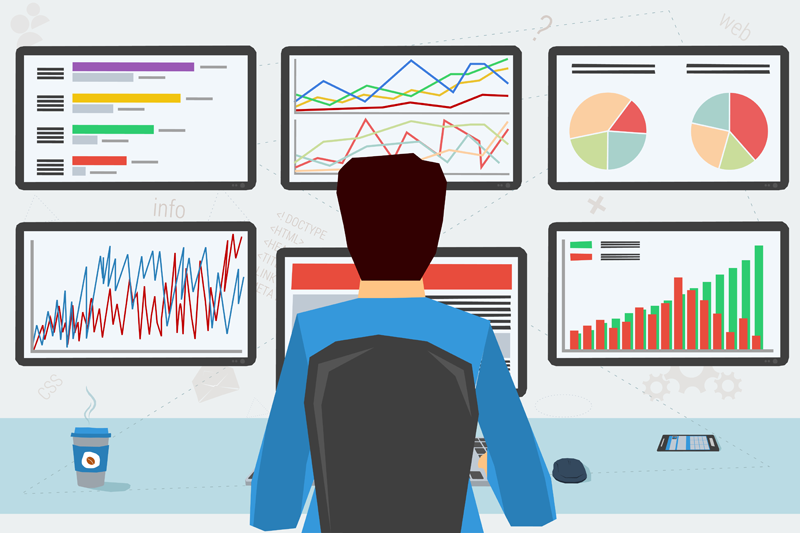
Internet trackers gather information about users in many ways. They watch what users do online and store data. This helps companies understand habits and preferences. The process of collecting data is complex but often hidden from users. Understanding how trackers work can help protect privacy.
Tracking User Behavior
Trackers follow clicks, scrolls, and time spent on pages. They see which links users choose and what they ignore. This data shows interests and patterns. Trackers also record searches and viewed products. This helps create a profile of the user’s behavior.
Cross-site Tracking Techniques
Trackers use cookies to identify users across different websites. These small files store unique IDs to recognize users. Pixels and scripts are placed on many sites to gather data. This method links browsing activity from multiple sites. It builds a detailed history of user actions.
Data Aggregation Methods
Collected data is combined from various sources. Trackers mix online behavior with other information like location. This creates a more complete user profile. Data is then used for targeted ads or recommendations. Aggregation makes the data more valuable to advertisers.
Impact On User Privacy
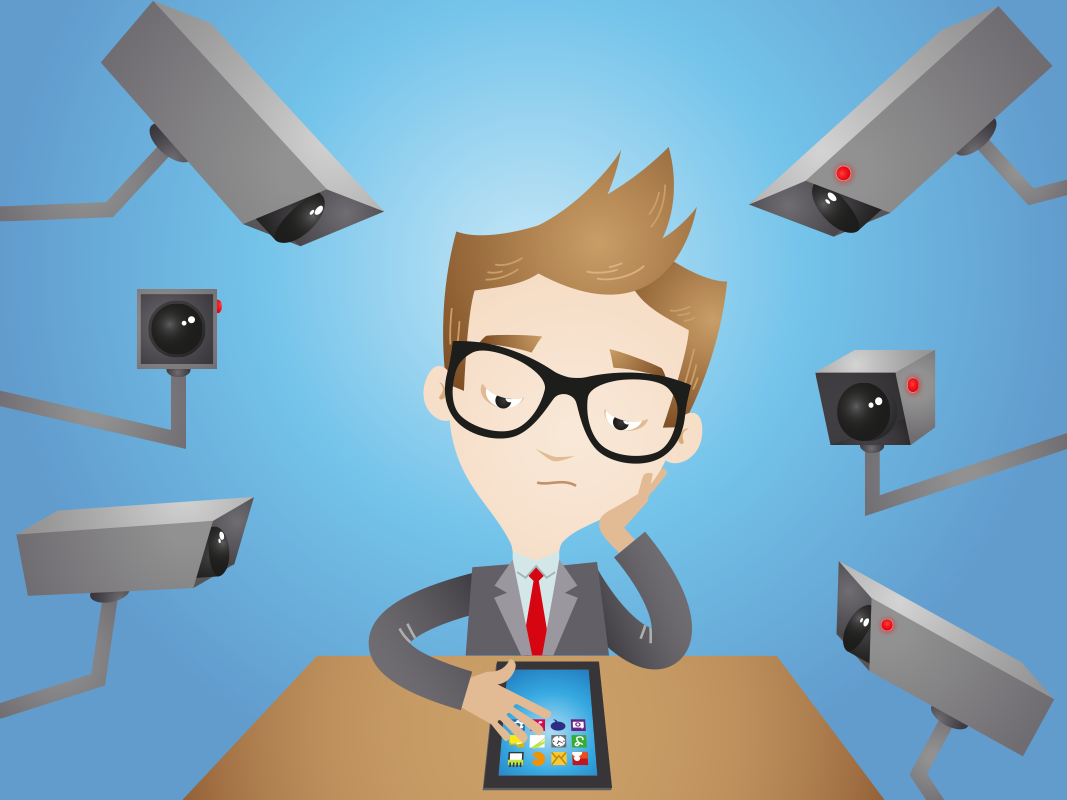
Internet trackers collect data about users as they browse websites. This affects user privacy in many ways. Trackers follow your online moves. They gather details without clear permission. Understanding their impact helps you stay cautious online.
Personal Data Exposure
Trackers collect personal data like your location, device, and browsing habits. This data can reveal sensitive information about you. Exposure happens when websites share data with third parties. Your identity might be linked to this collected data. This creates privacy risks you should know.
Targeted Advertising Effects
Trackers help advertisers send ads based on your interests. This feels like ads are following you everywhere. It limits your online experience by showing only certain ads. Your preferences get guessed by analyzing your behavior. This reduces your control over what you see online.
Risks Of Data Breaches
Stored data from trackers can be stolen in breaches. Hackers may access your personal details from these leaks. This can lead to identity theft and fraud. Data breaches increase the risk of your information being misused. Protecting your privacy requires awareness of these threats.
Credit: www.kaspersky.com
Tools To Detect And Block Trackers
Internet trackers follow your online activities to collect data. Many tools help detect and block these trackers. These tools protect your privacy and improve browsing speed. Knowing about these tools can help you browse safely and privately.
Browser Extensions And Plugins
Browser extensions block trackers directly in your browser. They stop ads and tracking scripts from loading. Popular extensions include uBlock Origin and Privacy Badger. These tools show you what trackers try to collect your data. You can control what to block or allow on each site.
Privacy-focused Browsers
Some browsers build privacy features into their core. Browsers like Brave and Firefox block trackers by default. They stop third-party cookies and fingerprinting attempts. These browsers also offer settings to clear your browsing data easily. Using them reduces the chances of being tracked online.
Using Vpns And Proxy Services
VPNs hide your real IP address and encrypt your traffic. This makes it harder for trackers to identify you. Proxy services also mask your IP but may not encrypt data fully. Both tools help avoid location-based tracking. They create a safer and more private internet connection.
Best Practices To Protect Privacy
Protecting your privacy online is essential. Internet trackers collect data that can reveal your habits and preferences. Taking steps to control this tracking helps keep your personal information safe.
Adopting simple practices can reduce data collection. These methods give you more control over what information websites and apps gather.
Managing Cookie Settings
Cookies store data about your browsing activity. Adjusting cookie settings lets you block or limit these trackers. Most browsers allow you to reject third-party cookies. This stops many advertisers from tracking your behavior across sites. You can also set your browser to ask before accepting cookies. This way, you decide which cookies to allow.
Regularly Clearing Browsing Data
Clearing browsing data removes stored cookies and cache. Doing this often limits the amount of data collected. It also helps prevent trackers from building long-term profiles. Most browsers have options to delete data manually or automatically. Setting automatic clearing keeps your browsing history fresh and private.
Adjusting Privacy Settings On Platforms
Social media and online platforms gather much personal data. Review and change privacy settings on these sites regularly. Disable options that allow data sharing with advertisers. Limit who can see your posts and profile details. Use strong passwords and two-factor authentication for extra security.
Future Of Internet Tracking
The future of internet tracking will shape how we use the web. Tracking tools will get smarter and more complex. This will affect privacy and user experience online. New laws will try to balance data use and protection. Privacy tools will grow to give users more control.
Evolving Tracking Technologies
Tracking methods will become more advanced and hidden. They will use artificial intelligence to follow user behavior. Devices and apps will share more data between each other. Techniques like fingerprinting will identify users without cookies. These changes will make tracking harder to detect and block.
Regulations And Privacy Laws
Governments will create stricter rules to protect online privacy. Laws will limit how companies collect and use personal data. Companies must be more transparent about their tracking methods. Users will have more rights to control their information. Non-compliance will lead to bigger fines and penalties.
Emerging Privacy Solutions
New tools will help users block or limit trackers easily. Browsers will include stronger privacy features by default. VPNs and encryption will become more popular among internet users. Some solutions will let users browse anonymously or with less data shared. These tools will give people more power over their online privacy.
Frequently Asked Questions
What Are Internet Trackers And How Do They Work?
Internet trackers collect user data by monitoring online activities. They use cookies, pixels, and scripts to track browsing habits and preferences across websites.
Why Do Websites Use Internet Trackers?
Websites use trackers to personalize content, improve user experience, and serve targeted advertisements based on users’ interests and behavior.
Are Internet Trackers Harmful To Privacy?
Trackers can compromise privacy by collecting sensitive data without consent. However, users can limit tracking with privacy settings and tools.
How Can I Block Or Limit Internet Trackers?
You can block trackers using browser settings, ad blockers, and privacy-focused extensions to reduce data collection and enhance online privacy.
Conclusion
Internet trackers follow your moves online to collect data. They help websites show ads and content you might like. Knowing about trackers helps you protect your privacy better. You can use tools to block or limit trackers. Being aware means you control what information you share.
Stay safe and keep your online activity private. Understanding trackers is a step toward smarter internet use.
As an Amazon Associate, I earn from qualifying purchases.
