
Imagine controlling all your smart devices from one simple place. A smart home hub makes this possible.
It connects your lights, locks, cameras, and more, so you can manage everything with ease. But what exactly is a smart home hub, and how can it change your daily life? If you’ve ever felt overwhelmed by multiple apps or gadgets, this article is for you.
Keep reading to discover how a smart home hub can bring convenience, security, and peace of mind right to your fingertips.

Credit: www.theverge.com
Smart Home Hub Basics
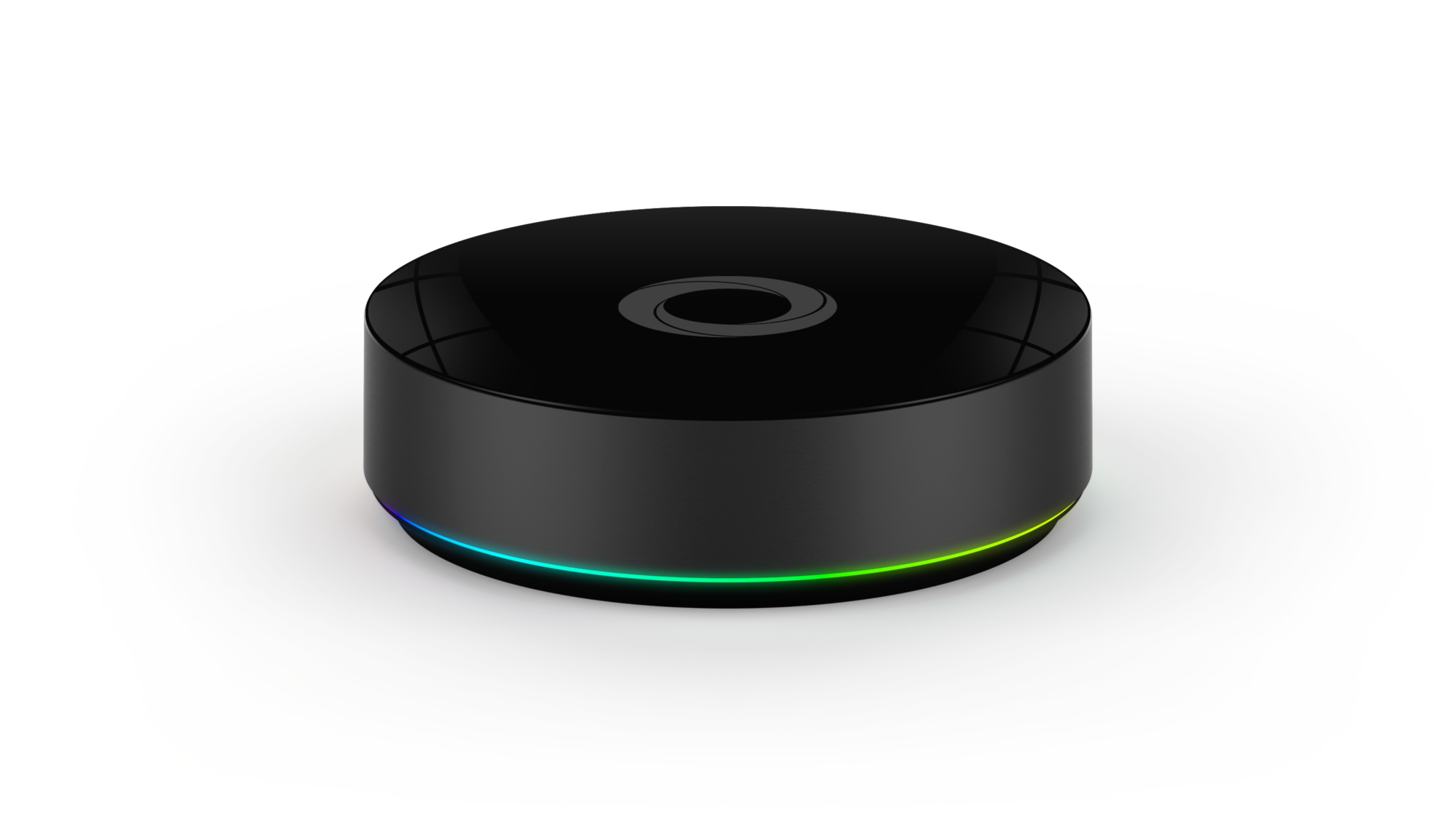
A smart home hub acts as the brain of your smart home system. It connects all your devices, allowing them to work together. Without a hub, smart devices might not communicate well.
Understanding the basics helps you choose the right hub. It also makes setting up your smart home easier. Let’s explore the core functions, types, and key components of smart home hubs.
Core Functions
A smart home hub controls and manages smart devices. It lets you automate tasks like turning lights on or off. The hub collects data from sensors and devices. It sends commands to devices based on your settings. It also connects different communication protocols to work as one.
Types Of Hubs
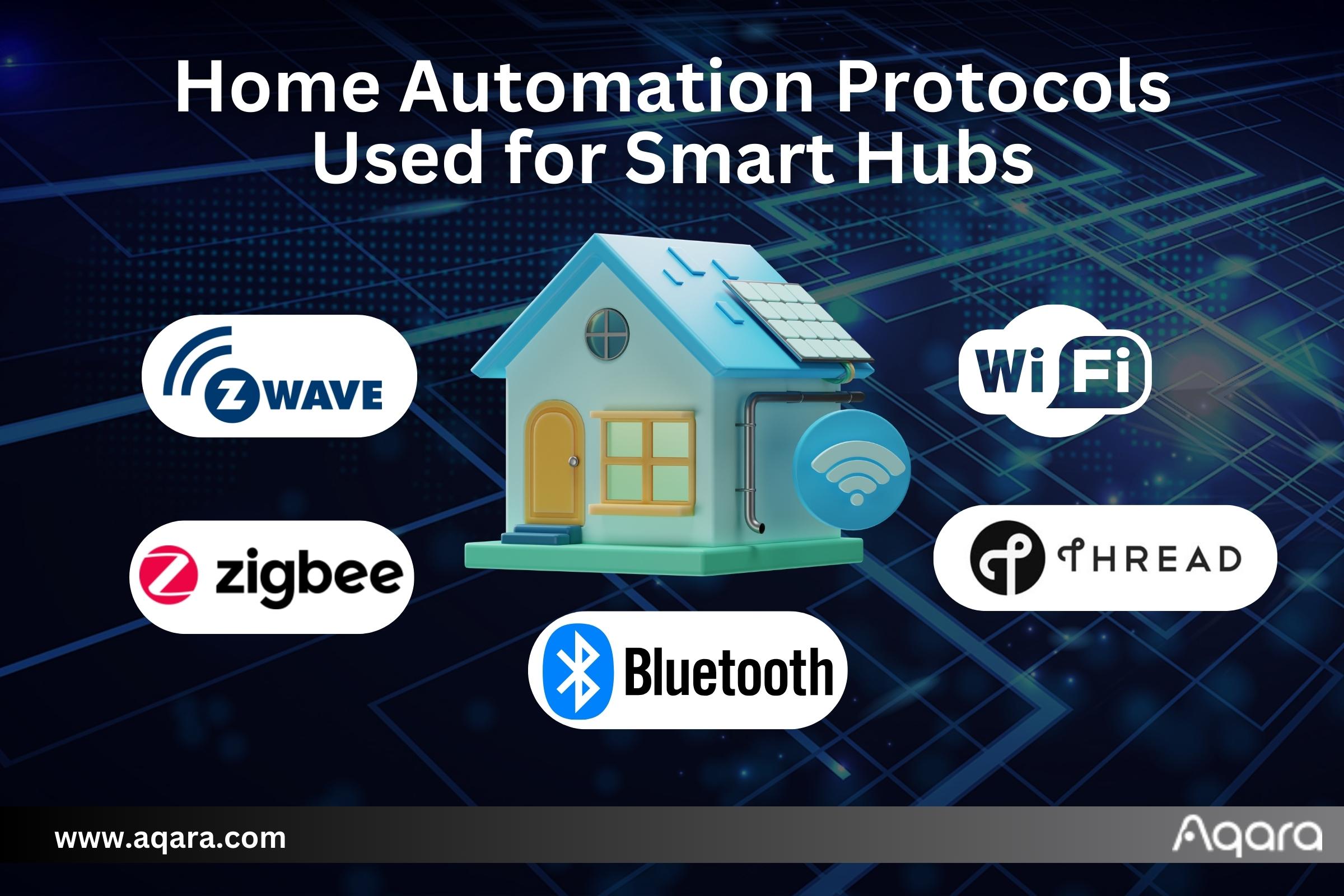
There are several types of smart home hubs. Some hubs are physical devices you place in your home. Others are software-based, running on your smartphone or computer. Some hubs support only one brand, while others support many. Wireless hubs use Wi-Fi, Zigbee, or Z-Wave to connect devices.
Key Components
Smart home hubs include a processor to run commands. They have wireless radios to communicate with devices. The hub’s software controls device settings and automation rules. Some hubs feature voice control through assistants like Alexa or Google. A good hub offers an easy-to-use app for device management.
Popular Smart Home Hubs
Smart home hubs connect and control your devices. They simplify daily tasks and improve home security. Many brands offer smart hubs with unique features. Here are some popular options that many people use.
Amazon Echo
Amazon Echo uses Alexa, a voice assistant. It controls lights, locks, and more with voice commands. Echo works with many smart home devices. It also plays music and answers questions easily.
Google Nest Hub
Google Nest Hub shows info on a screen. It uses Google Assistant for voice control. You can watch videos or see your calendar. Nest Hub connects with many smart home products.
Apple Homepod
Apple HomePod uses Siri to help you. It offers clear sound and smart home control. HomePod works best with other Apple devices. You can control your home with simple voice commands.
Connectivity And Compatibility
Connectivity and compatibility are key for smart home hubs. These hubs must connect smoothly with many devices. They need to talk using common signals and standards. This ensures all smart products work together easily.
Choosing the right hub means checking its connections and supported devices. Good compatibility saves time and avoids frustration. It lets users control lights, cameras, and more from one place.
Supported Protocols
Smart home hubs use different protocols to communicate. Common ones include Zigbee, Z-Wave, and Wi-Fi. Each protocol has its own way to send data. A hub that supports many protocols can connect more devices. This flexibility helps users build a diverse smart home system.
Device Integration
Device integration means how well a hub works with other gadgets. A hub should support popular brands and types. It connects to smart bulbs, locks, thermostats, and sensors. Smooth integration allows users to control devices easily. Some hubs also work with voice assistants for hands-free control.
Network Requirements
Smart home hubs need a stable internet connection. Most work best with Wi-Fi or Ethernet. A strong network ensures fast responses and fewer errors. Some hubs create their own network for connected devices. Users must check if their home network fits the hub’s needs.
Setting Up Your Hub
Setting up your smart home hub is the first step to a connected home. This process lets you control many devices from one place. It helps make daily tasks easier and your home smarter.
Follow simple steps to install and connect devices. You will also find tips to fix common problems. This guide will make setup smooth and quick.
Installation Steps
Start by placing your hub in a central location. Plug it into a power outlet and turn it on. Connect the hub to your Wi-Fi network using the app or device screen. Wait for the hub to update its software. Updates improve security and add features. Follow on-screen instructions to complete installation. Ensure your phone or tablet is near the hub during setup.
Configuring Devices
Open the hub’s app to add devices. Tap “Add Device” and select the type. Put each device in pairing mode. The hub will search for devices nearby. Select the device name to connect it. Assign each device a simple name for easy control. Group devices by room or function. Test each device to confirm it works. Adjust settings like notifications and schedules.
Troubleshooting Tips
If a device does not connect, restart the hub and device. Check the Wi-Fi signal strength near the hub. Move devices closer to the hub if needed. Update the hub’s app and device firmware regularly. Reset devices to factory settings if problems persist. Consult the hub’s help section or support team for guidance.
Automation And Control
Automation and control are the heart of any smart home hub. They help you manage devices easily and save time. With a smart home hub, your home becomes more efficient and responsive.
You can set up tasks that happen automatically. Control many devices from one place. This makes daily routines simple and smooth.
Creating Routines
Routines let you set actions that happen at specific times. Turn lights on at sunset. Lock doors at bedtime. A smart home hub lets you combine many actions in one routine. This way, your home works for you without extra effort.
Voice Command Features
Control your home with your voice. Say simple commands to turn on lights or play music. Voice commands offer hands-free convenience. They make it easy to manage your devices quickly and naturally.
Remote Access
Control your home from anywhere using your phone. Turn off appliances you forgot. Check security cameras while away. Remote access keeps you connected and in charge no matter where you are.
Security And Privacy
Smart home hubs connect many devices in your house. They control lights, cameras, locks, and more. This control means they handle a lot of personal data. Security and privacy matter a lot for these hubs. Protecting your information keeps your home safe from outsiders.
Data Protection
Smart home hubs collect data from devices and users. This data must stay safe from hackers and leaks. Good hubs use strong encryption to protect your information. Encryption changes data into a secret code. Without the key, no one can read your data. This keeps your activities and personal details private.
User Permissions
Not everyone should control your smart home. User permissions limit who can access the hub. You can set different levels for family members or guests. This prevents unauthorized people from changing settings. Clear permission controls help protect your home’s security. Only trusted users get full control of your devices.
Firmware Updates
Firmware updates improve your smart home hub’s security. These updates fix bugs and close security holes. Regular updates keep hackers from exploiting weaknesses. Many hubs update automatically for you. Staying current with firmware helps keep your system safe and stable.
Benefits Of Smart Home Hubs
Smart home hubs bring many benefits that improve daily life. They connect and control various smart devices from one place. This makes managing your home easier and more efficient.
Smart home hubs help save energy, increase comfort, and boost home security. They simplify tasks and provide better control over your environment. Below are some key benefits of using a smart home hub.
Energy Efficiency
Smart home hubs help reduce energy use by managing devices smartly. They can turn off lights and appliances when not needed. This lowers electricity bills and saves power.
Thermostats connected to hubs adjust the temperature automatically. They keep your home comfortable without wasting energy. Smart scheduling also helps limit energy use during peak hours.
Convenience
Smart home hubs let you control many devices from one app or voice command. No need to use several apps or remotes. This saves time and reduces hassle.
You can automate routines, like turning on lights at sunset. The hub makes daily tasks easier and faster. It also supports multiple users, so everyone in the home benefits.
Enhanced Security
Smart home hubs improve home security by linking cameras, alarms, and locks. You get alerts if unusual activity is detected. This helps protect your home and family.
You can check security devices remotely using the hub app. It also allows quick response to emergencies by controlling devices instantly. Integration with smart locks lets you manage access safely.
Credit: www.aqara.com
Challenges And Limitations
Smart home hubs bring many benefits but also face some challenges. These limits can affect how well they work in daily life. Understanding these challenges helps users make better choices.
Compatibility Issues
Smart home hubs do not always work with every device. Different brands use different systems. This creates problems connecting all gadgets in one place. Some devices may not respond or work as expected. Compatibility limits what you can control through one hub.
Cost Factors
Smart home hubs vary in price. Some cost a lot, making them less affordable. Adding more devices raises the total expense. Budget constraints can stop people from building a full smart home system. Cost is a key factor for many buyers.
Technical Barriers
Setting up a smart hub can be complex. Some users find it hard to install or manage. Technical knowledge is often needed to solve issues. Problems like slow response or connection drops may occur. These barriers can discourage people from using smart hubs fully.
Future Trends
The future of smart home hubs is bright and full of exciting changes. These devices will become smarter, more connected, and easier to use. The next steps in technology will make homes more comfortable and efficient.
Expect new features that fit everyday life. The focus is on making smart homes work better for everyone. Here are some key trends shaping the future of smart home hubs.
Ai Integration
Artificial intelligence will play a bigger role in smart home hubs. AI can learn your habits and adjust settings automatically. It helps control devices without needing many commands. Smart hubs will understand speech better and respond faster. AI makes homes feel more personal and responsive.
Expanded Connectivity
Smart home hubs will connect with more devices than ever before. They will support new technologies like 5G and advanced Wi-Fi. This means smoother control and less delay. More brands and devices will work together easily. Homes will have a stronger, more reliable network for all gadgets.
Improved User Experience
Using smart home hubs will become simpler and clearer. Interfaces will be easier to navigate, even for beginners. Voice commands will be more natural and accurate. Setup and updates will take less time. The focus is on making technology less confusing and more helpful for daily use.
Credit: homey.app
Frequently Asked Questions
What Is A Smart Home Hub Used For?
A smart home hub connects and controls various smart devices in your home. It simplifies device management, automates tasks, and improves convenience. This central control point enhances your smart home’s efficiency and security by allowing seamless communication between devices.
How Does A Smart Home Hub Work?
A smart home hub communicates with devices using wireless protocols like Wi-Fi, Zigbee, or Z-Wave. It receives commands from users or sensors and sends instructions to devices. This coordination enables automation and remote control through a single app or voice assistant.
Which Devices Are Compatible With Smart Home Hubs?
Smart home hubs support devices like smart lights, thermostats, cameras, locks, and sensors. Compatibility depends on the hub’s technology and supported protocols. Popular hubs offer broad device compatibility, ensuring you can integrate many brands and types of smart gadgets.
Can A Smart Home Hub Improve Home Security?
Yes, smart home hubs enhance security by integrating cameras, alarms, and smart locks. They allow real-time monitoring, alerts, and automated responses to suspicious activities. This centralized control helps protect your home more effectively and conveniently.
Conclusion
A smart home hub makes managing devices simple and fast. It connects lights, locks, and cameras in one place. You control everything with voice or app easily. This helps save time and keeps your home secure. Choosing the right hub depends on your needs and budget.
Start small, then add devices as you go. Smart home hubs bring comfort and convenience every day. They make your home work better for you.
As an Amazon Associate, I earn from qualifying purchases.

