
Are you tired of struggling with poor TV sound that ruins your favorite shows and movies? Finding the right soundbar for your Roku TV can completely transform your viewing experience.
But with so many options out there, how do you know which soundbars will actually work seamlessly with your Roku setup? You’ll discover the best soundbars that match perfectly with your Roku TV. Get ready to upgrade your audio without any guesswork or frustration.
Keep reading to find the perfect soundbar that makes every scene come alive right in your living room.
Roku Tv Audio Features
Roku TVs come with various audio features that affect sound quality. Understanding these features helps in choosing the right soundbar. The built-in audio system offers decent sound but has its limits. Knowing the audio output options is key to connecting external devices.
Built-in Speakers Limitations
Roku TV speakers are compact and fit inside the TV frame. They often lack deep bass and clear midrange sounds. This can make movies and music less immersive. Volume levels may not be strong enough for larger rooms. Sound can feel flat or tinny during action scenes. Users often seek soundbars to enhance this audio experience.
Audio Output Options
Most Roku TVs have multiple audio outputs for soundbars and speakers. Common options include HDMI ARC, optical audio, and Bluetooth. HDMI ARC supports high-quality sound and easy control with one remote. Optical audio delivers clear digital sound but no volume control. Bluetooth allows wireless connections but may have slight delays. Knowing these helps pick compatible soundbars for better audio.
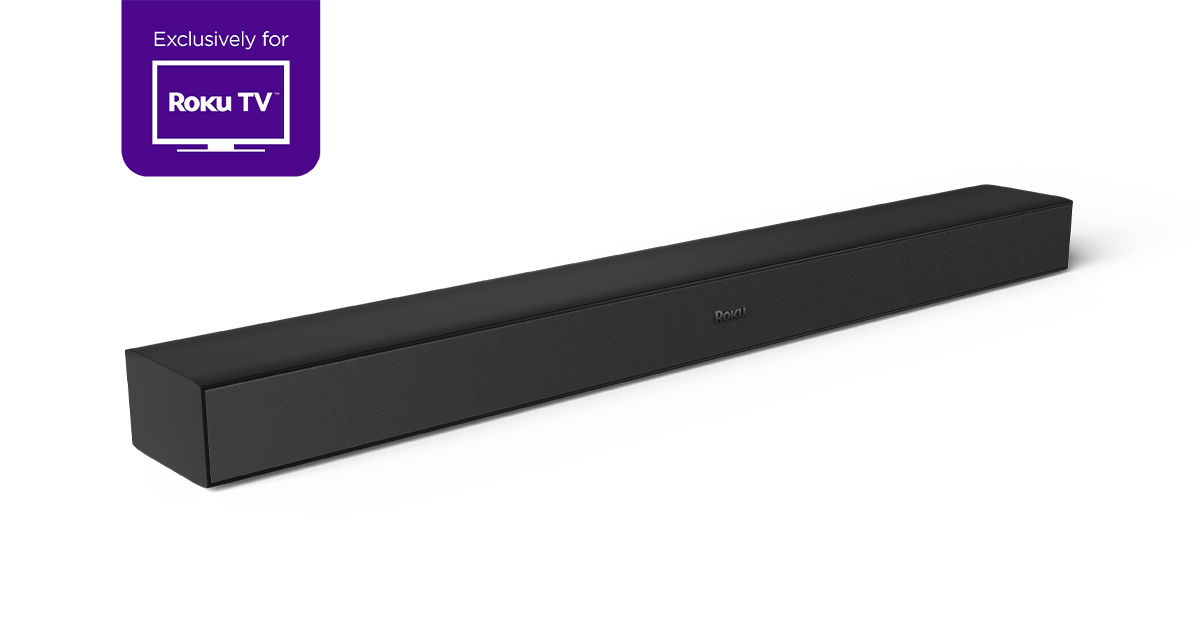
Credit: www.roku.com
Key Compatibility Factors
Choosing the right soundbar for your Roku TV depends on a few key factors. These elements ensure the soundbar works well and gives you great audio quality. Understanding these can help you pick a soundbar that fits your setup perfectly.
Connection Types
Check how the soundbar connects to your Roku TV. HDMI ARC is the best choice. It carries both sound and control signals. Optical audio is another common option but lacks control features. Some soundbars use Bluetooth, which is wireless but may have a slight delay. Make sure the connection type matches your TV ports.
Supported Audio Formats
Soundbars support different audio formats. Roku TVs often use Dolby Digital and DTS. Choose a soundbar that can handle these formats. This ensures clear and rich sound. Some soundbars support surround sound formats, creating an immersive experience. Verify the formats to avoid poor sound quality.
Smart Remote Integration
Smart remote integration allows one remote to control both devices. Some soundbars work seamlessly with Roku TV remotes via HDMI CEC. This feature simplifies volume control and power settings. Check if the soundbar supports this integration for easier use. It makes watching TV more convenient.
Top Soundbar Picks For Roku Tv
Choosing the right soundbar for your Roku TV can improve your home entertainment greatly. The soundbar boosts audio quality, making movies and shows clearer and more enjoyable. Different soundbars suit different needs and budgets. Here are some top picks to help find the best match for your Roku TV setup.
Best Budget Soundbars
Affordable soundbars offer good sound without high costs. They fit well in small to medium rooms. Many budget models include Bluetooth for wireless streaming. Brands like Vizio and TCL have reliable options. These soundbars connect easily to Roku TV using HDMI ARC or optical cables. Expect clear dialogue and decent bass for the price.
Premium Soundbar Options
Premium soundbars deliver richer sound and advanced features. They often support Dolby Atmos and DTS:X for surround sound effects. These models suit large rooms and serious movie watchers. Brands like Sonos and Bose provide excellent build quality and voice control. They pair smoothly with Roku TV for an immersive experience.
Compact Soundbars For Small Spaces
Compact soundbars save space without losing sound quality. Perfect for apartments or small rooms. They are easy to place on shelves or TV stands. Many include built-in subwoofers for balanced sound. Brands like JBL and Samsung offer compact designs with clear, crisp audio. These soundbars connect simply to Roku TV and improve everyday viewing.
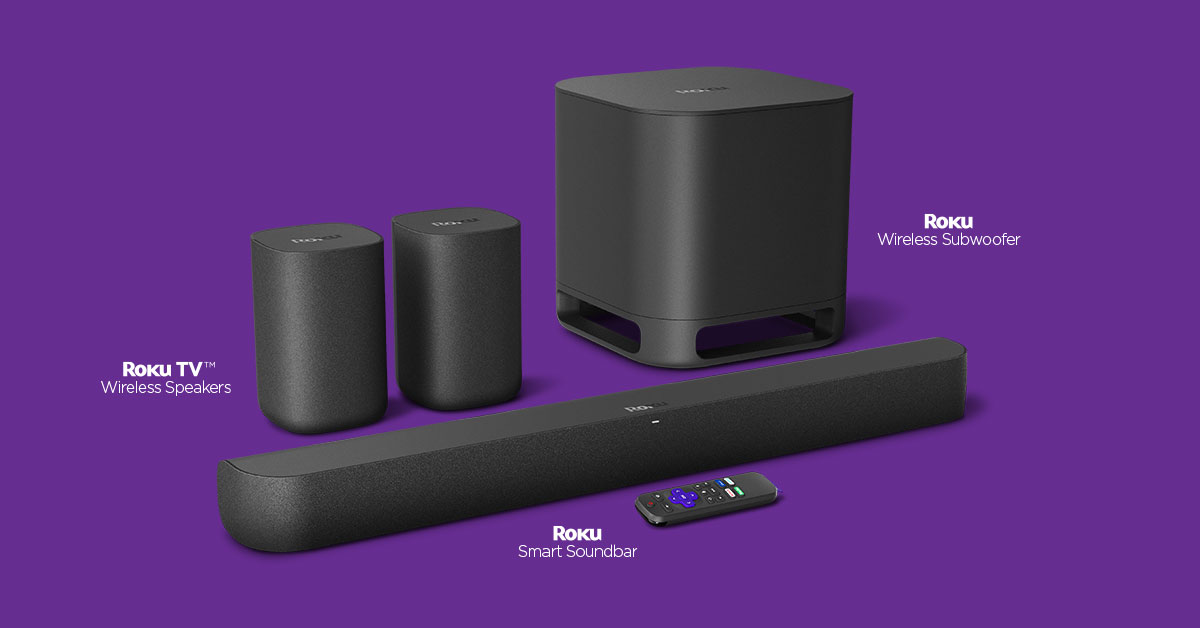
Credit: www.roku.com
Setup Tips For Roku And Soundbar
Setting up a soundbar with your Roku TV can greatly improve your audio experience. Following simple steps makes the process smooth and quick. Proper setup ensures clear sound and easy control.
Wiring And Connections
Start by checking the ports on your Roku TV and soundbar. Use HDMI ARC or optical audio cables for the best sound quality. Connect one end to the TV’s HDMI ARC or optical port. Plug the other end into the matching port on the soundbar. Make sure cables are firmly attached to avoid loose connections. Power on both devices after connecting the cables.
Configuring Audio Settings
Go to the Roku TV settings menu. Select “Audio” or “Sound” options. Choose the output to match your connection type, such as HDMI ARC or optical. Turn off the TV speakers to avoid sound overlap. Adjust the soundbar’s volume using its remote or the TV remote if supported. Test audio to confirm the setup is correct.
Troubleshooting Common Issues
No sound? Check if cables are properly connected. Ensure the soundbar is powered on. Verify the TV audio output is set to the soundbar. If audio is delayed, try adjusting the soundbar’s audio delay settings. Restart both devices if problems continue. Consult the soundbar or Roku TV manual for specific fixes.
Enhancing Your Roku Tv Audio Experience
Enhancing your Roku TV audio experience makes watching shows and movies more fun. A good soundbar adds clear, rich sound that the TV’s speakers often lack. Setting up your soundbar right can bring you closer to the action on screen. Small changes can create big improvements in sound quality.
Using Voice Controls
Many soundbars work with Roku’s voice control feature. You can change volume or mute the soundbar using simple voice commands. This hands-free control adds ease to your viewing. Just say what you want, and Roku does the rest. It saves time and keeps the experience smooth.
Optimizing Sound Settings
Adjusting sound settings on your Roku TV and soundbar improves audio clarity. Use presets like movie, music, or dialogue modes to match your content. Fine-tune bass, treble, and balance for the best effect. Small tweaks make voices clearer and sound effects sharper. Test settings until the sound feels just right.
Adding Subwoofers And Surround Sound
Adding a subwoofer boosts low bass tones for deeper sound. It makes explosions and music beats more powerful. Surround sound speakers create a wider audio space. Sounds come from all directions, making scenes more immersive. Check if your soundbar supports wireless subwoofers or surround speakers. The right setup turns your room into a mini theater.

Credit: vidscola.com
Frequently Asked Questions
What Soundbars Work Best With Roku Tv?
Most soundbars with HDMI ARC or optical input work well with Roku TV. Popular brands include Sonos, Bose, and Vizio. Ensure your soundbar supports HDMI ARC for easy setup and better audio quality.
Can I Connect Any Bluetooth Soundbar To Roku Tv?
Roku TVs generally do not support Bluetooth audio output. Use HDMI ARC or optical cable connections for better compatibility and sound quality. Some Roku TVs support private listening via the Roku app instead.
How Do I Connect A Soundbar To Roku Tv?
Connect your soundbar using HDMI ARC or optical audio cable. Enable HDMI ARC in your Roku TV’s settings. Adjust audio output to the soundbar for improved sound experience.
Does Roku Tv Support Dolby Atmos On Soundbars?
Some Roku TV models support Dolby Atmos passthrough through HDMI ARC. Your soundbar must also support Dolby Atmos to enjoy immersive sound. Check your devices’ specifications for compatibility.
Conclusion
Choosing the right soundbar for your Roku TV can boost your viewing joy. Most soundbars with HDMI ARC or optical inputs work well. Wireless options, like Bluetooth soundbars, also pair easily. Match the soundbar’s features with your room size and budget.
Clear audio makes movies, shows, and games more fun. Take time to check compatibility before buying. A good soundbar turns simple TV time into a rich experience. Simple steps lead to better sound and happier watching.
As an Amazon Associate, I earn from qualifying purchases.
