
Have you ever been in the middle of your favorite song or an important call, only to have your headphones suddenly cut out? It’s frustrating, right?
You rely on your headphones to deliver clear sound, but when they keep dropping out, it can ruin your entire experience. If you’re wondering why this keeps happening and how to fix it, you’re in the right place. Keep reading, because understanding the common causes behind this problem will help you enjoy uninterrupted sound again.
Credit: www.reddit.com
Common Causes Of Headphone Cutouts
Headphones cutting out is a common problem. It interrupts listening and causes frustration. Several reasons can cause this issue. Knowing these causes helps to fix the problem faster.
Here are some common reasons why your headphones keep cutting out.
Loose Connections
Loose connections often cause sound to cut in and out. Check if the headphone plug fits tightly into the device. Dust or dirt in the jack can also block a good connection. Make sure cables and plugs are secure and clean.
Battery Issues
Low battery power can cause wireless headphones to cut out. Headphones might lose connection when the battery is weak. Charge your headphones fully before use. Replace old batteries if they do not hold charge well.
Interference And Signal Problems
Wireless headphones can face interference from other devices. Wi-Fi routers, microwaves, and other electronics can disturb the signal. Move away from such devices to reduce interference. Keep the headphones close to the source for a stronger signal.
Software Glitches
Sometimes, software problems cause headphone cutouts. Outdated or buggy software can disrupt audio playback. Restart your device or update the headphone firmware. Resetting Bluetooth settings may also help fix glitches.
Physical Damage
Damaged cables or broken parts affect headphone performance. Frayed wires or bent plugs cause sound to drop out. Check headphones for visible damage regularly. Replace damaged parts or get new headphones if needed.
Troubleshooting Wired Headphones
Wired headphones cutting out can be very annoying. Problems often come from simple issues. Checking key parts helps find the cause fast. Follow these steps to fix your wired headphones.
Check The Audio Jack
The audio jack is where your headphones plug in. Dust or dirt can block the connection. Clean the jack gently with a dry cloth or a soft brush. Make sure the plug fits tightly into the jack. A loose connection can cause sound to cut out.
Inspect The Cable
The cable carries sound from your device to your headphones. Bends and twists can damage wires inside. Look for visible cuts or frays along the cable. Gently bend the cable near the plug and listen for changes. If sound cuts out or crackles, the cable may be broken.
Test With Different Devices
Try your headphones with another phone or computer. This check shows if the problem is with the headphones or the device. If headphones work well on another device, your original device may need fixing. If the issue stays, the headphones may be faulty.
Fixes For Wireless Headphones
Wireless headphones offer great freedom but sometimes the sound cuts out. This can be frustrating during calls or music. Several simple fixes can help improve your connection and sound quality.
Try these easy steps to fix wireless headphone issues fast. They work for most common problems and require no special tools.
Reset Bluetooth Connection
Turn off your headphones and your device’s Bluetooth. Wait a few seconds, then turn both back on. This refreshes the connection and clears minor glitches. Re-pair your headphones with the device to ensure a clean link.
Charge Your Headphones
Low battery levels cause cutting out or weak sound. Plug your headphones into a charger and let them reach full power. Avoid using headphones while charging to maintain a stable connection.
Update Firmware
Headphone makers often release updates to fix bugs. Check the app or website for the latest firmware. Installing updates improves performance and solves connection problems.
Avoid Signal Interference
Other wireless devices can disrupt Bluetooth signals. Keep your headphones away from Wi-Fi routers, microwaves, or cordless phones. Stay close to your device to strengthen the wireless link.
Cleaning And Maintenance Tips
Keeping your headphones clean and well-maintained helps prevent sound problems. Dirt, dust, and moisture can cause your headphones to cut out. Simple cleaning and proper care keep your audio clear and your device working longer.
Clean The Headphone Jack And Ports
Use a dry, soft brush or a toothpick to remove dust from the headphone jack. Avoid using water or liquids inside the ports. Dirt buildup can block the connection and cause sound issues. Clean the ports regularly to keep the connection strong and clear.
Keep Earbuds Dry And Safe
Moisture damages earbuds quickly. Avoid using them with wet hair or in rainy weather. After exercise, wipe earbuds with a dry cloth. Store them in a dry place to prevent moisture buildup. Dry earbuds last longer and provide better sound quality.
Store Headphones Properly
Always store headphones in a case or pouch. Avoid wrapping cords tightly around the headphones. This can damage wires inside and cause cutting out. Keep headphones away from extreme heat or cold. Proper storage protects your device and keeps it working well.
When To Seek Professional Help
Sometimes, headphone problems need more than quick fixes. Knowing when to seek professional help saves time and money. Experts can find hidden issues that are hard to spot.
Below are key signs that say it is time to get expert support.
Persistent Audio Issues
Audio cuts or crackles that do not improve with resets or new devices suggest deeper trouble. Professionals use tools to test sound parts and connections. They can fix complex problems that normal users cannot.
Physical Damage Repair
Broken wires, loose plugs, or damaged ear cups need skilled hands. Attempting repairs without knowledge may worsen the damage. A technician can replace or fix these parts safely and correctly.
Warranty And Replacement Options
Check if your headphones still have a warranty. Experts can guide you through repair or replacement under warranty rules. This saves money and ensures you get a working product again.
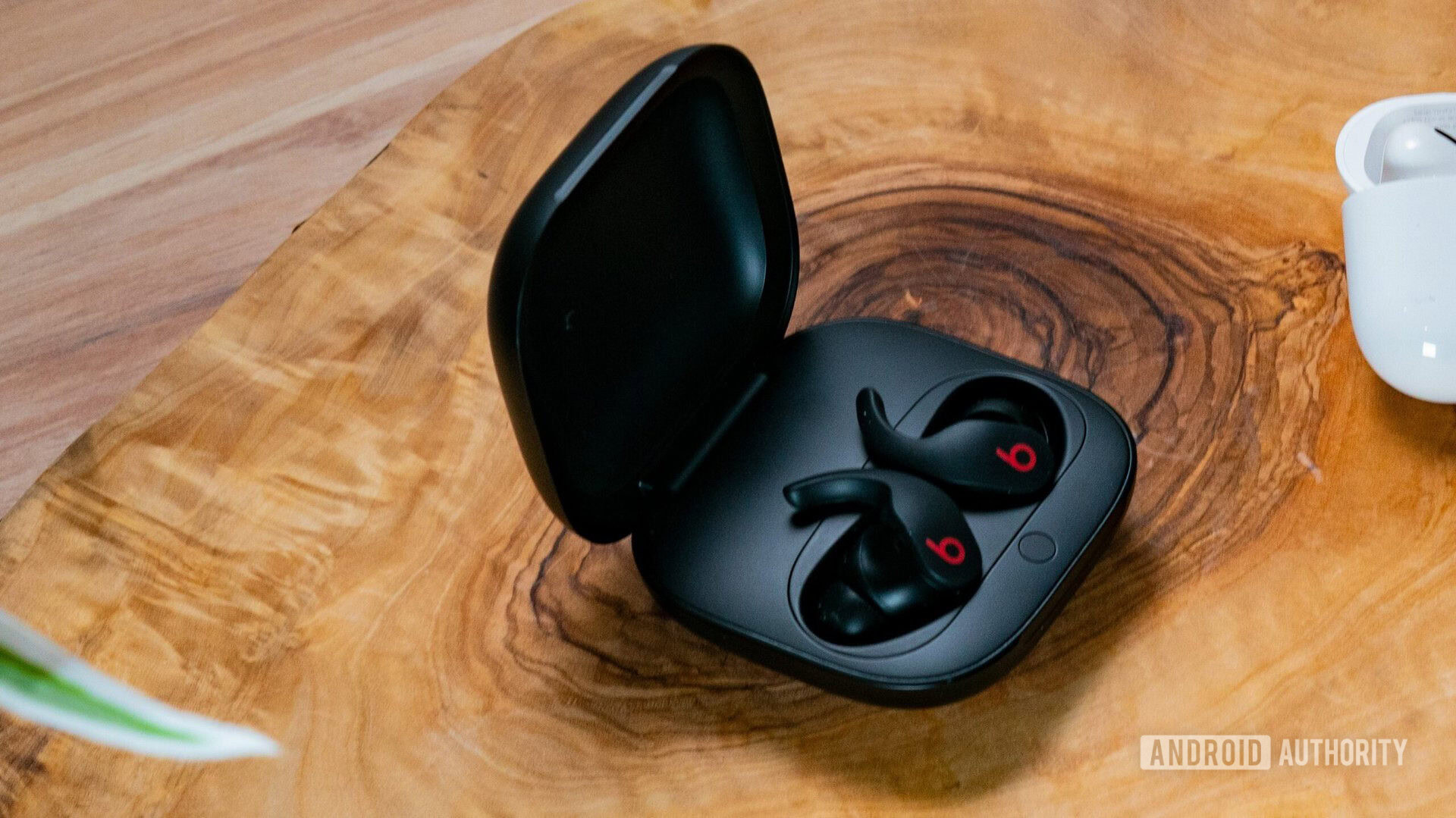
Credit: www.androidauthority.com
Credit: www.youtube.com
Frequently Asked Questions
Why Do My Headphones Keep Cutting Out Randomly?
Headphones cut out due to loose connections, damaged cables, or wireless interference. Check cables, Bluetooth range, and device settings to fix the issue.
Can Low Battery Cause Headphones To Cut Out?
Yes, low battery in wireless headphones often causes audio dropouts. Keep your headphones charged to ensure consistent sound quality.
How Does Bluetooth Interference Affect Headphone Sound?
Bluetooth interference from other devices disrupts signal transmission, causing sound to cut out. Move away from other electronics to improve connection.
Are Headphone Jack Issues Responsible For Sound Cutting Out?
A dirty or damaged headphone jack can cause poor contact and audio dropouts. Clean the jack and inspect for any visible damage.
Conclusion
Headphones cutting out can be very frustrating. It often happens due to loose connections or low battery. Sometimes, dirt or damage causes the problem. Try checking cables and cleaning headphone ports. Restarting your device may also help fix the issue.
Regular care keeps headphones working well. Small steps can save you from big headaches. Stay patient and test different solutions. Clear sound is possible with a little effort.
As an Amazon Associate, I earn from qualifying purchases.

