
As an Amazon Associate, I earn from qualifying purchases.
Are you wondering if an iPad Pro can truly replace your laptop? You’re not alone.
Many people ask this question as tablets become more powerful and versatile. But the answer isn’t simple. It depends on what you need, how you work, and what you expect from your device. You’ll discover the key differences, surprising advantages, and possible drawbacks of using an iPad Pro instead of a laptop.
By the end, you’ll know whether making the switch is right for you. Keep reading to find out!
Credit: www.tomsguide.com
Design And Portability
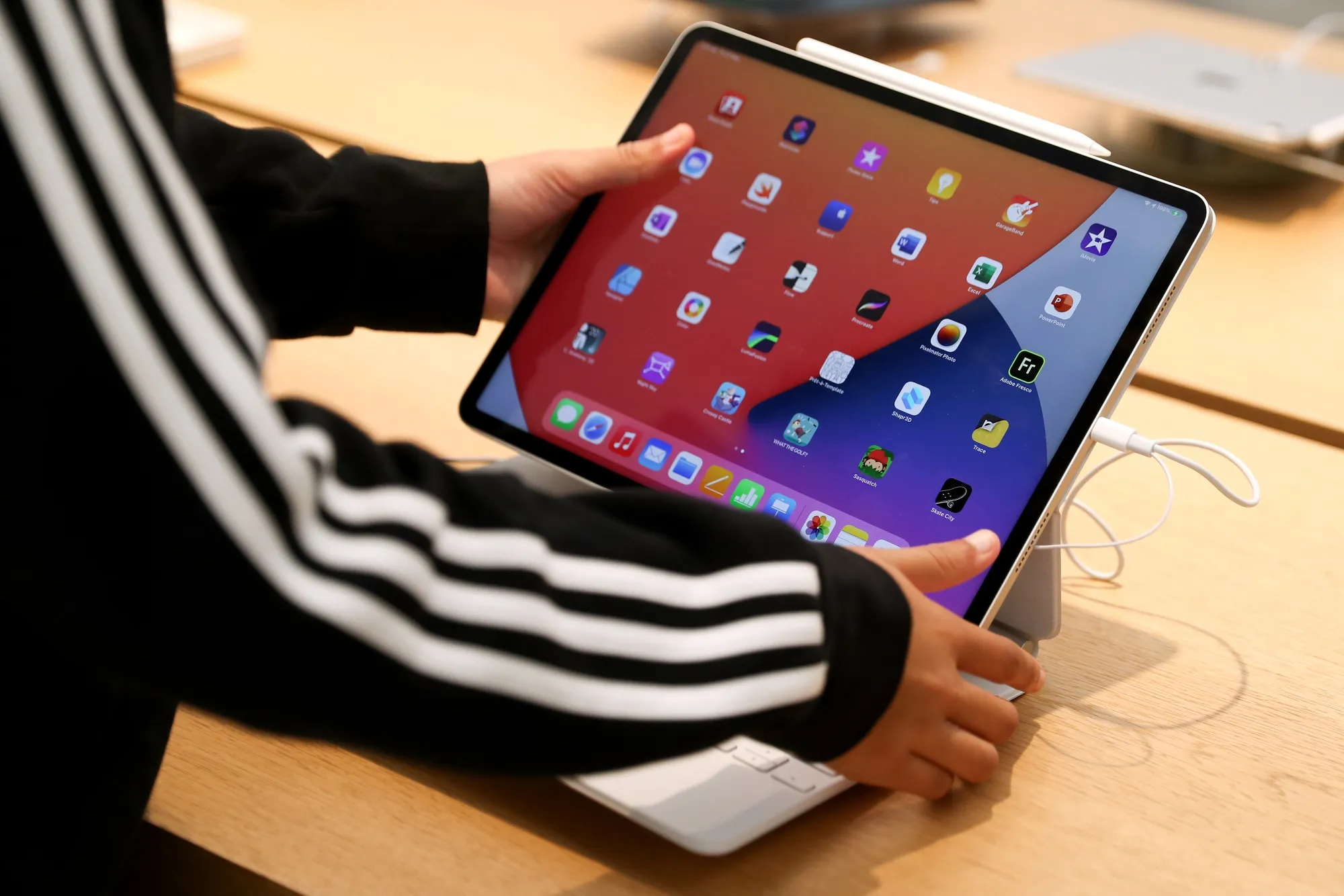
The iPad Pro is lighter and thinner than most laptops. Its size fits easily in bags and hands. This makes it very portable for travel and daily use.
Build quality feels premium. The iPad Pro uses aluminum and glass. It feels solid and smooth, like a high-end device. Laptops vary more in materials and weight.
| Feature | iPad Pro | Typical Laptop |
|---|---|---|
| Weight | 1.0 to 1.5 lbs | 3 to 5 lbs |
| Thickness | 5.9 mm to 6.4 mm | 15 mm to 25 mm |
| Build Material | Aluminum, glass | Plastic, metal |
| Ports | USB-C, Thunderbolt | USB-A, USB-C, HDMI |
Port options are limited on iPad Pro. It mainly has one USB-C port. Laptops offer more ports like HDMI and USB-A. This helps connect many devices easily.
Performance And Power
The iPad Pro uses a powerful chip similar to some laptops. It has enough RAM to run many apps at once. This helps with smooth multitasking and quick app switching.
Multiple apps can run side by side. You can drag and drop content between them easily. This makes work and play easier without closing apps.
| Feature | iPad Pro | Laptop |
|---|---|---|
| Processor | Fast, Apple M-series chip | Varies, Intel or AMD |
| RAM | Up to 16GB | Typically 8GB or more |
| Multitasking | Split view and app switch | Multiple windows and apps |
| Battery Life | Up to 10 hours | Varies, 6-10 hours |
| Charging | USB-C fast charging | Varies, often USB-C or proprietary |
The battery life supports long use without charging. Charging is fast with a USB-C cable. This keeps you working longer without breaks.
Software And Operating System
iPadOS is designed for touch and simplicity. It works well with apps made for tablets. Desktop OS like Windows and macOS support more complex software. These systems handle heavy tasks like video editing and coding better.
The app ecosystem on iPad is rich but limited. Many popular apps exist, but some desktop programs are missing. This can affect work that needs specialized software. Compatibility is better on desktops for many file types and tools.
File management on iPad uses the Files app. It is simple but less flexible than desktop file systems. Storage options on iPads are fixed, while laptops can add more space easily. Managing large projects or many files is easier on laptops.
Input Methods And Accessories
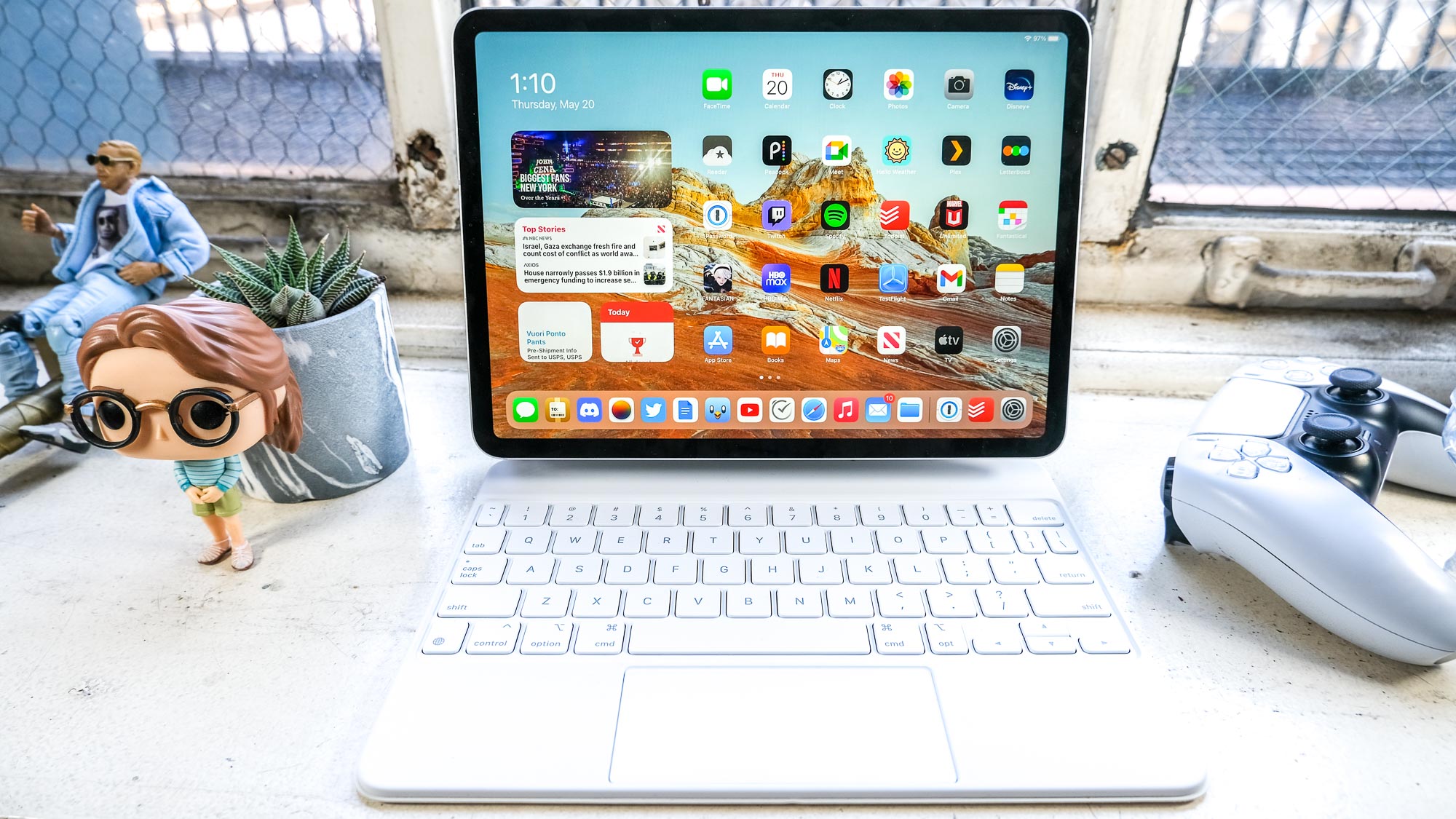
The iPad Pro offers several keyboard and trackpad options. You can use the Magic Keyboard or Smart Keyboard Folio for typing. These give a laptop-like experience. The trackpad on the Magic Keyboard helps with easy navigation.
The Apple Pencil lets you write and draw directly on the screen. It is great for notes and art. The iPad also supports touch input, allowing you to tap, swipe, and pinch on the screen.
The iPad Pro supports many external devices. You can connect USB drives, cameras, and even some game controllers. This makes the iPad more flexible for work and play.
Productivity Use Cases
The iPad Pro is good for content creation. Drawing, photo editing, and video apps work well. The Apple Pencil makes design easy and precise. Touch controls feel natural and smooth. Many artists find it great for sketching ideas fast.
For office work and communication, the iPad Pro handles emails, chats, and video calls. Apps like Microsoft Office and Google Docs run smoothly. Typing can be done with a keyboard case, improving speed. It works well for meetings and simple tasks.
Coding and development is possible but limited. Some coding apps exist, but full software development is harder. The iPad Pro suits learning to code or small projects. For large coding tasks, a laptop may be better.
Credit: www.bloomberg.com
Price And Value
The iPad Pro usually costs less than many laptops with similar power. Its price includes the tablet, but accessories like the keyboard or Apple Pencil add to the total cost.
Laptops often come with more ports and options to upgrade parts like memory and storage. The iPad Pro has limited upgrade options after purchase, which may affect long-term use.
Resale value is a strong point for the iPad Pro. Apple devices hold their value well over time. Laptops vary more in resale price depending on brand and condition.
| Feature | iPad Pro | Laptop |
|---|---|---|
| Initial Cost | Lower base price, extra for accessories | Often higher, usually includes keyboard |
| Upgradeability | Limited after purchase | More options to upgrade parts |
| Resale Value | Typically high | Varies widely |
User Experience And Portability
The iPad Pro is very light and easy to carry. It fits well in bags and can be used anywhere. The touchscreen makes it quick to use on the go. Typing can be done with a keyboard case, but it may not be as fast as a laptop keyboard. The screen is bright and clear, good for reading and watching videos.
Using the iPad Pro for a long time can be tiring. Holding it in one hand or on your lap is not always comfortable. A laptop has a built-in keyboard and a stand, which help with better posture. The iPad needs extra accessories to be more ergonomic.
Users can change settings and apps on the iPad to suit their needs. The home screen can be personalized with widgets and app layouts. Still, laptops offer more freedom with software and file management.
Credit: www.reddit.com
Final Considerations
iPad Pro suits those who need portability and touch control. It works well for artists, students, and casual users. Apps for drawing and note-taking run smoothly. Great for video calls and media consumption. But it has limits with heavy software and multitasking.
Laptops still excel in complex tasks. Programmers, writers, and professionals using special software need laptops. They offer better keyboards, multiple windows, and more storage. Also, laptops handle printing and file management easily.
| Future Trends | Description |
|---|---|
| More Powerful Tablets | Tablets will gain faster chips and better apps. |
| Hybrid Devices | Devices that combine tablet and laptop features will grow. |
| Cloud Computing | More work done online, less need for heavy hardware. |
Frequently Asked Questions
Can An Ipad Pro Fully Replace A Traditional Laptop?
An iPad Pro can replace many laptop functions like browsing, streaming, and light editing. However, it may fall short for heavy software or multitasking needs. It suits users seeking portability and versatility, but power users might still prefer laptops for complex tasks.
What Are The Main Limitations Of Using An Ipad Pro?
The iPad Pro lacks desktop-class software and full file management. It also has limited ports and multitasking compared to laptops. These factors can restrict professional workflows or extensive productivity tasks, making it less ideal as a complete laptop replacement for some users.
How Does Ipad Pro’s Performance Compare To Laptops?
The iPad Pro offers powerful performance with its M-series chips, rivaling many laptops. It excels in speed and graphics for most daily tasks. However, it may struggle with specialized software that requires traditional desktop operating systems.
Is The Ipad Pro Suitable For Professional Work?
Yes, for many creative and productivity tasks, the iPad Pro is suitable. It supports apps for design, editing, and note-taking. Yet, some professionals need desktop-exclusive software, which limits the iPad Pro as a sole device for all workflows.
Conclusion
The iPad Pro offers great features and strong performance. It works well for many daily tasks and creative projects. Yet, some laptop functions remain unmatched by the iPad. Choosing depends on your specific needs and habits. Portability and touch screen appeal to some users.
Others need a full keyboard and software options. Both devices have their strengths and limits. Think about what matters most before deciding. The right choice fits your lifestyle and work style.
As an Amazon Associate, I earn from qualifying purchases.

